Hey, Good morning.
No they are not the same. I post always the more experimental versions here. i try to adjust things based on all input i get from suggestions first and see if it works out.
Hey, Good morning.
No they are not the same. I post always the more experimental versions here. i try to adjust things based on all input i get from suggestions first and see if it works out.
morning ok good to know
From now on i share this file from google drive, no account required to download this.
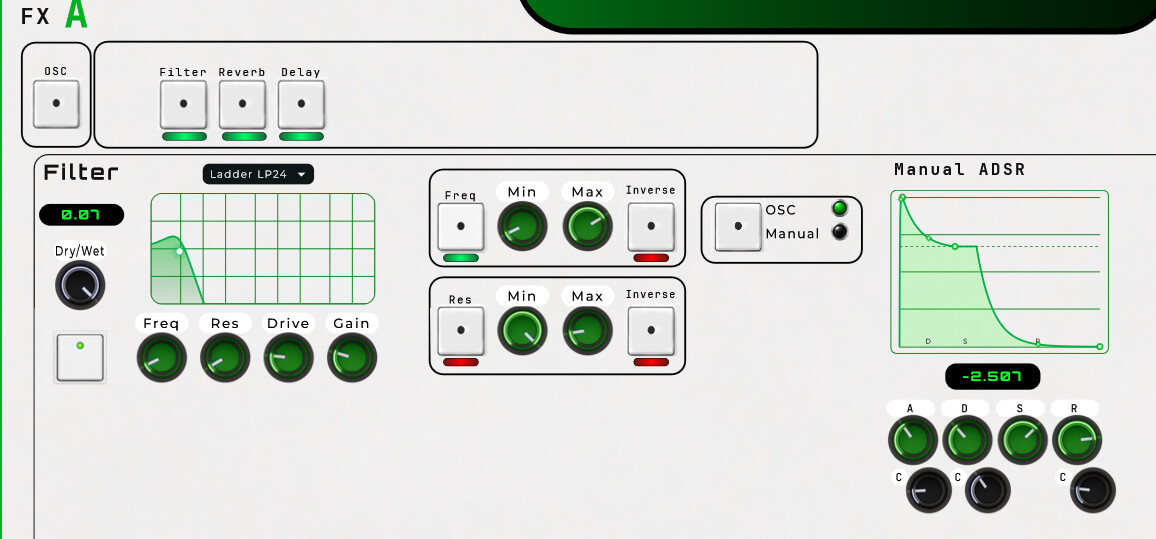
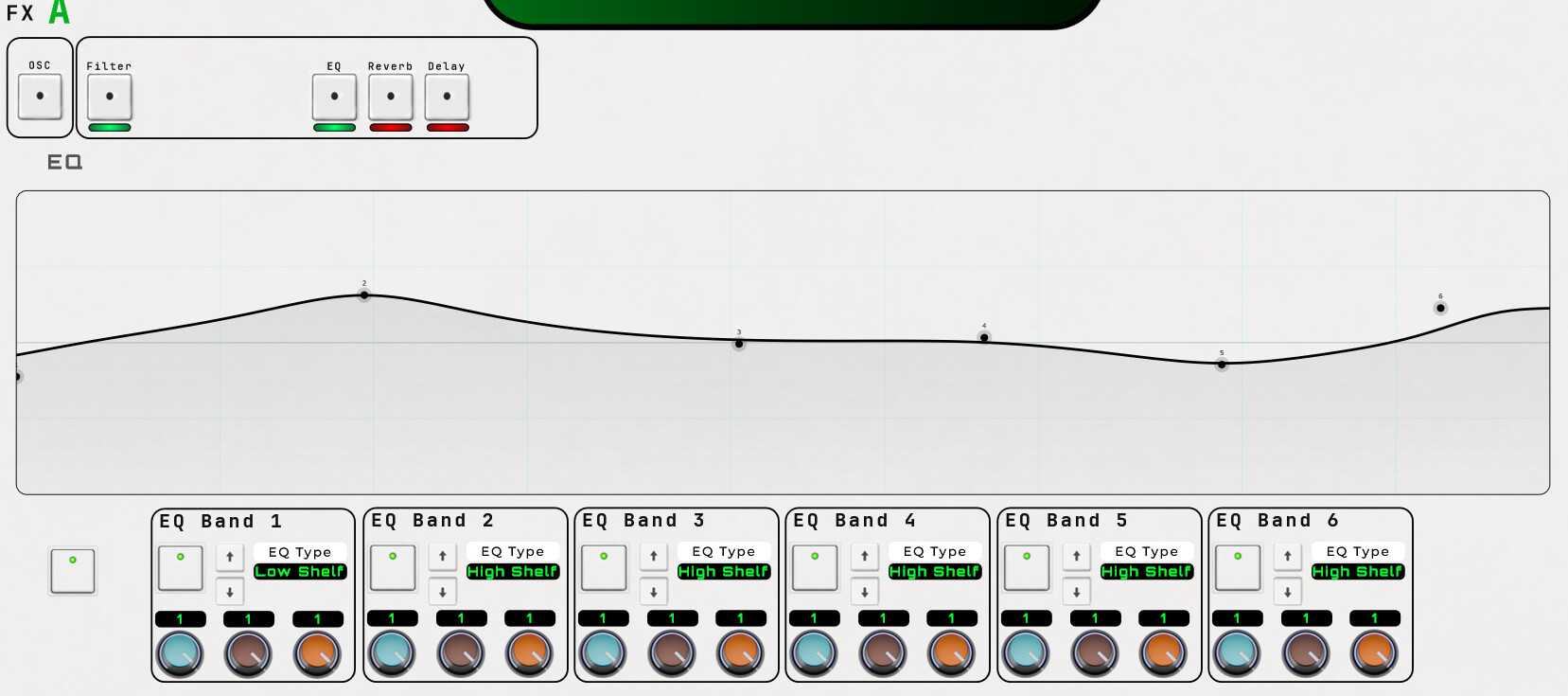
Enough day’s have passed and this update doesn’t reflect visually the time i spend on it but all oscillators have some modulations on the filters as an option. And a delay & reverb.
Every oscillator will have a larger screen for FX and all the new things i will add because at some point it doesn’t do it right to have 3 small panels for all the effects and new things i will add like sequencing and so.
But it might feel a bit underwhelming now compared the time i spend on it but having these effects on it, while it’s experimental it already brings more depth to your sound design.
Most time went into redesigning the modules and resources, all grouping to a single point of executing which oscillator group it runs on, color and resource settings (filmstrips for example)
I tried to use “States” for this but it isn’t working out yet. But when it’s ready, if all the little things are tuned (hopefully with v1.08) then i start to introducing that.
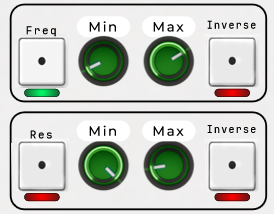
These functions, if you turn them ON then the values are read from the Oscillators panel ADSR and transferred to change the values on the filter while you can set a minimal and maximal as a range. The inverse just inverts the incoming ADSR values.
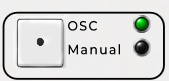
This one is to decide if you want to follow the Oscillators ADSR or the manual version.
The manual version works a bit differently, every played voice triggers the this ADSR again while the oscillator is playing ADSR per voice, the manual version stacks on top and replaces which ADSR is the master based on the max input value.
This gives a certain variance and in some conditions a none predictable way combined with the oscillators ADSR.
Have fun 
It’s gonna take some time for a new release, did some redesign of the knobs rendering all type of colors out so this older design:
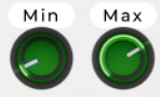
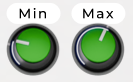
Are changed in a bit of more 3D, while the design is actually the same in blender i have chosen to only color the top and give all the edge light the same color. It just makes it a bit more uniform and not to colorful. Instead of a topview its slightly on an angle with some metallic reflection to give it that touch of realism.
Currently designing all type of effects and interfacing.
Mario has added a lot of new nodes like that audio matrix and that wavetable filter. also something i need to consider to use. so yeah, all that process of how to implement and to use just takes some time in testing things out while designing all the interfaces.
But as far we already get with MNode v1.08 now.. things starting to come together, no high priority bugs. some little design options and so.
Feels good!
its a road being one of the first to explore certain possibilities that sometimes works out and sometimes does not and often leads to mnodes improvements across the board
some minor gui stuff can be a hickup in finishing a design for sure but i am also very happy to see these things getting addressed as fast as they do
ill give this and others a proper go soon planning to do something i swore to never do (buy a headset)
Changes:
All Dry/Wet (black knobs) are signal mixing between the original audio and the effects node, as you also can Mix(panel color) that signal, just gives a bit of finetuning. Could do without the Dry/Wet but found it personally useful to keep.
All is a bit minimal design. just having enough space for the “what if i could do…”
Little !!! warning !!. You can get to crazy, keep your volume low before cranking something up or setting a filter & distortion combination to extreme gain/drive.
Try to be careful with the distortion type “foldback”. there is perhaps an issue.. crackling/ticks/pops sounds when adjusting the settings.
Have fun!
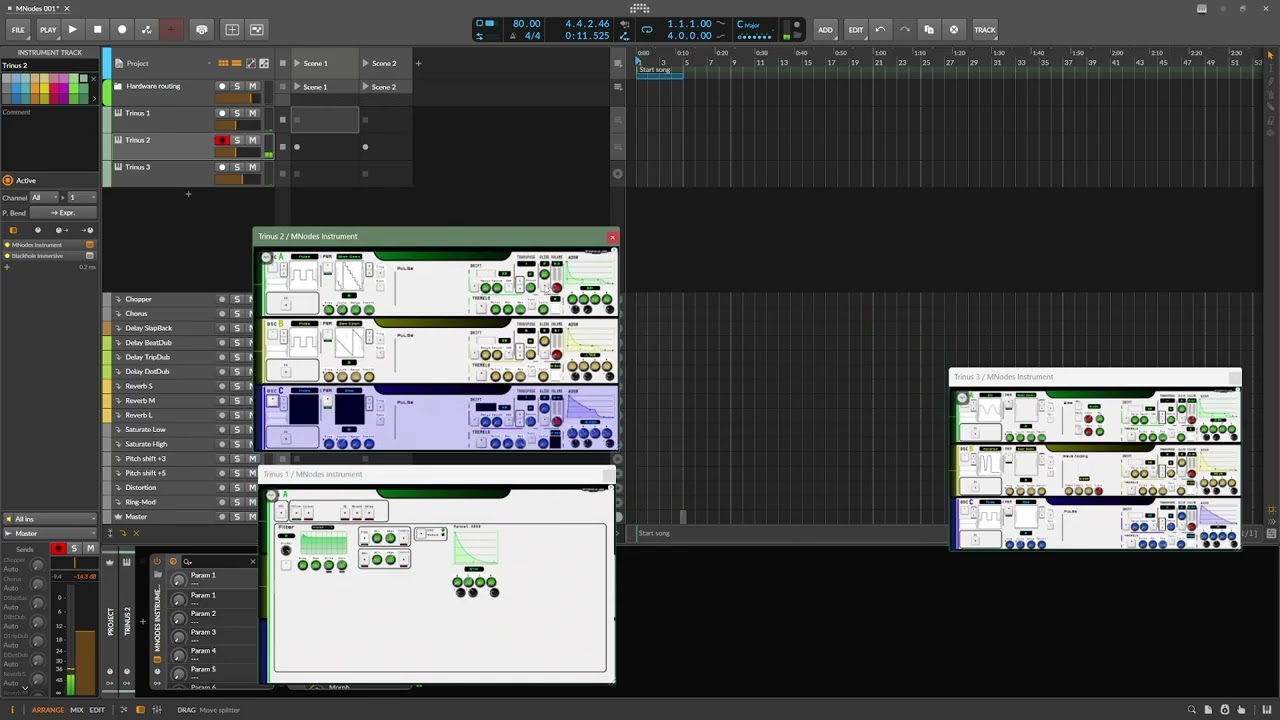
And the worst thing what could happen to me is that i am considering to redesign the interface having 3 tabs of each oscillator..
I have to quit punishing myself 
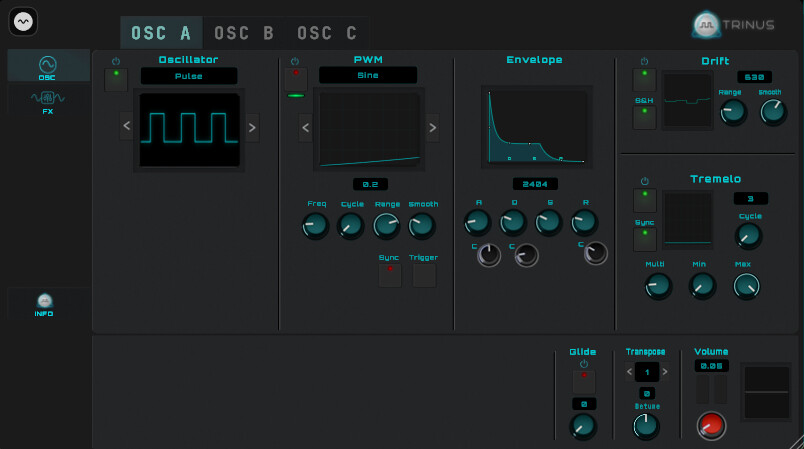
My next challenge arrived, running a few concepts true chatgpt and im going for a new design, a bit fresher and modern instead. by example:
The white looks really good but the new dark tabbed interface looks even better to me. Very professional.
I love the new design! It looks much cleaner, more organized, and easier to use.
Not to give you even more work, but have you tried Figma? It’s great for vector graphics and pretty easy to use.
That’s what I use whenever I need to edit or create something specific in vector format, and it actually works quite well for editing regular images too.
Yeah i had a go with Figma to try things out, but with Affinity i can manage a lot. But thanks for the suggestion of course. I try to stay away from subscriptions a lot unless it’s something i would use daily. In your situation i can imagine this is your favorite to use. If it would be me, designing a lot i would go for it.
But i think just this day with SVG, getting things done and then it’s back to MNode’ling for days again 
Oh and not to forget, i have to render knobs with blender.. hahaha. oh my g…
My wife is not gonna be happy with that. 
PS: My favorite these days is ChatGpt, if you don’t know to find something to do.. it answers the whole process. great help. wish i had this 30 years ago
i am a fan of the dark kind of gui this looks nice
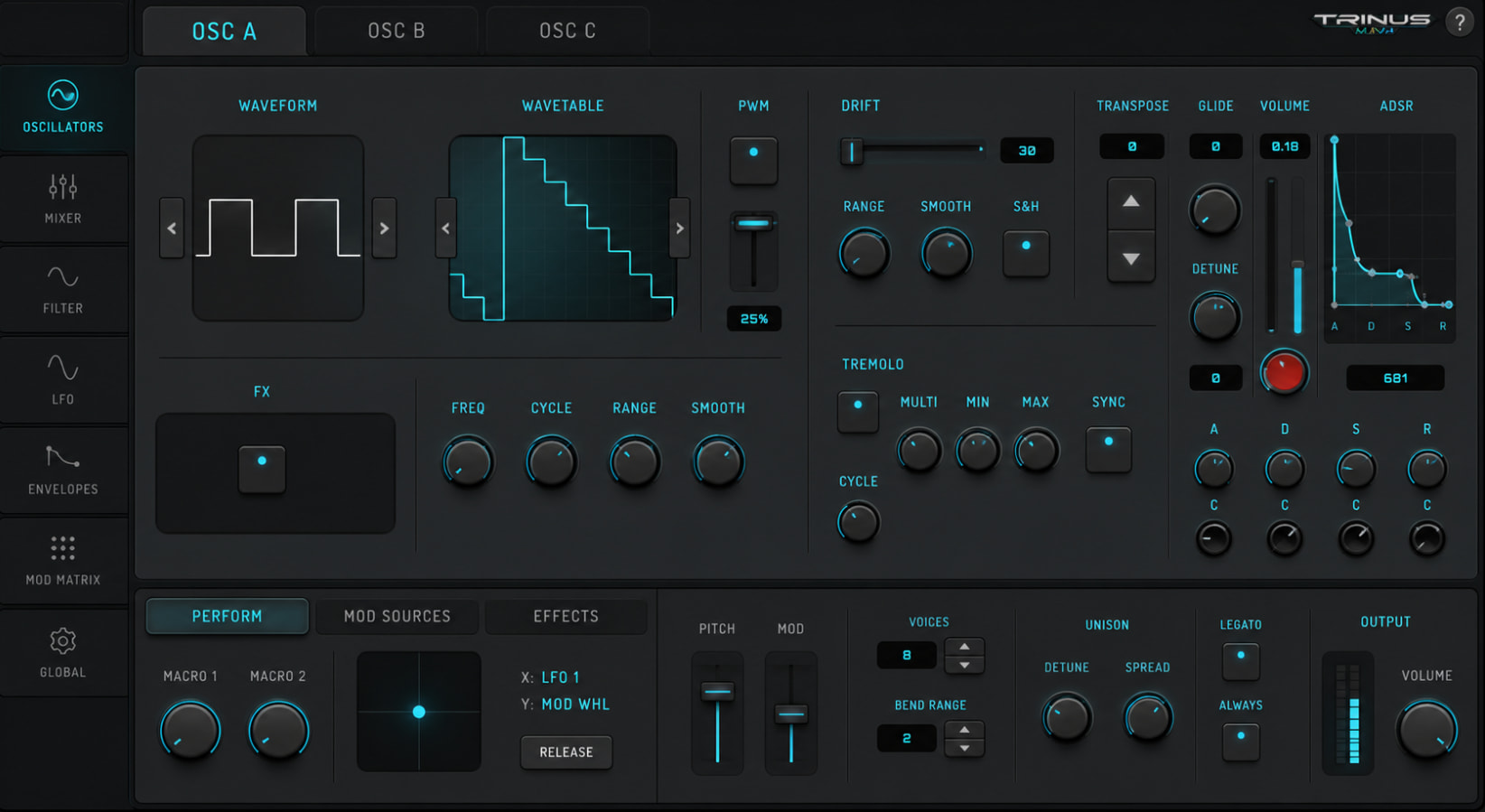
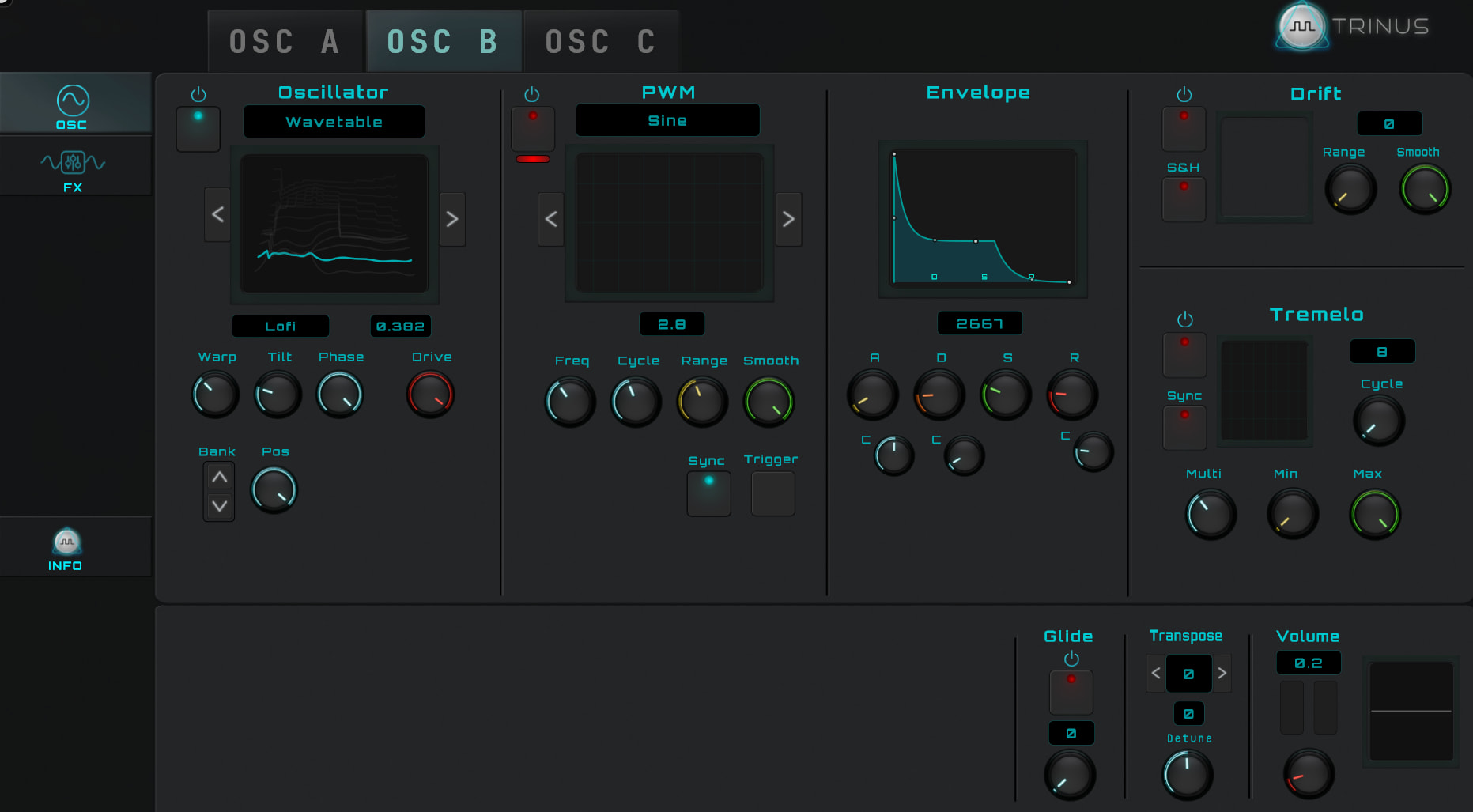
New version is available in the hub, a new fresh design.
Select a OSC or FX on the left, pick above for A/B or C.. a more logical approach. While i was freestyling my previous version if found it a bit, to crowded. to much looking for that specific function, while i am even aware that i made it, it should take zero time for me.
It’s the basic form based on a reference image, it’s a start..
Have fun!
From what I can see, there seems to be an issue with the update. For some reason, I’m still seeing the previous UI. most likely my fault, I’ll look into it!
Yeah, I will check it out.. perhaps the export did go wrong, perhaps i uploaded the wrong file after the reveal location. i will see what i did, was a little bit late.. so could be my mistake
added:
Okay, exported it again, made sure that the content was my version (all the graphics included) and uploaded it again on the hub.
Indeed, keeps giving the older version.
Thanks, Danny, I was just about to ask you for it. I’ll take a look and see what’s going on.
Not available on the hub due some technicality’s.
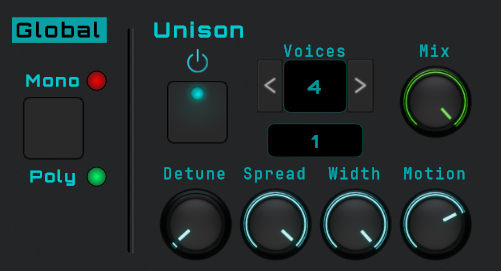
Added mono/poly that works globally, can be set on each OSC panel but will represent it’s state on every panel. I Didn’t want to have this setting somewhere hidden in an separate area.
And every oscillator has his Unison options.
The projects keeps growing, more options, more variety to show the power of MNode
Your project keeps getting more and more impressive!
By the way, regarding performance: although maybe the logic you’re using doesn’t allow for it, would using a Polymodule instead of having all the voices separately be an option? That could save quite a lot of CPU.
Also, yesterday I spent quite a while working on the Hub issue where it wasn’t loading the very latest version. In the next version, everything should work as expected.