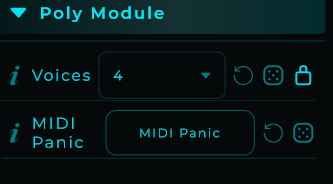
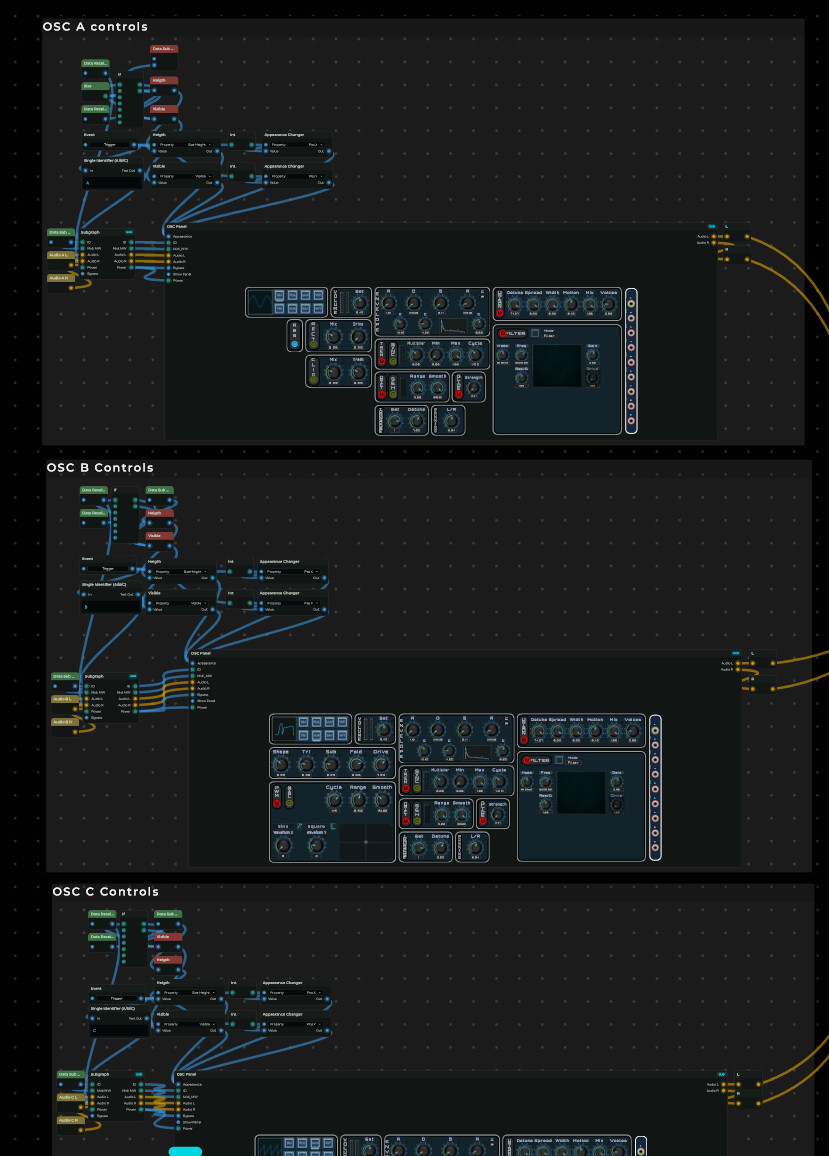
Yeah there are some things that would make the poly module for me to have some things to address differently. While at that time you where solving bugs i was switching between them and at some moment i have chosen a direction based on that i could easily address all events from the midi for that voice.
But i did tested it with the poly module and actually there was not a huge difference. Now i don’t not know the actual difference anymore. perhaps it was a difference of ~5% so taken that, if i remember well every three oscillator sections module for each voice took 2.3%, that multiplied with 8 it would be somewhere around 18.5% and globally and depends of course a lot what is being used with or without effects i run up to 50%. so at that point 50 or 45% where the most CPU usage of 31.5% is on the rest of the code i thought about it might be interested to request that bypass feature as something addressable as an option to be (un)set.
Now i do think i am able to use the “Voice Index” node to do some workarounds for take an different approach but i think i have switched 4-5 times between Poly and Midi Voice allocator and i just don’t want to risk it currently because on the road ahead i have more ideas and am that afraid that i will not be able to implement them.
The main problem is of course i am learning while creating. at some point in the future i can create because i already have learned and know what’s ahead.
Yes, the advantage of the Poly Module is that it automatically disables the voices that aren’t being used. So if you’re pressing 8 keys at the same time, the CPU load will still go up, but it helps a lot by saving CPU automatically when those voices aren’t needed.
Regarding manually enabling or disabling them, I saw you mention that in another thread. As always, noted , I’ll take a look at it
My suggestion is that if a user can’t handle 8 voices, we would have to make sure that the user can not exceed those amount of voices. and that these parameters should be accessible within the “code”:
Yes, that makes sense. Having pins for those parameters doesn’t get in the way, and it gives you access to expose and control them in the graph. I’ll add them.
For now this is the last version, i am discontinuing this project because i can’t use the preset manager to store some values. Now i am not to intend to give it up but i have think about tricks or some type of request to make it work. But since i am not convinced yet what would help me out to solve the issue i rather concentrate on some smaller projects.
This project is extremely big and ambitious, and developing something like this can be exhausting. I think it’s always better to start with something small and manageable that actually works. The feeling of releasing something is great, and you can always improve and expand it later.
In any case, working on a project like Trinus will keep sharpening your MNodes skills, and thanks to your input I’ve also been able to improve MNodes a lot, so thank you!
Yeah true, it can be exhausting. But that’s okay because i am that type of person who always wants to push the limits, always solving a puzzle to make it work. But yeah, its best to take it a bit slower on this project.
I enjoy to create things and indeed i am at that point i can’t advance that quickly anymore because some issues i have to figure out how to solve it and not create tricks to where i later on need more tricks to solve. i am also about having things optimized.
But since your live stream, the modular/jacks based modules are also motivated me to just make all the parts i need for a synth so that anyone can build things like VCV Rack. But also that filter, like what the cableguys with shaperbox3 did to implement all type of modulations on effects.
But thanks for that, how would i call that.. my english lacks.. eh “emotional” support. thanks for that understanding and motivational speech
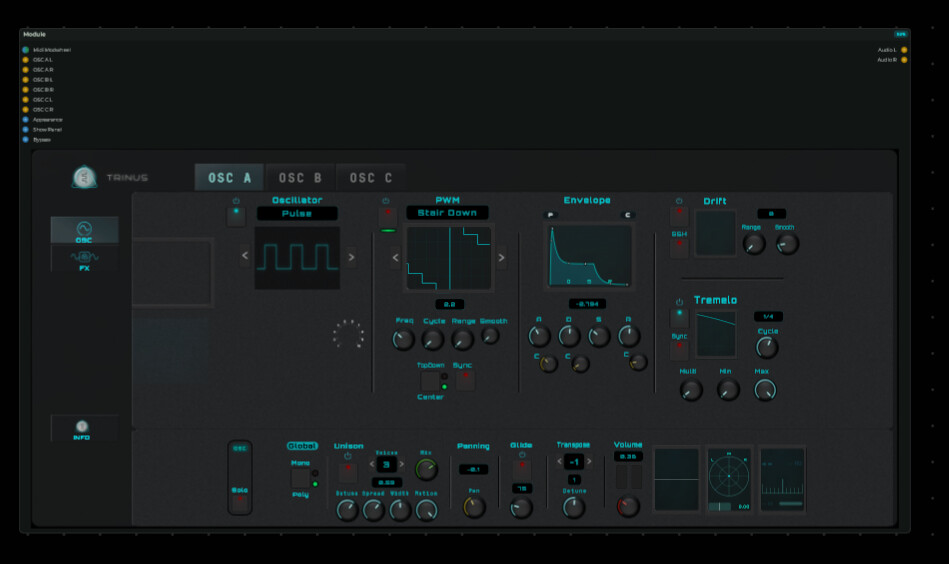
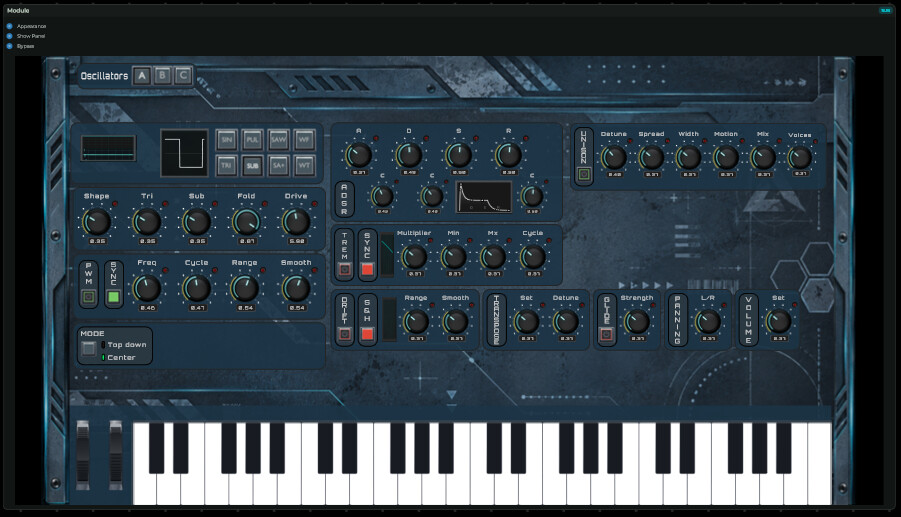
Recently i removed my project from the Hub. While it was better then the first concept i made visually i was starting to getting annoyed with all the visuals. it felt a bit flat, the color scheme felt underwhelming and the space i used to add in all type of menu elements has taken to much space while having a lot of space between them.
I was just a bit influenced by an AI design example which at that moment would push me to the next level of designing. But now i am above that level and i felt i could bring more into it myself. Every time i use Blender to do some 3D designs it starts to grow on me
So while this was my last version i uploaded to the hub :
We are getting back on track, at least it’s producing sound. Now don’t worry, there are some things not working as intended, even the Trem(olo) is not working at all. i am aware of it all.
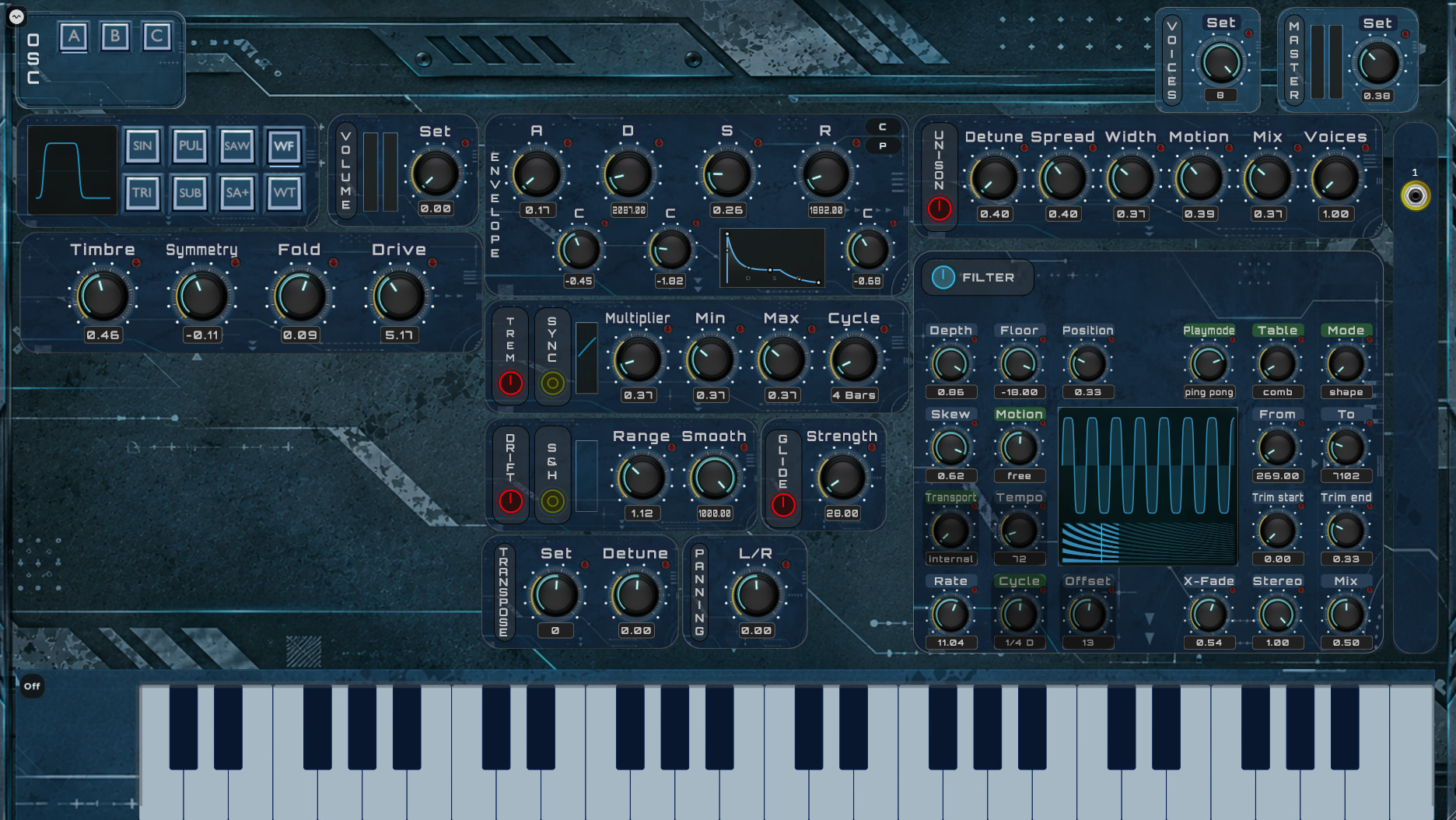
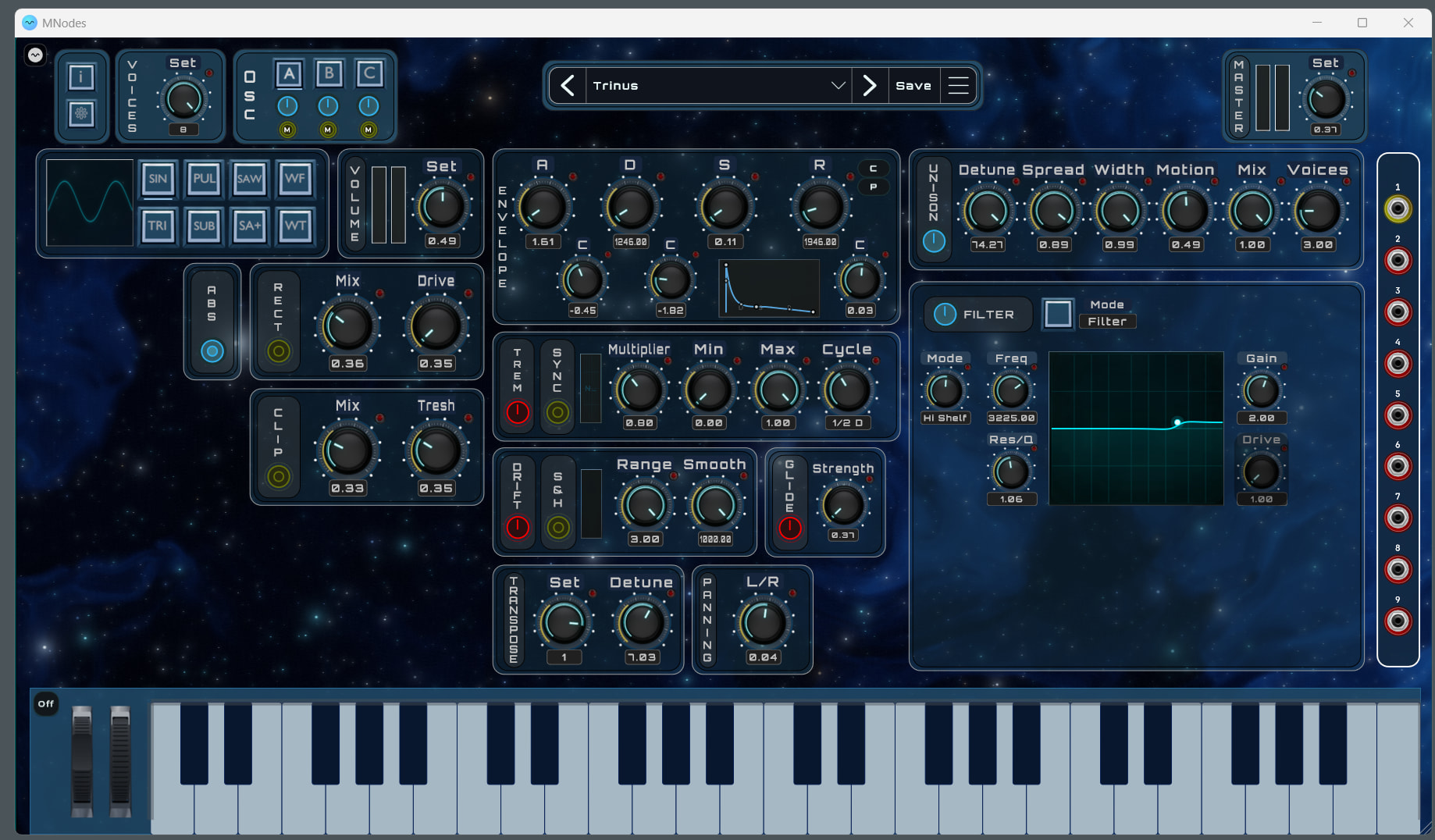
Ignore the CV jack out on the right, flashing yellow. it’s only telling that there is a signal coming out of it but you can’t connect it to anything yet.
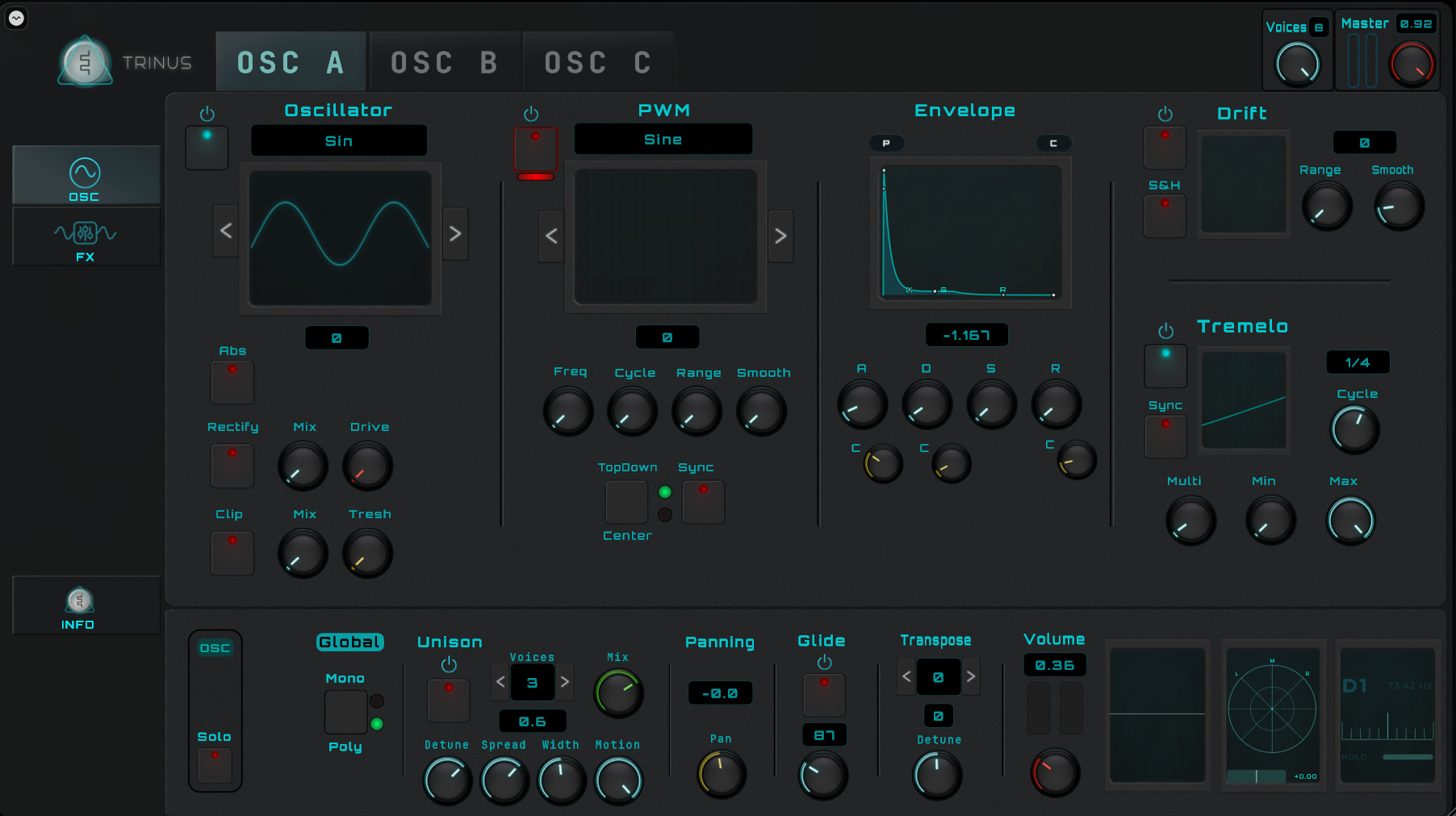
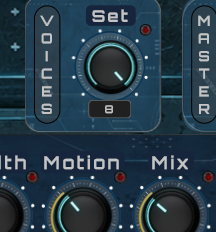
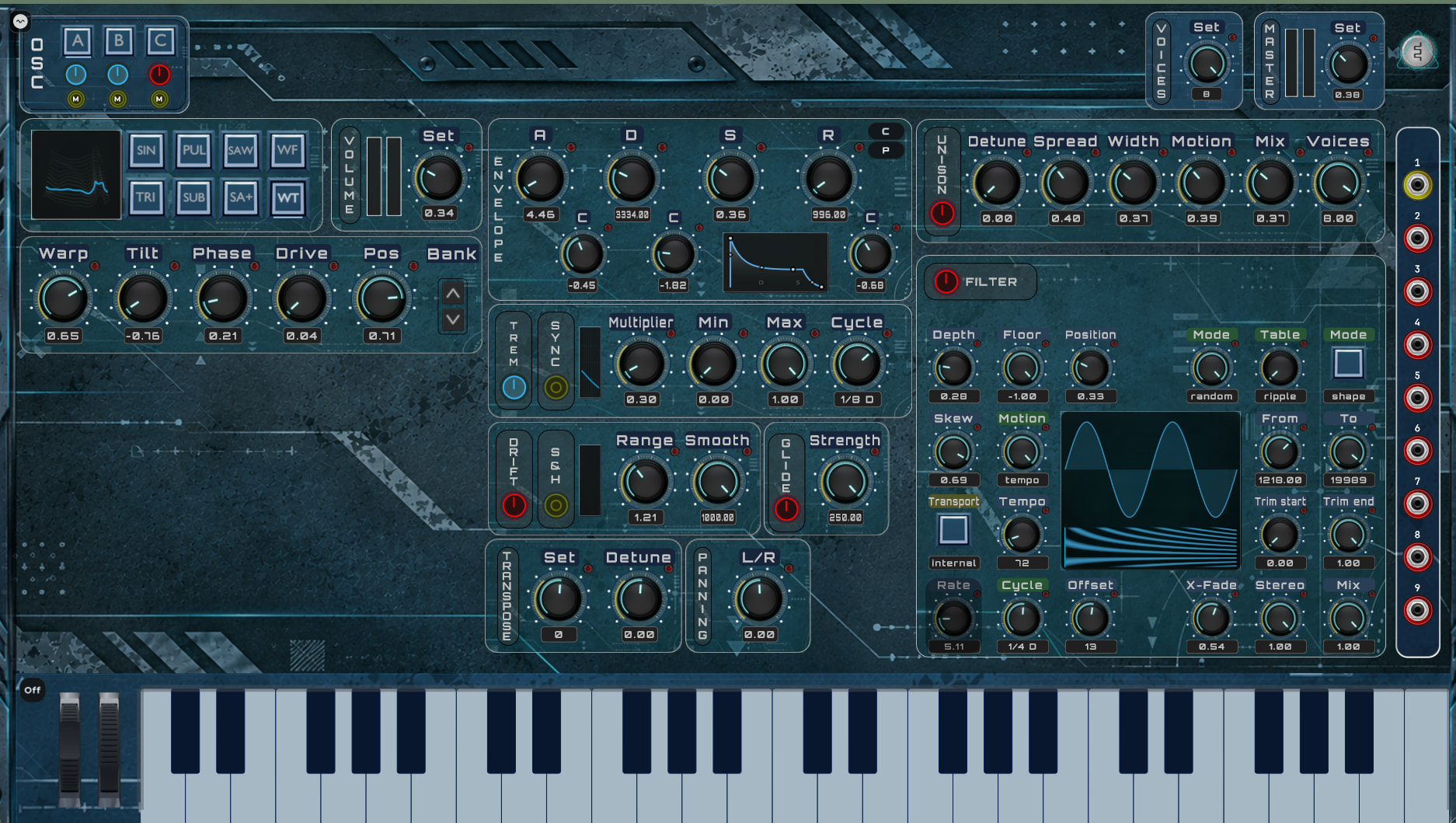
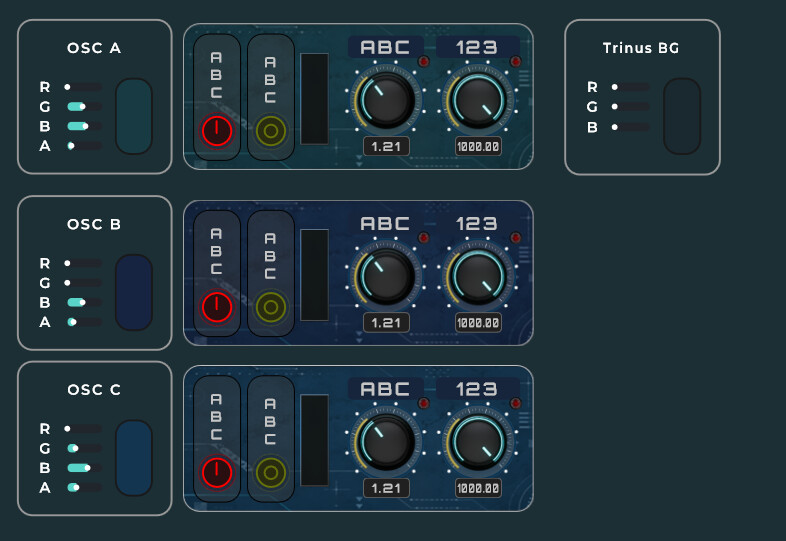
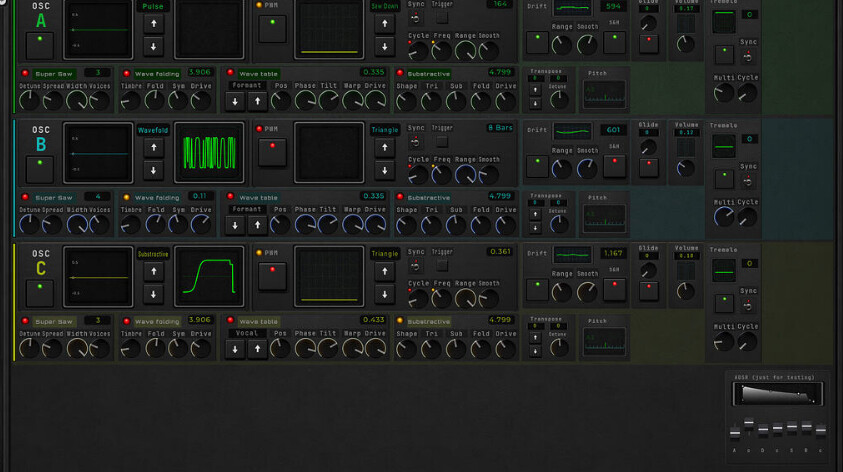
Also, i have 3 oscillators running for 4-8 voices depend on the setting (top right) :
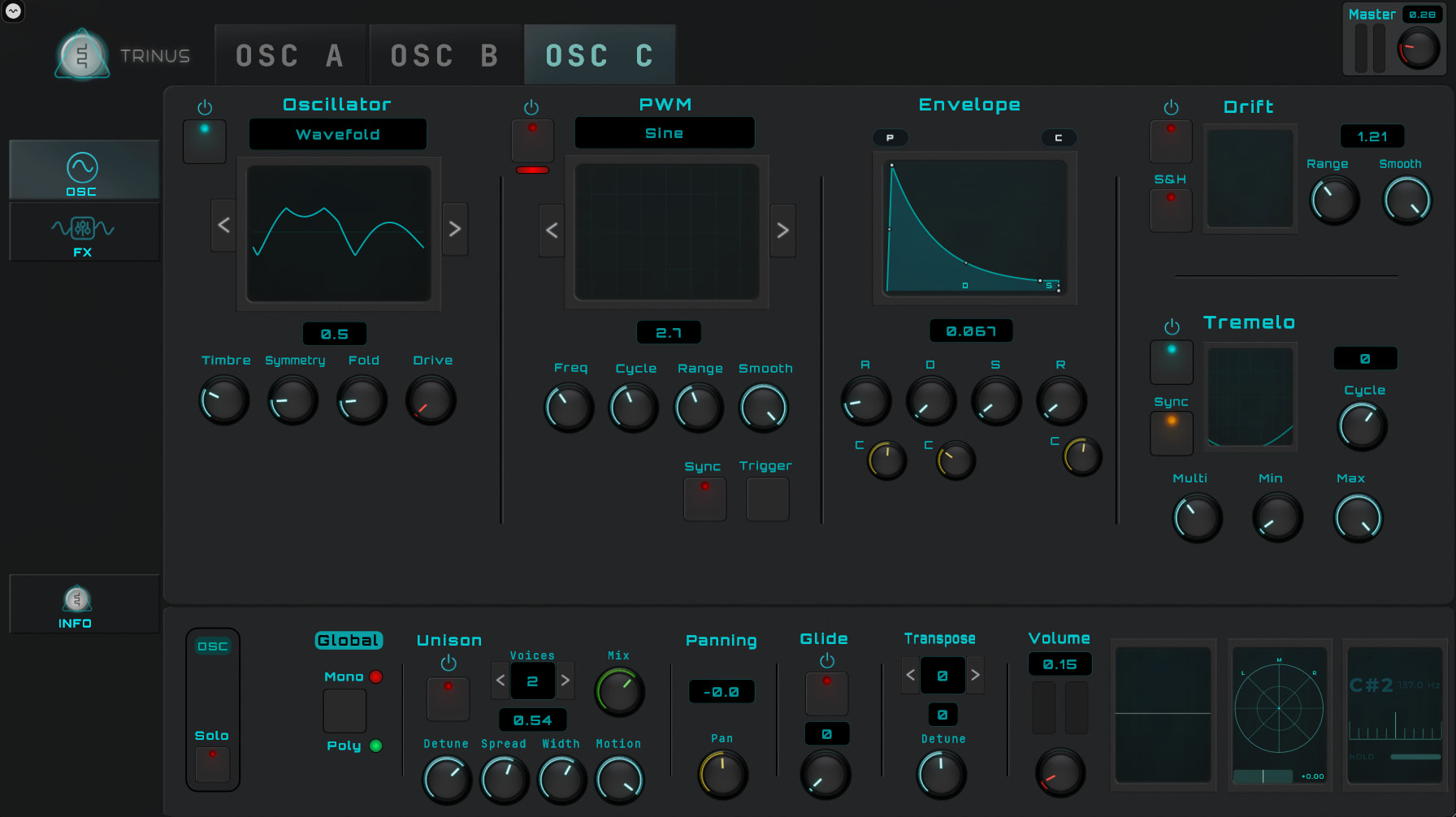
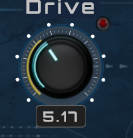
The knob’s have some additional features that might not make sense when you see them, a little red led emulated indicator flashing when you change the knob. but this is intended for daw related automation purposes. The yellow ring does not move at all, that is intended for the internal modulation i will introduce for some knobs with the cv jacks.
At some point you will be able to wire jacks into a knob and then the ring will indicate the movement.
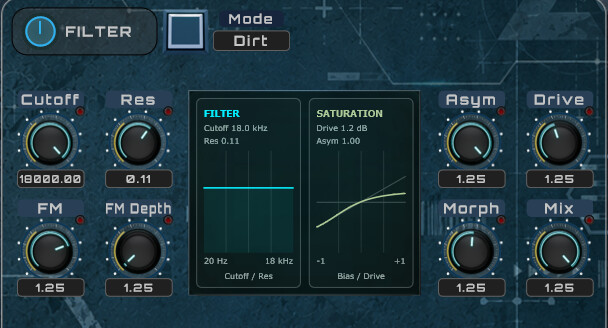
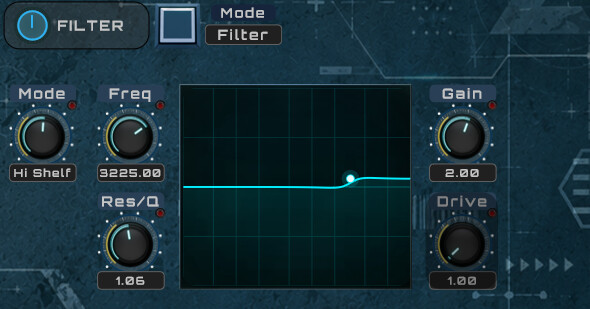
You might want to ignore this one. i started to work on this the last day to add it, it’s the one with the most work i had to do for this filter node. the filter section will have also the other filters at some point. but i needed to see how much size this one was requiring to make design decissions.
And don’t forgot the volume’s for the oscillators, i only have the B section volume level set, you have to set the rest your self because i don’t wanted to exceed any volume levels right now if you are wearing headsets or speakers set to loud. i didn’t balanced all the audio levels yet for the 3 oscillators when all the voices are added up.
Added pitch bend and modulation wheel as interactive visuals, you can use them with your mouse and it also will respond to the midi input of those controllers.
Fixed some controls for a few oscillators, somehow a few wires where not connected so they couldn’t communicate there settings.
Every oscillator A/B/C have a power button. When you turn them off you turn of the complete oscillator section for every voice. So if 3 oscillators/voice is to intensive for your CPU, set it to two. Every oscillator section takes around 15% Audio CPU if you use 8 voices.
You can set the number of voices between 4 to 8, if you use 4 voices then each oscillator takes around 10%. So you get the option to run 2 oscillators, 4 voices to make it easy for your CPU (would be around 20%) or go for 3 oscillators, 8 voices which would be around 40%. It all also depends which type of oscillator is set. a triple sine selection uses less then the wavetable/fold.
Changed some visuals, the borders are more white to give it more depth. even the style was okay for me to make it fit in the theme but it felt a bit flat.
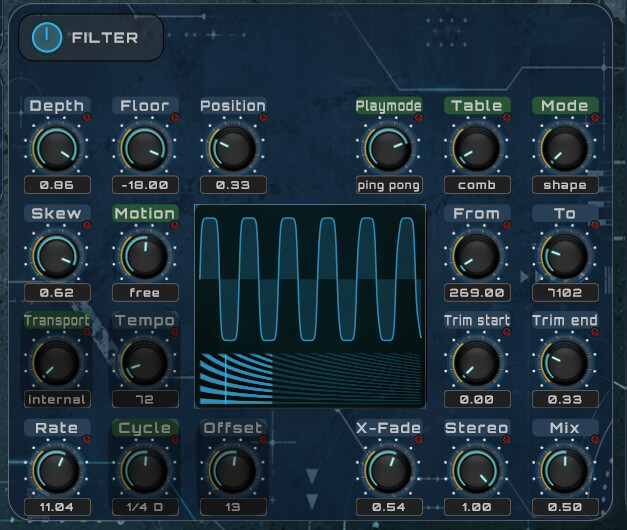
The filter, currently the wavetable filter i changed some knobs to buttons.
On the right side there is a rack full of jacks, above one is flashing yellow because i got a signal running into that. i use a watchdog type of led emulation to detect if there is a signal, the others are red. this complete section is not usable right now but i had to integrate it into the design.
All oscillators have a MUTE button beneath the power button.
On the ENVELOPE, just a reminder there is a C and P. these are Copy & paste. so you can copy the current envelope en past them into another oscillator section.
Glide is correctly working, a wire was missing to communicate so it was always turned on.
Keyboard has an ON/OFF button. it drops the keyboard down, lowers the panel also. this is done for a reason to get more space above them for some additional settings later on. but also removes almost the keyboard but still gives visual feedback from incoming midi.
And for the next release i will be focusing on some more filters and preset management. and i hope that my idea i have with the CV jacks will work out, to automate the visual controls by wire.
A bit quick and dirty, it’s an early stage of a configuration screen. i don’t got a lot to setup in there yet so i don’t have a vision ready to use as a UI yet. but at least you can set the color scheme a bit more to your taste.
I have added the preset manager, only preset is there. This is just experimental because i didn’t tested every knob or pushbutton yet, but i am convinced it should work. Now feature updates may break the presets. I am not sure how exactly that is going to work out but i suggest that you don’t create to much presets because they might get broken.
I had some graphics resizing issues, made it a bit to slow for me. i got a little bit annoyed and wanted to optimize it. removing it all and in the meanwhile i noticed mario was streaming something so i thought. Well, i promised myself to use shaders. so i went to claude because as even i do know a little bit of shader programming but this what claude created is above my skills. But it fits my idea of my synth project. still SF related..
So v0.06 is now on the hub and i start to do the same thing that Mario might be doing. getting to motivated, wanted to finish something and already 04:20 am.
It isn’t perfect yet, the old design of the keyboard.. going to create my own soon. since we got a lot of 3D nodes i can manage to create my own visualization of a keyboard that will fit the theme.
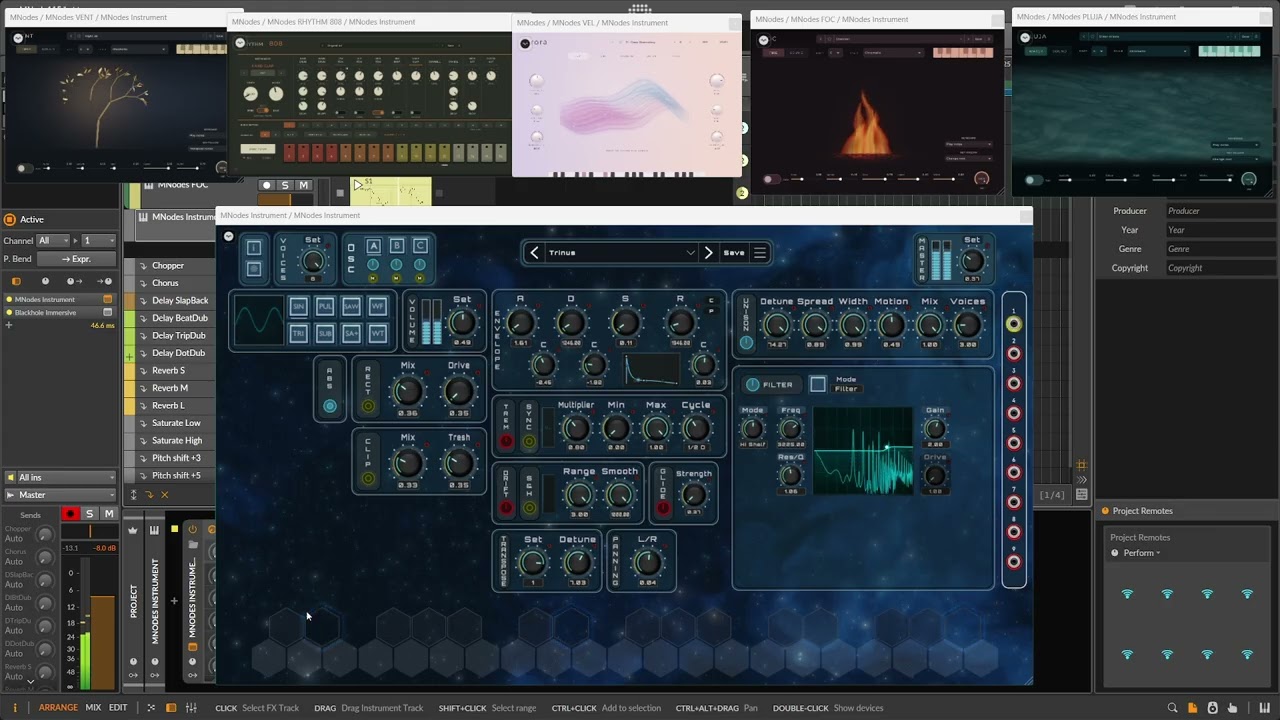
The picture does not show a high detail of graphics but the nebular moves, stars are glowing. it all moves a bit.
Not released yet, still working on it. i am using an FX plugin for some reverb. but the new update 1.1.5 made me possible to make new changes and design an appropriate design for my vision of my project.
The shader and the design of key’s are not created by me, at least with all my requests fulfilled by Claude. It isn’t that i couldn’t create my own shaders, i learned that for a small amount and very basic skills which at maximum is like rotating a cube or making some basic liquid waves i just wouldn’t have the time for this to create myself. time versus results for something i do to share for free with my MNode project wouldn’t be useful.
Now i am not a vibe coder, so my synth project itself for how my synthesizer will work will always be my own design. I only use Claude to learn, using that to learn, to understand.
I would hate it if i can’t understand my own code. But i am verry pleased how Claude and the connector with MNode works out so well that it generates complete solutions, with Claude desktop dropping a file in your download folder and it makes progress so much faster.
Verry nice that MNode is supporting this.
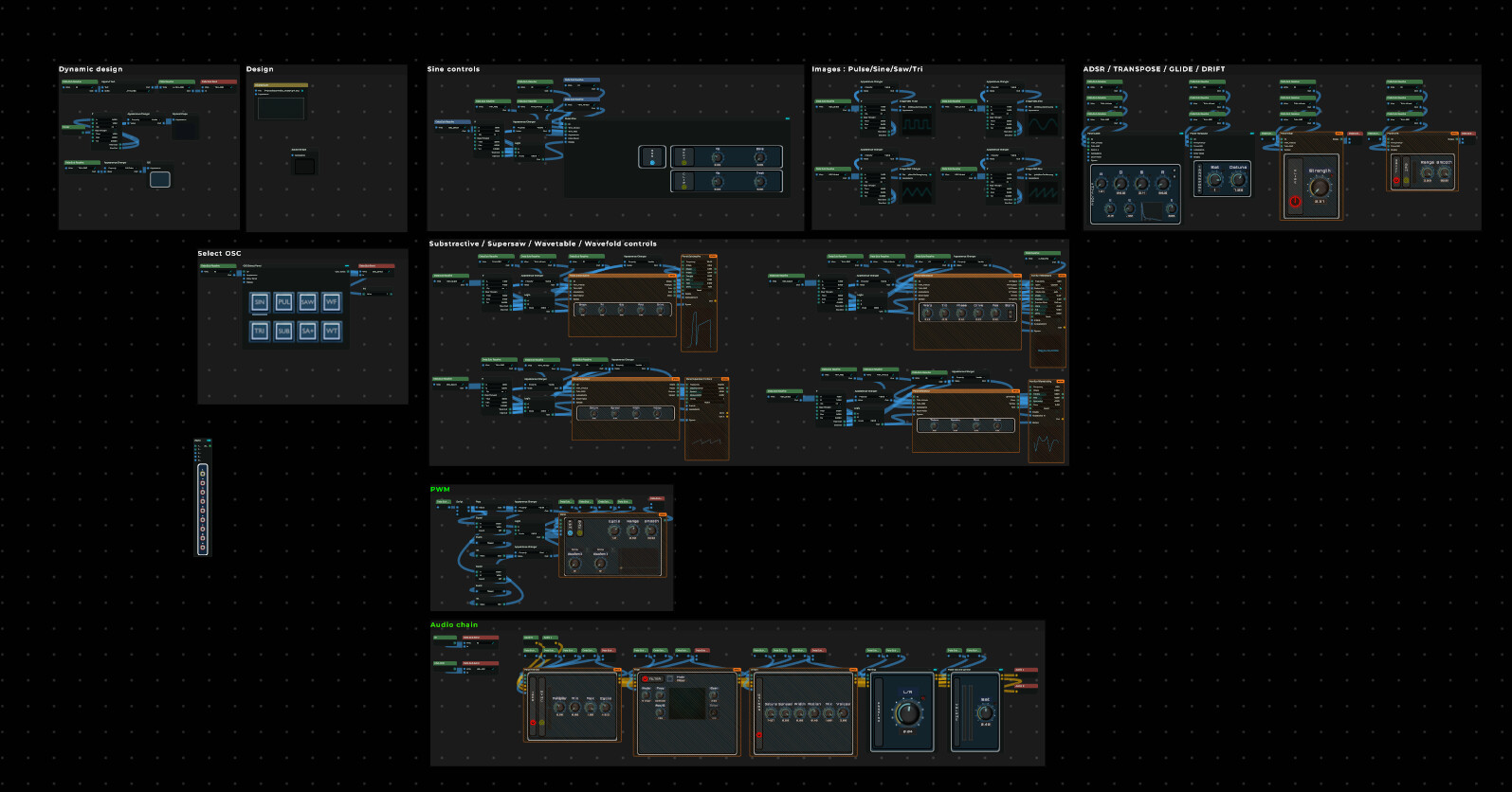
And currently i am micro managing every single percentage of CPU usage and cleaning up the code and give it even in the editor a clean design before i continue to add the FX section and modulation routing with the usage of the jacks.
I regret it to even think about to having this to say but i removed my project from the hub. Now i am completely ok that you will lose the struggle somtimes, in the end you have learned to fight against it but today i made a mistake, a huge one. Preparing a video to record the FX section with jack routing and such more. I opened bitwig, and as spontaneous i was i open the track, noticed my default preset was not selected. did that, saved it.. and then it hits me.
I was saving an older version of this project and it has overwritten my new version.
I had windows set up to recover files but the recent one was from yesterday and i made so much progress between these moments that i just can’t pick it up from that version.
And now, i am not mad or feeling that sad.. don’t worry. but this is just a moment in life that you say to yourself “i can’t do it right now”. And then i concluded for myself, there is no need for me to struggle like this.
So i concluded, i say farewell to my project. it was a hell of a ride but i am going to focus on smaller projects. i have so much on my mind that it would be way more beneficial to work on those idea’s.
But thanks for all the comments and likes in the past.