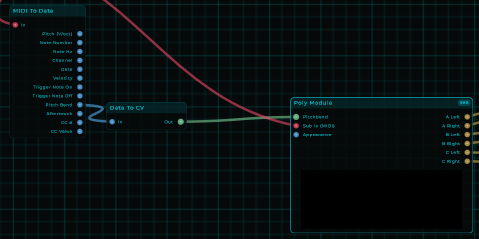
My synth is more about analogue then digital. Now oscillators are flawless in an digital world so i attempt to break them and make them fail a bit to emulate an analogue synth.
(file removed, a new version was released)
This is sooooooo cool!
nice work danny
Nice! You guys continue to amaze me!
You are an MNodes wizard…
Thanks for the compliment!
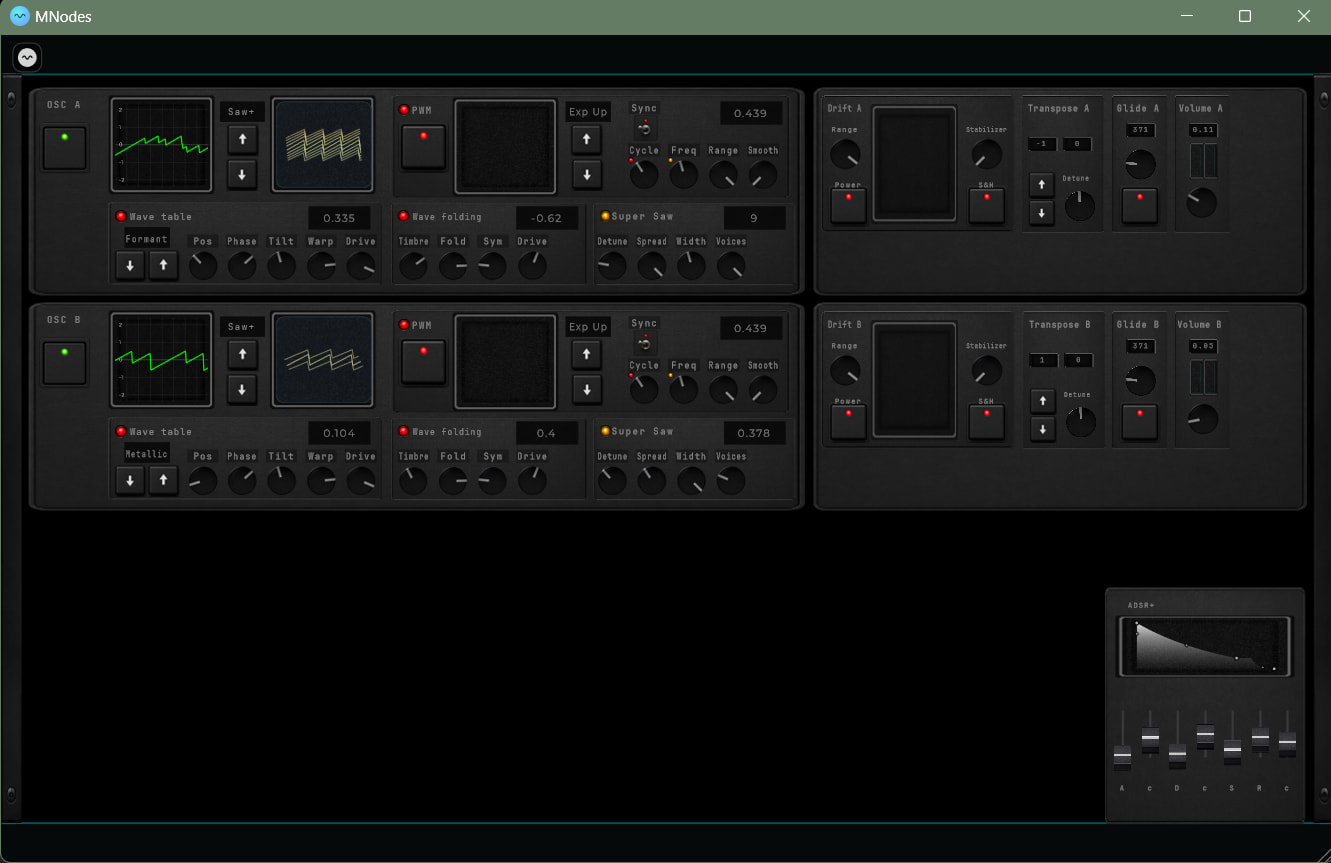
The current progress:
(file removed, a new version was released)
Added / changed / fixed:
Things i still want to do:
And if anyone got suggestions, idea’s.. just let me know.
Magnificent.

I think it’s appropriate since my project might brings some huge Cpu requirements since i changed from the 2 to the 3 OSC per voice that you might have that feeling that MNode performance seems to lacking a bit with this project.
But on purpose i always try to push the limits because that gives Mario also some data how things work out. That does not mean i always follow the best optimized way of doing things.
Currently this project is more “i want to do this, how do i do that”.
Optimizing this project is of course the end goal but i had to check out some things first to see if it works like a group of oscillators for one voice, then for 8 voices and what do i want or need to do and then recursively bring it down to the best way i can.
So for example i didn’t use the Poly module which is exactly meant to do multiple voices and process the voices in the best optimal way. I only tested it out with 8 voices independently without any reduction on the running oscillators/instruments. Which means that if you play 3 notes there where still 5 other oscillators/instruments running silently.
And there are a lot of nodes i will reduce to a single one instead of added volume nodes on different sections where i could manage with less. this was just for debugging and controlling the output on different segments.
So do expect, when i finish this project there a so many nodes removed and optimized. Lots of little nodes as CV value or pass nodes in subgraphs which also takes a small amount like 0.1% usage will be changed. a lot is there for testing/debugging and i think i might have 40+ little 0.1% nodes running. Before you know it, all those not so needed nodes runs up to 10%+ cpu usage.
Even as i just tested now, the poly module node saves me already a bit of CPU usage while i still have a lot to remove on not so need node’s in there.
Now Mario has written in another post that he reduced my 50% to 30% that would means, and of course a bit of wild guess for me now that if i do not add more (and knowing myself, i do add more if i can) that i think, and that’s even my goal in general make it work around the 20% Cpu usage.
I am also a beta tester, so it’s my obligation(from my perspective) to experiment, stressing out MNode and see which ideas i have which are beneficial for Mario to work on. Just recently because of this i requested to have oscillators/instruments an enable option.
Okay, enough text  but i hope it explains a bit that my project is not perfect right now and has no 1:1 relation with Mnode’s capability’s.
Hope this clears out a few things if you where concerned. 
Wanted to let you know how much we appreciate the work you do to push limits (and creating cool instruments at the same time).
We also appreciate the work Mario does to continue to evolve MNodes in a way that’s more positive and more quickly than any of us could have imagined.
Thanks to both of you.
(file removed, a new version was released)
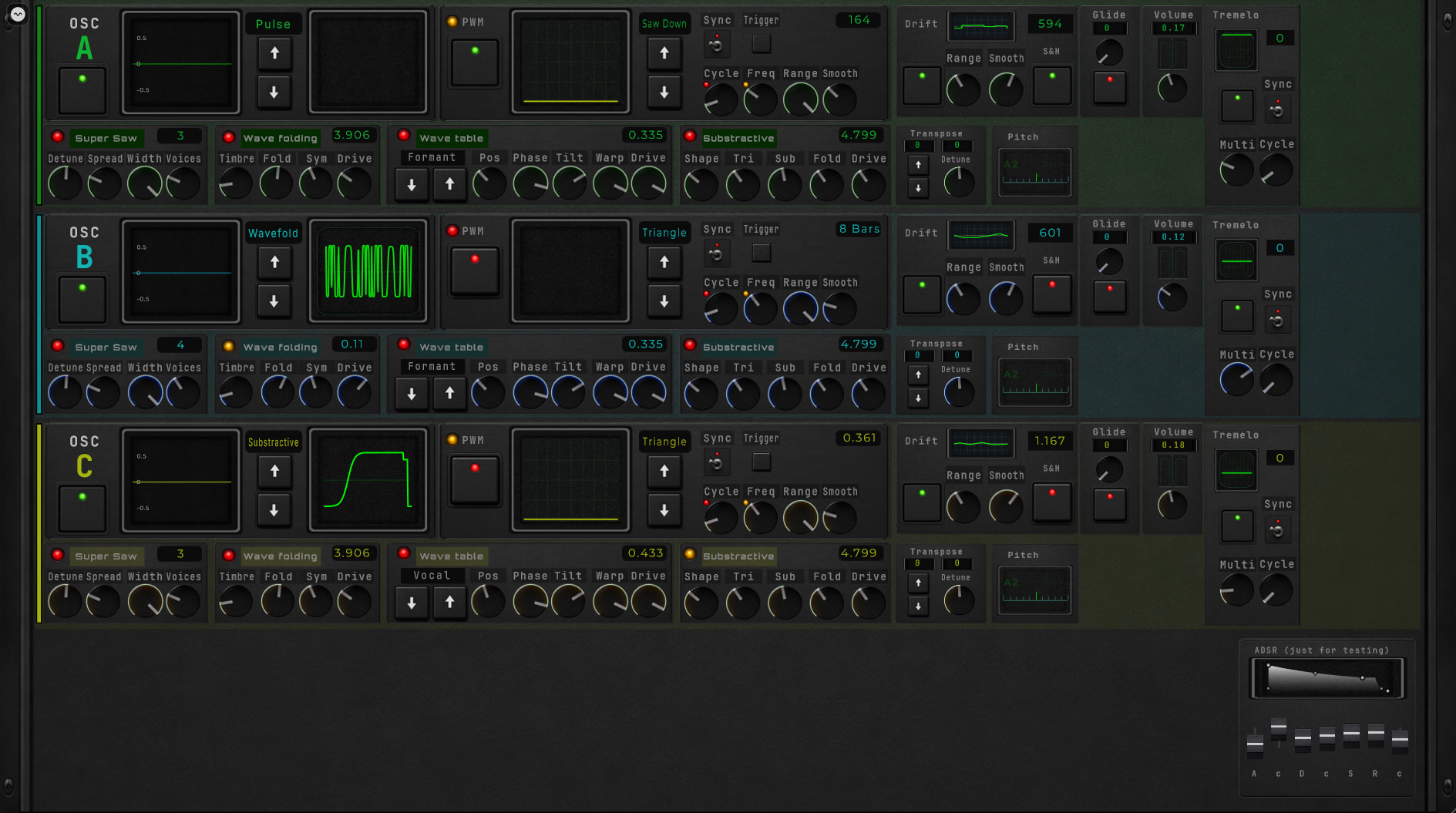
The following changes are:
Next version will be a redesign, all that grayish design was there for me to visualize how the content works out. and since i also want to do some additional automation like sequencing i have to figure out a different layout and design style.
Well i can say there is not much changed but that’s a bit of a understatement:
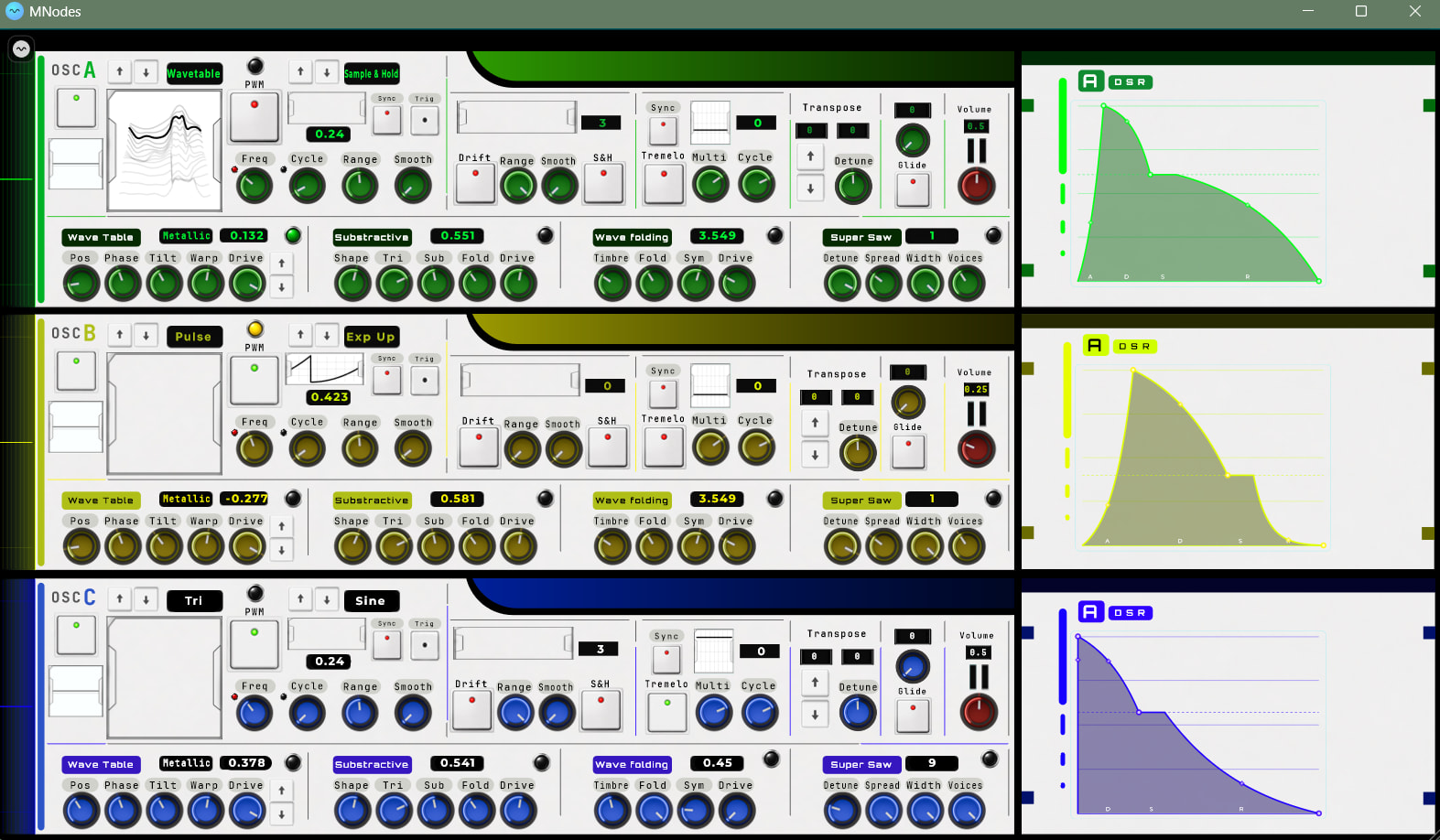
And of course as you see a complete new design which felled if code node-ling was the easy part. sitting behind the screen trying to use as much space a possible while keeping a certain workflow.
Now i am a novice Blender user so even there went some time into it to figure out how i could make the knobs in a certain style. Animating it, luckily with Magick you can stitch them together into a sprite sheet. Some SVG experiments to see how that works for scaling vector graphics. I think the whole design took 24 hours.
There is no automation yet and if you have some idea’s/suggestions, just let me know.
More to come in future updates…
Hope you can enjoy (use) it!
(file removed, a new version was released)
Brilliant!
The New look is very nice!
Wow!! Sounds really good and it looks great! One question, it wasn’t clear to me when using it as to how to turn on a free running tremelo - the waveform isn’t shown on the little oscilloscope when Sync isn’t turned on so I don’t know what I’m changing, if anything. I’m sure its a user error issue. Again, great work!
Thanks for the compliments!
The tremelo works by using the modwheel or (CC 1). That is the source what you can “Multi” in there.
Project is uploaded in the hub.
And remember.. the Tremelo (not sync) works with the modwheel as base input.
Have fun!
gonna give it a go in the morning i have hold off on trying it but seeing recent cpu improvements i am gonna
Was using your new synth release tonight. Sounds really good - was able to get some great Hammond B3 like sounds from it after throwing a Leslie rotary speaker VST on the back end. Love what this shows MNodes can do. I should say that I did notice the CPU usage was about double what the prior version was. Not sure why that would happen in this release but wanted you to be aware. That said, I can see myself using this preset quite a bit in the near future as I continue to learn MNodes. Great work!!
Great, nice to hear about that. Yesterday for the first time because i wanted to see how the states could work out for presets and i finally spend some time on it to create some sounds i was feeling it myself, having that sound that vibes with me.
I am also verry pleased what MNode already can do and i am also very curious where it will be in a few years from now on. Hope it gets more known and more people getting creative with it.
For the CPU usage, i know what is happening. in short you can fix it your self for now if you want:
This poly module has some settings (inspector), the voices are on 16 which i just used to test it to see how it performed. Normally i have it on 8 voices.
I completely forgot about it because when you play 6 short notes all the 6 voices will be released back quickly but if the sustain/release gets a bit longer and you keep playing those 6 notes the will keep stacking until the max 16 voices. that’s why the CPU usage doubles at some point.
At least, that’s what i figured out just now that had the most impact.