i spend some time figuring the logic for auto gain compensation out. (check the solution post for the old project and also a autogain eq build from it)
this example is based on peaks and just one way of doing it i gues
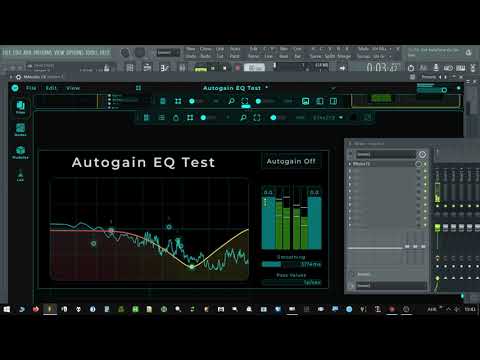
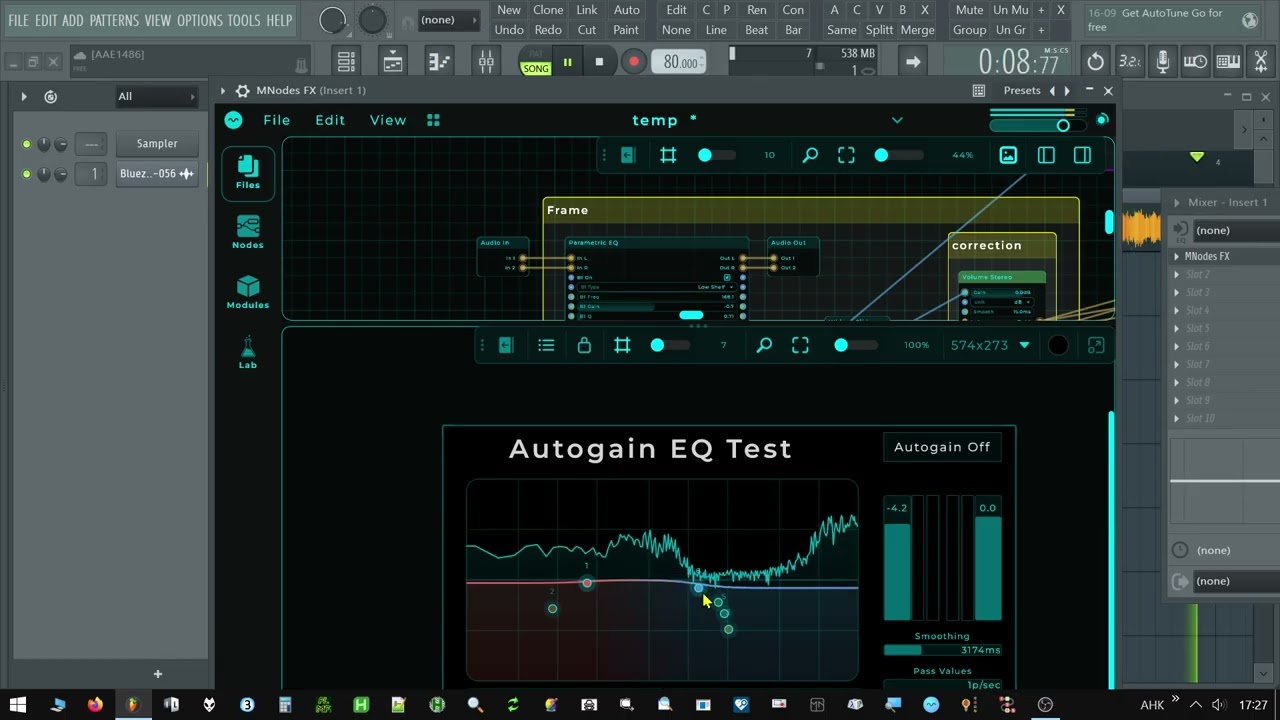
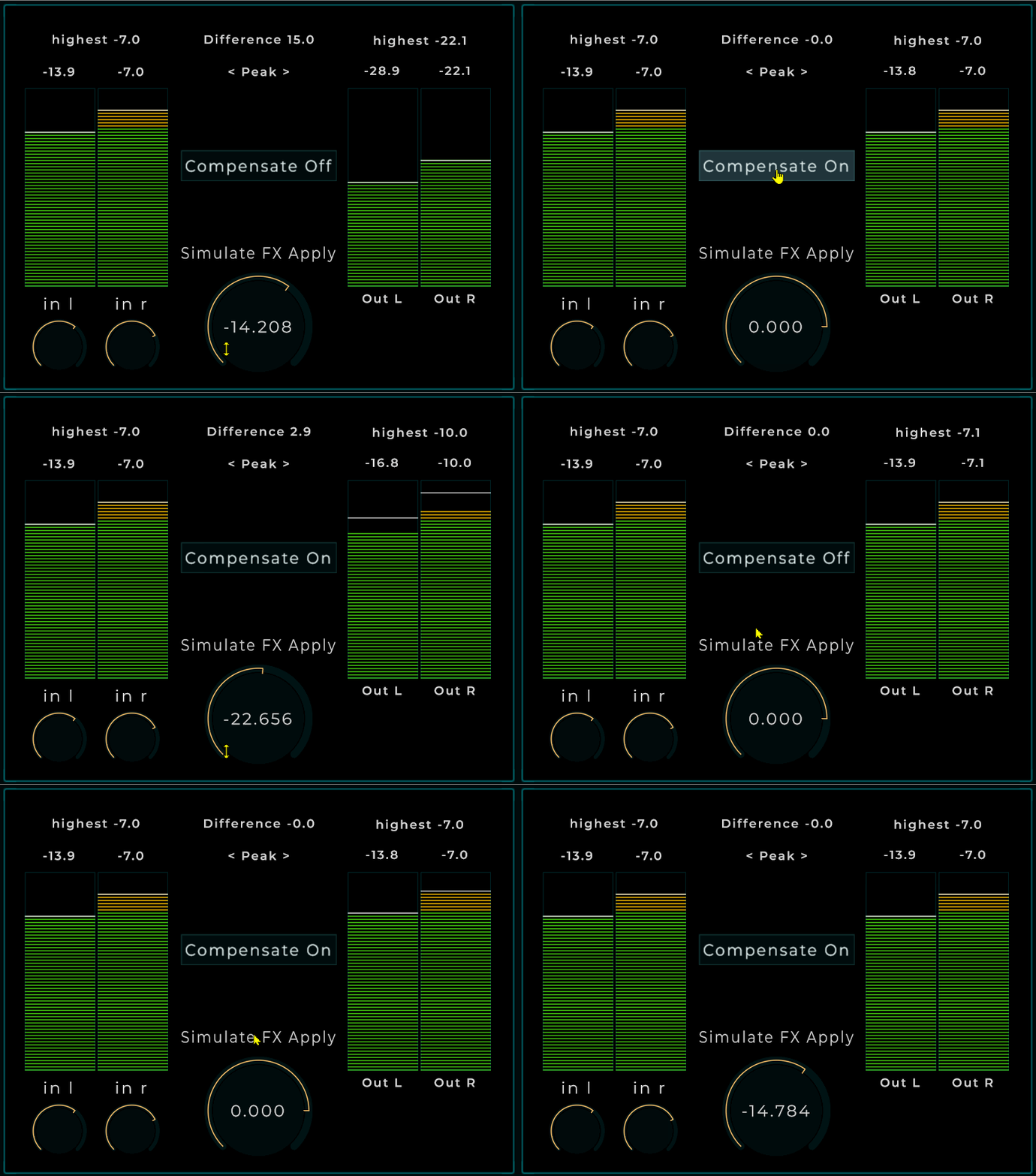
dont mind the gui this is just a test setup where i can see all the numbers to verify the logic
the middle big knob simulates you adding volume from whatever chain, above that you can turn it on or off. most in this patch is unneeded for the actualy action but used on the gui (red)
green is the actual logic and purple the toggle on off logic
cheers
Very nice! I can think of a few uses of this already. Have added an audio in and out and will do some testing. Hopefully it will work better than the one I built, though mine is basic yet functional.
it should be possible to add a toggle for rms or peak aswell ill figure that out another day 
also doing it in a fixed time window with data delay to turn it off again could be good idea
here i have a experimental version that can switch between rms and peak detection
note that it is possible there is still a missing link that converts what i got out of meter in rms to db taken from peak to truly test this i need to add fx and make it a “real” plugin that changes the energy but not the peaks i might need a calculation on the end of rms calculation to do that
it should be noted that rms behaves very nervous not a thing who’s values you want to show as i do on the gui because it takes longer to stabalize
i am not convinced what is better there could be viable reasons for bolt i dont know to be honnest i have no plugin where build this in
i do notice the nervous behavior of rms on the output probably not a thing you want to leave on but instead merely use to balance by energy and then turn it off again
i put a version on hub soon
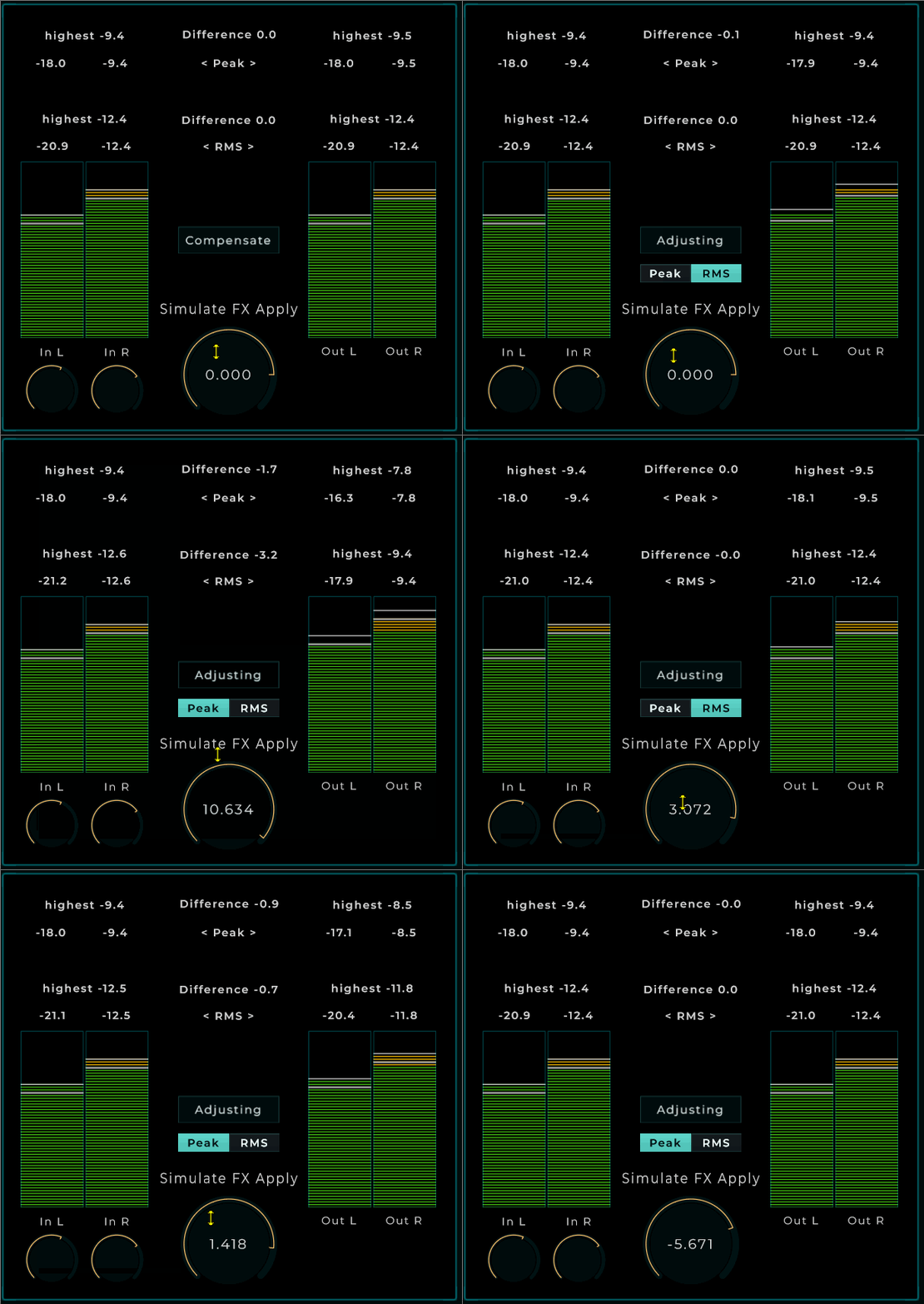
oh forgot to say the extra white line you see just below the top of meter displayed value is the rms value i use 2 meters one in rms on top of it and only show the hold of it
also in a real situation i would make the gates before the calculations but because i want to see all during testing i did it this way
@MarioNietoWorld (taken from above post) i like to verify if i need to convert this value and if so how because i see no rms to linear or something like that
the whole concept does not work in a real situation i have to rethink part of the calculation
Hey Peter, no conversion needed. You were thinking RMS comes out in a different unit than Peak, but both outputs of the Meter are already in dB. RMS is just lower because it measures the average energy of the sound, and Peak measures its highest point. So there is no missing link: compare RMS with RMS (or Peak with Peak), input minus output, and that difference is your gain. A Volume node with Unit set to dB takes that number directly.
About the nervous RMS: you were right, the Meter’s RMS was jumpy and I fixed it for 1.1.3.
ah ok its hard to wrap my head around but now i understand. my patch could be much more simple by directly using the difference applied to the volume node
and i was making the mistake thinking i could monitor the output on a meter while also expecting it to be showing the updated
so it works now but it needs 3 meters to work properly. i will upload it back to hub soon
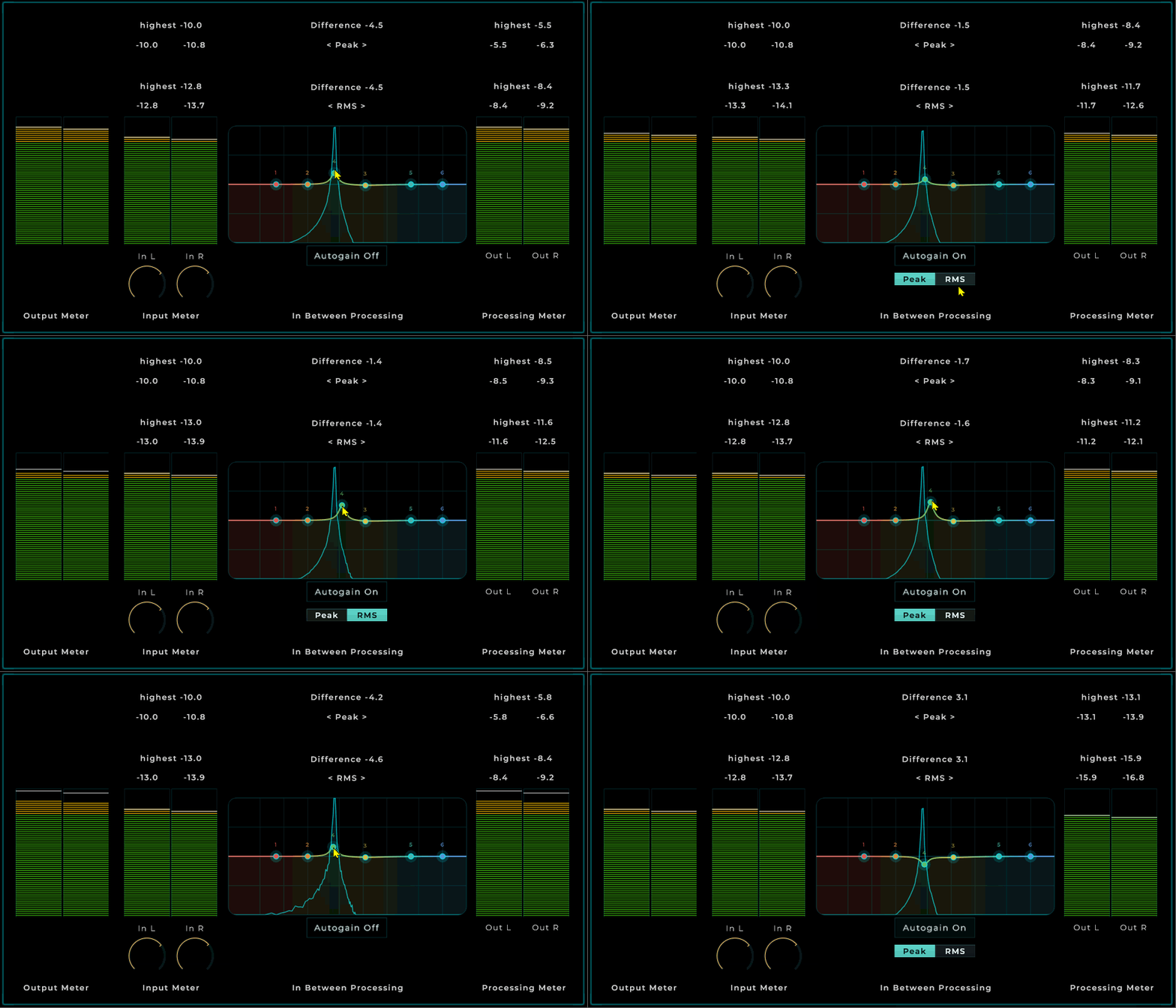
you would never be able to lower more than 12 db but thats fine to me
back online with a peak or rms option
and now it works
@MarioNietoWorld been testing smooting out values to get a more evened out result on my autogain (works very nicely) but while doing so i found something weird going on with the eq i am using in this test
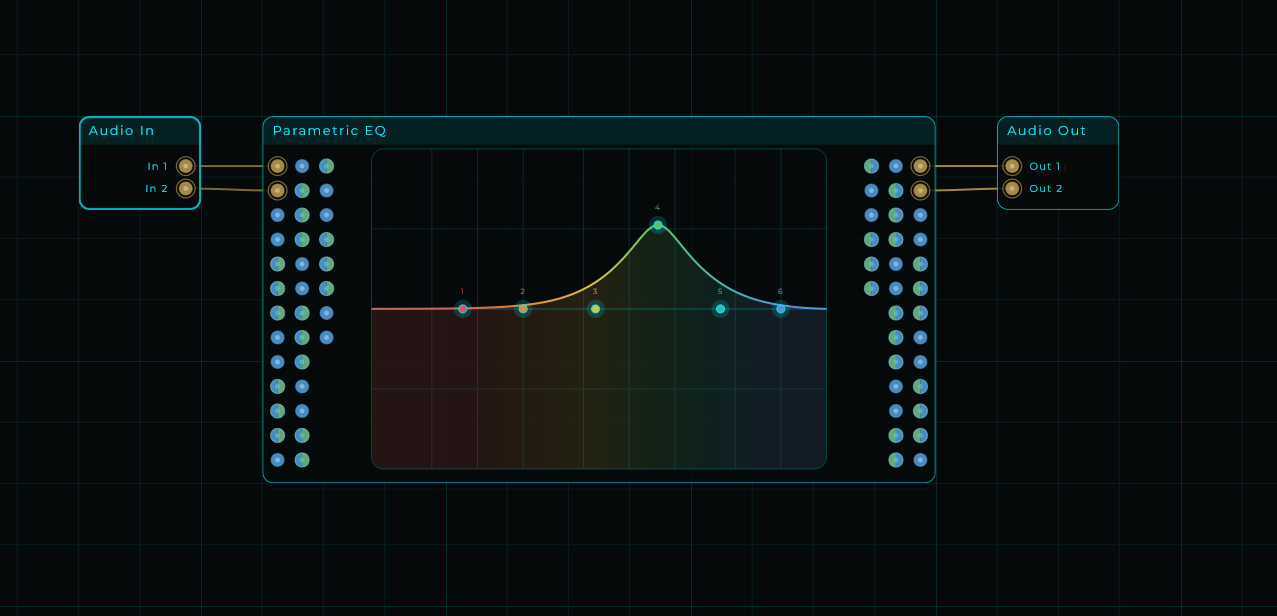
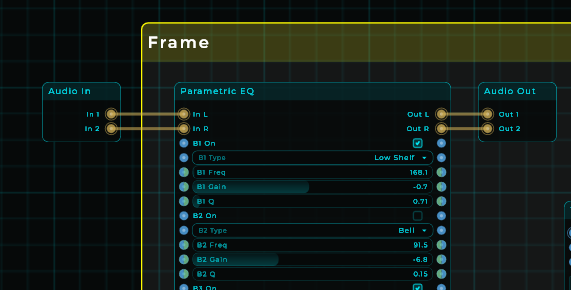
i cant find a reason why parametric eq is doing this besides the eq itself, it seams to add distortion on cutting and boosting.
here the test patch
(there is a meter under the eq that flashes red at -0.5 used to see if you are clipping internaly)
Autogain EQ Test.mnprtz (50.3 KB)
and here a unlisted video where you can clearly hear and see it
if you look closely you also see that cutting causes clipping very odd behavior for an eq
edit i think it would be a working concept already if it wasnt for that distortion
At first glance, it looks like mixing CV with Data when changing the volume may be creating the discontinuity that causes those clicks. If you’re adjusting the volume in real time based on the audio input, ideally you should handle it entirely through CV.
One thing I learned a while ago: keep Audio/CV and Data as separate as possible. Data For UI tasks and anything that doesn’t need an immediate response; Audio/CV for everything else.
By the way, I’m testing it here and I’m not hearing any clicks. Maybe there’s something in your chain causing that noise?
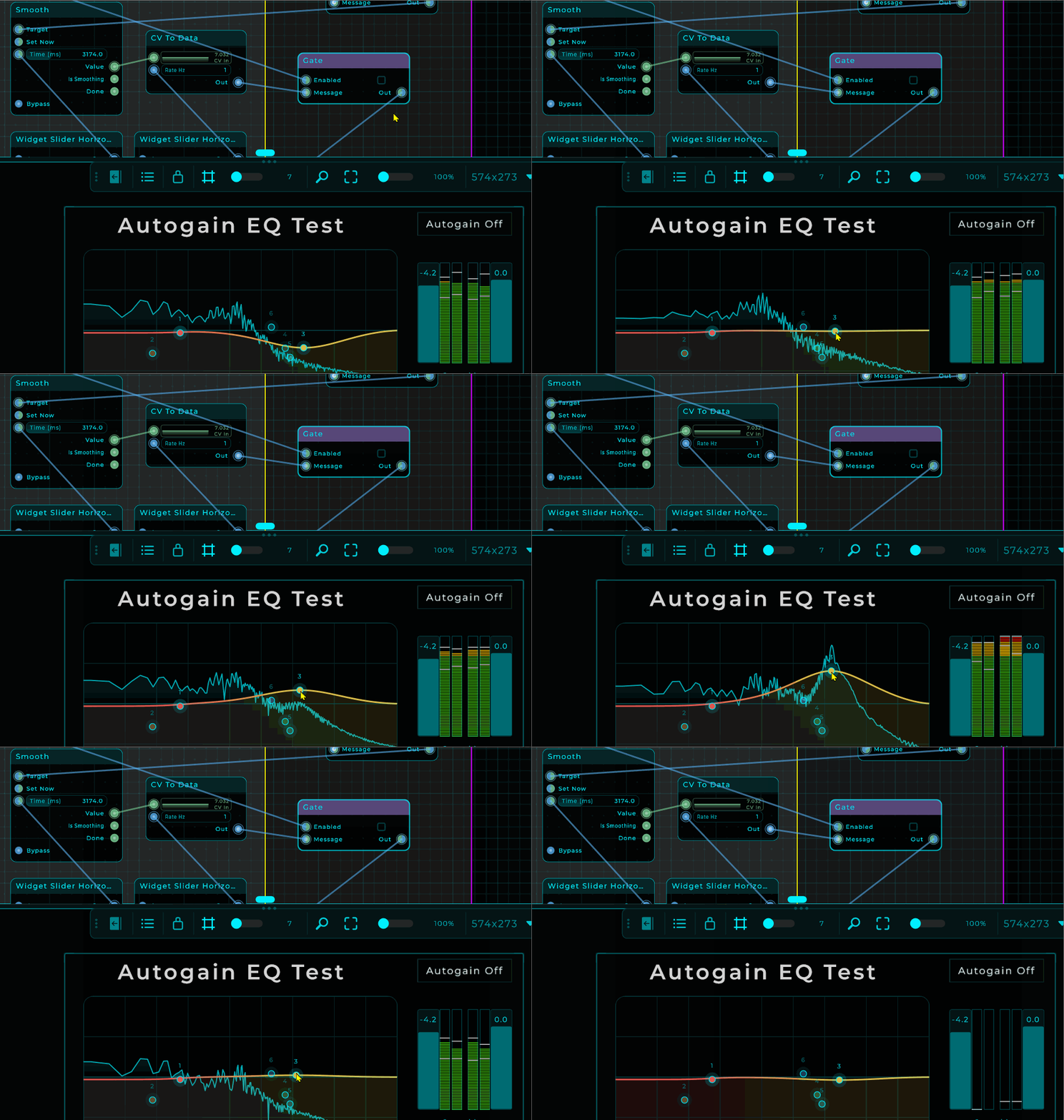
thing is the auto adjusting is off during the whole video try it yourself patch is above
see the gate is closed
Have you tried the EQ on its own, connected directly? Do you still hear the noise?
yes i just did same noise, i also tried other eqs and no problem there (not inside my patch)
see and hear sorry for the nasty click at start
Hey Peter, you’re right. It doesn’t happen in Bitwig, but I tested it in FL Studio and I’m getting the same issue. I’ll look into it.
mario i just test anotther fx: tape saturnation and i get the same thing there so this seams to be unrelated to a specific fx but a global issue
Thanks, Peter. It might be related. I can’t remember the name of the setting, but I think there’s an option to adjust the track’s buffer or something along those lines in FL. If I remember correctly, enabling it fixed this issue, or a similar one. Either way, I’ll look into it thoroughly.