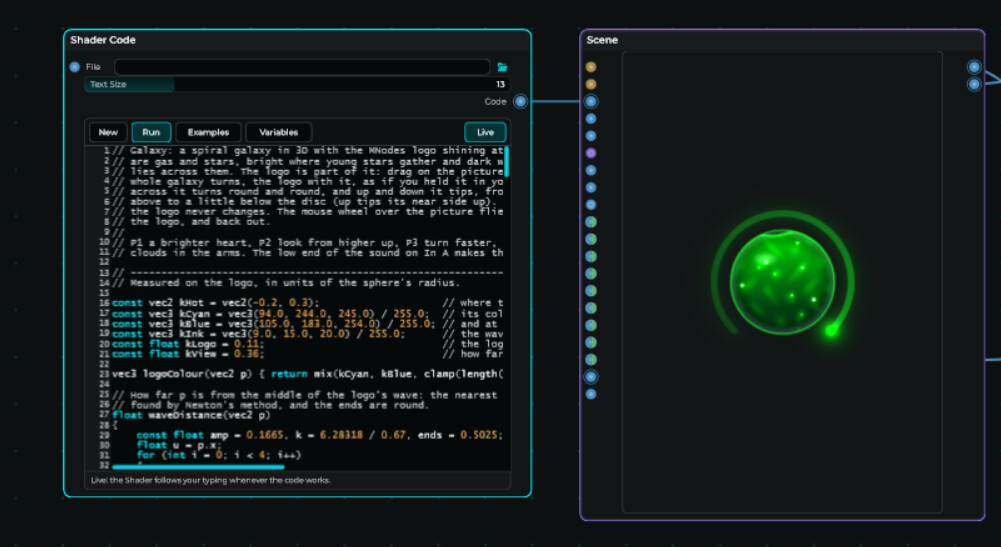
If you have the Scene set to Show UI only you will get this result. Remove the shader code node, change the view of the scene node back to normal, let it show the code again and you get your own code back.
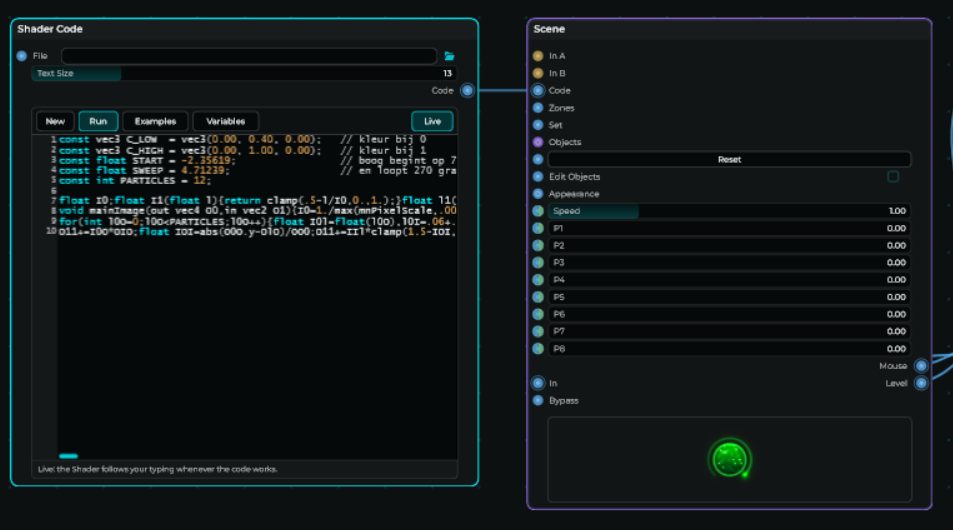
This i found is not the real reason why this is happening, i have to switch between different type of showing this node to get my own code back.
– Added –
The best way to reproduce this if this is happening, reloading a project. it will most likely show a different code when you attach a shader code node to the scene. Removing the shader code node, move the scene node to another position, show the code again and i get to view the real code