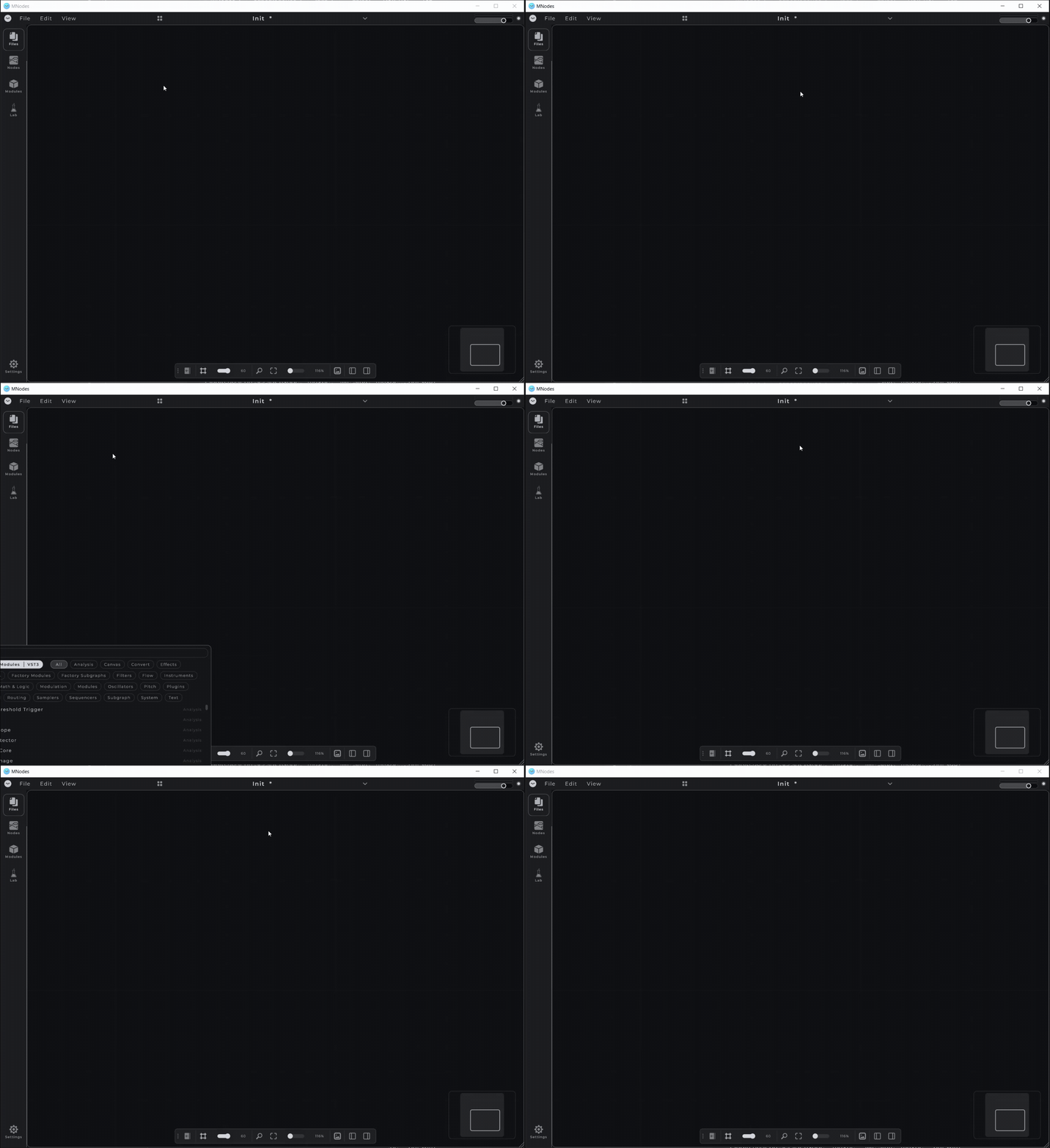
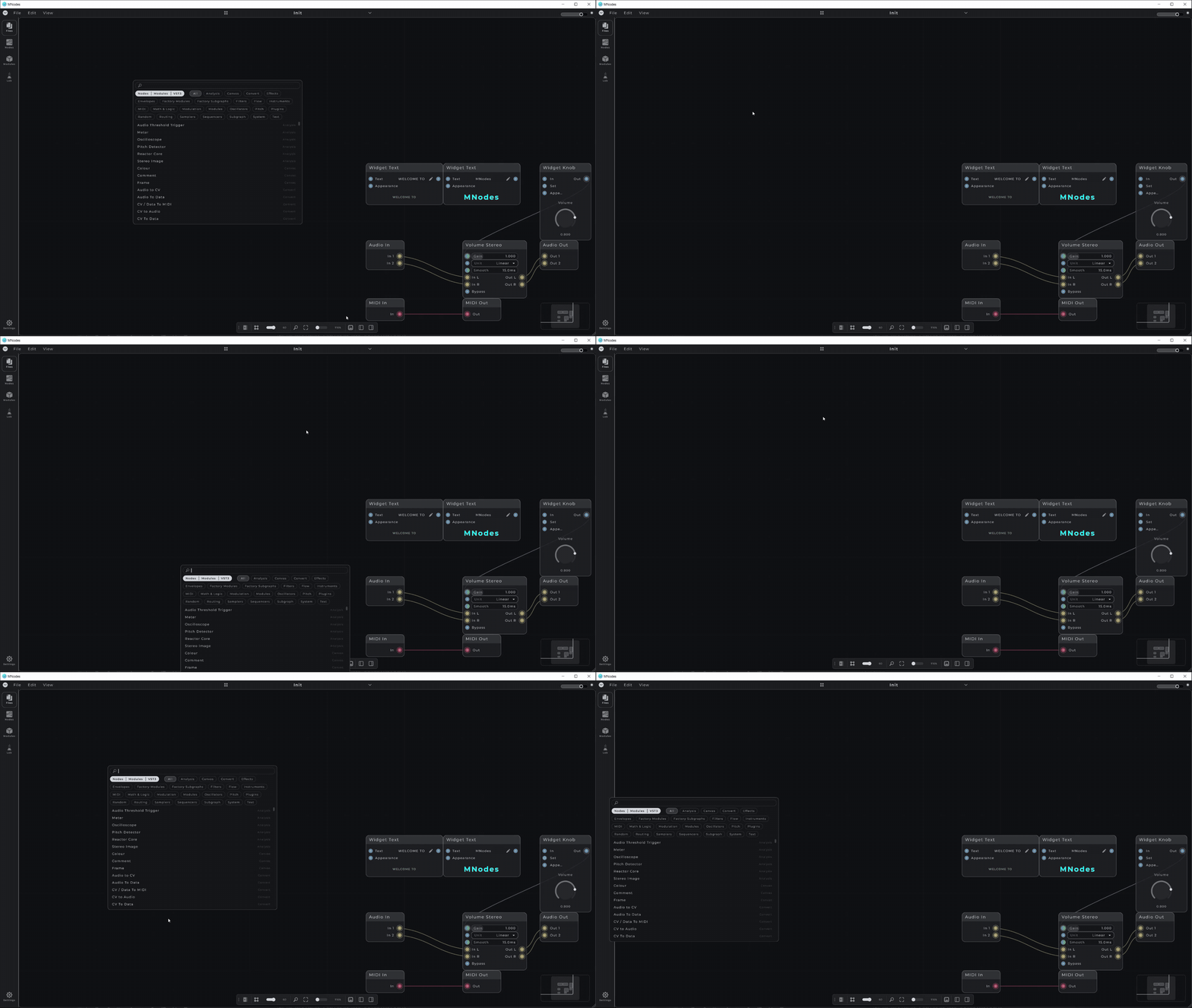
The 1.1.1 update brought a weird behavior of the node selector for me. Before this update it was working allright but now it no longer appears at the true mouse cursor position but has a strange offset (Y-axis) and flickers so that it sometimes needs multiple clicks to really stay visible / open.
I believe the node selector should show up on MOUSE_UP, not MOUSE_DOWN as it does right now.
No, sadly not. The offset of the node selector is very persistent. And it seems it is not always only the y-axis.
In this video I panned the default graph a little and then I right-click mutiple times on multiple positions on the canvas. The result is just strange and totally unexpected.
Another thing I noticed is that the node selector sometimes appears BEHIND the main window. When clicking the RMouseButton it first is above it then releasing it makes the window of the node selector go behind the the main window. Really bizarre.
I can confirm that 1.1.0 does NOT show the wrong offset of the node selector.
However there still is this strange flicker effect which sometimes makes the window disappear right away so that I have to click multiple times to let it stay.
I strongly assume that is because you are showing the node selector on MOUSE_DOWN instead MOUSE_UP. Please change it so that the menu appears on MOUSE_UP!
When dragging a cable from a PIN there it is on MOUSE_UP and there the window always stays visible. It has to do with that I’m sure.