Playing with the Convolver module and have been looking for a lookup type module to use for convolver filename input.
So the use case would be files with names of say phase, flange, delay, etc and I’d want to connect a knob with values of 1-3 in this example, which connects to a lookup containing a list of values so 1 would pick item 1 ‘phase’, 2 would pick ‘flange’ etc.
This could then be fed into the convolver filename input, which I’m thinking would load a new IR into it of the computed filename.
not sure i fully understand you but can use combobox to create custom lists and you can get that custom list as text on your knob if you send that text to widget text and use that text as the knob text also you can use text input to send text so you can select by filename
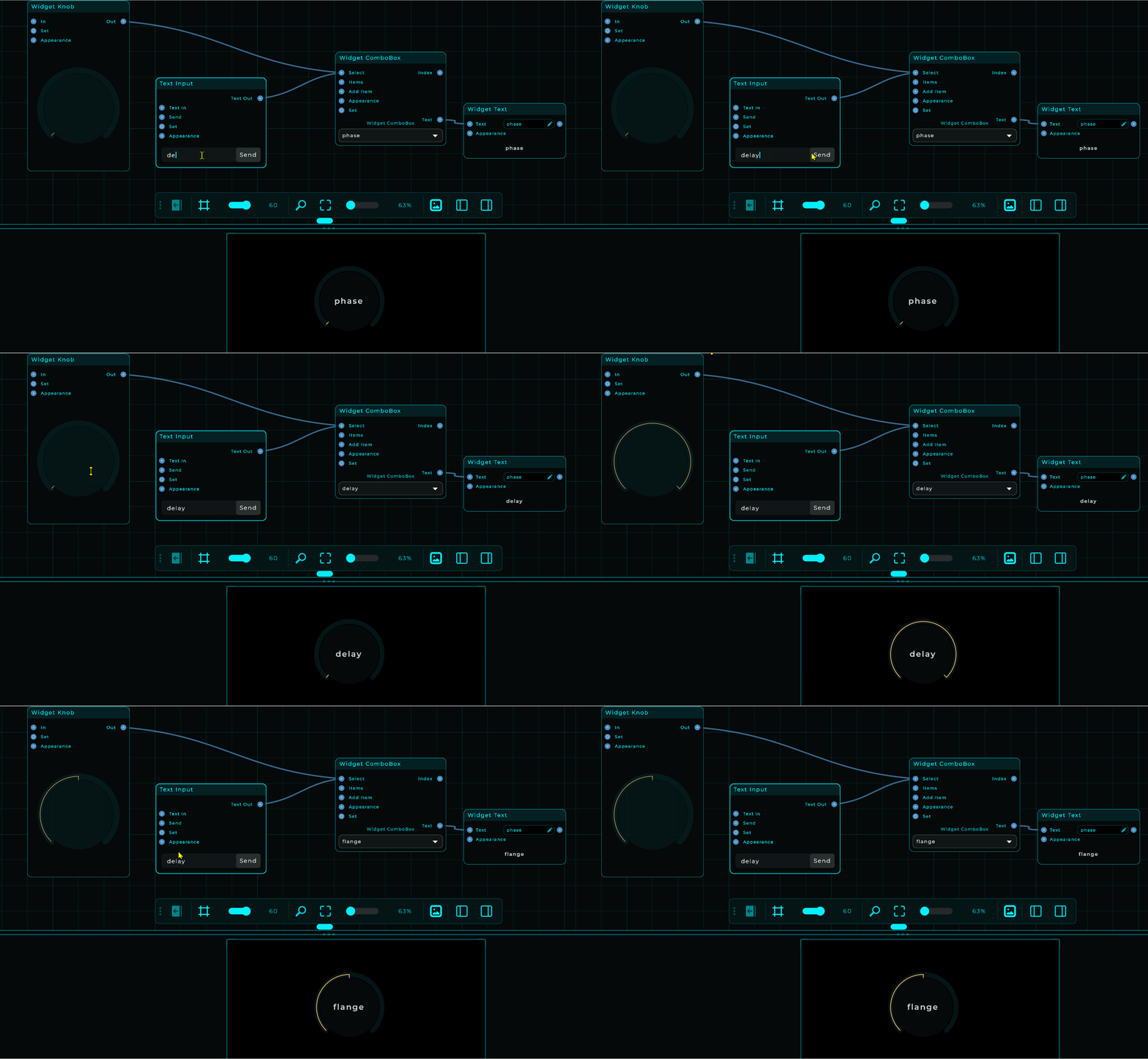
maybe something in here can help you, you can twist the knob or type text to select
if you use a combo of controls you should also send it back to the knob so it is always correct
(i updated it so it also does that) Example Knob Text.mnprtz (41.8 KB)
Cheers for that, I’ll take a look.
My idea is to have an effect with a selector knob which loads different IRs into the convolver module, so the knob-number-to-text conversion is needed to generate the relevant filename to load up.
Yep that looks like it might do the trick, will play with it today 
mario added lots of new options in 1.09 after this post was made that can be very usefull for you (just so future readers take that into account)
Just checking out 1.0.9, many good thing in the changelog.
How do you enter a new line in the lookup? I can paste multiple lines from eg Sublime as text but tried enter/CR by themselves in the UI and with ctrl/shift and can’t get a new line to appear!
must say i cheated coz i changed the range of the knob to be able to do it without a change to the knib (set it go to max 4 beforehand)
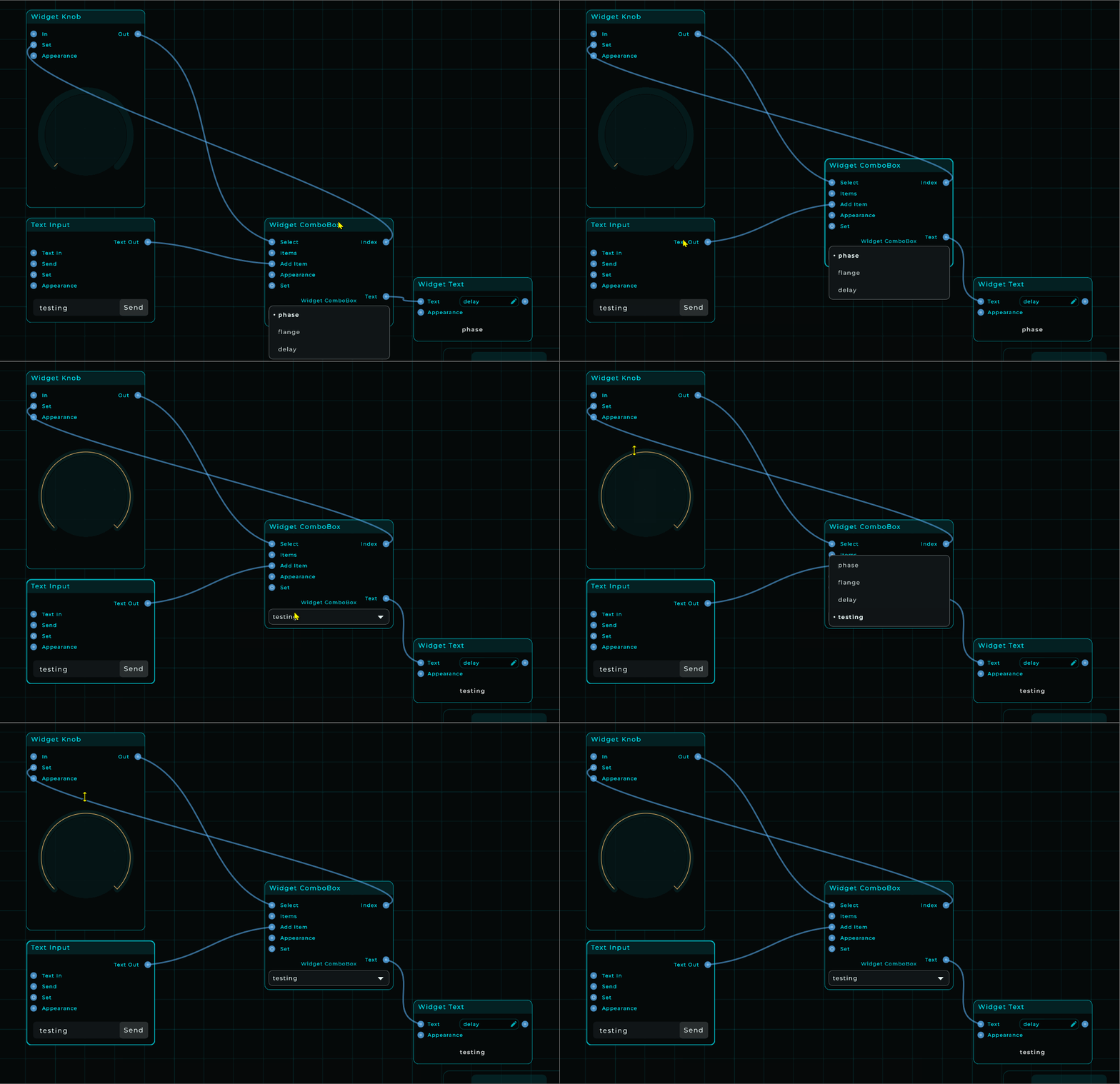
pretty sure you can now with the new option make the text what you want going into text input
also the send text can be set to do that on a change
bigger question how to delete from your list  and to get the knob range to adjust with the list (probably doable with a map after the knob since you do not use the button text anyway this would work, then you keep your knob at 0 to 1 and do the adjusting on the map range as you add items to your list. to keep it all alligned you then also need to map the one that keeps the knop aliggned so a map in between there 2)
i hope i am still making sense to you 
@guy.eastwood
i had it fail once not sure why but this is just an idea to get you started i gues
- important only when a new item is added through text input a trigger is send to update the maps
- i make use of the fact that if you add an item you also select that item thus the thing going out at that point is correct in latch due to the latch trigger only being activated on adding an item i can do it like this
- no real purpose for addition really i could do it more direct but my brain farts if i look at it without in that spagetti
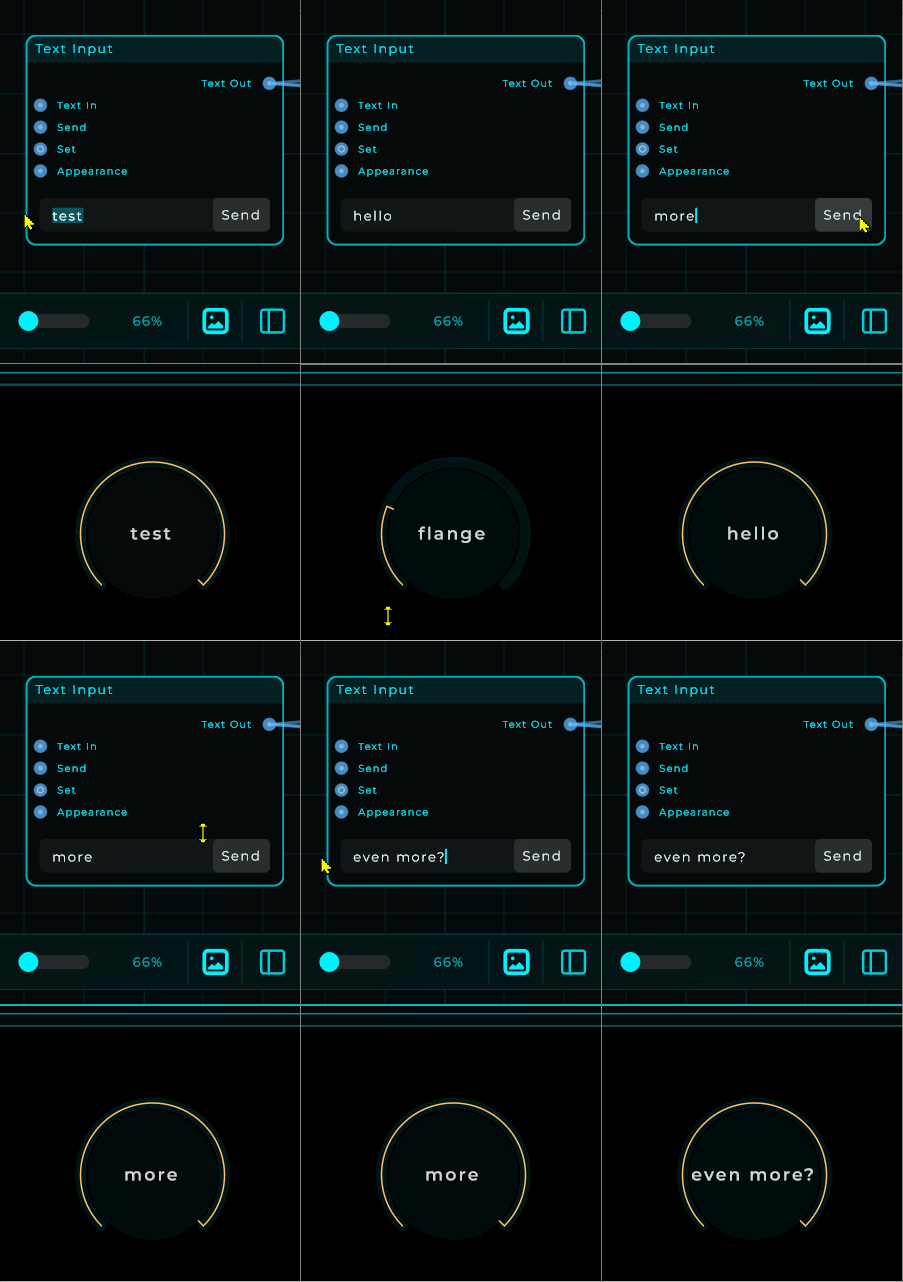
Example Knob Text 2.mnprtz (54.7 KB)
i think only thing missing for absolutely dynamic controls is deleting items
i know why it failed on me once: when you now go in and delete stuff i added in the list the maps dont update (in fact they jump to 0 leaving you with no range) so its important that if you do that you update bolt maps manualy this could be done automatcly if i could delete from list with a pin, it also corrects itself when you add an item again
tip: if you just make you knob fully transparant you just have this functionaly below some text, looks cleaner than a dropbox and text can be very wide if needed