The Note Matrix (e.g. in PianoRoll) is already rather nice. Some additions would help to make it even better 
The following additions would be neat:
- Timeline / Time Ruler at the top, so you have a time reference
- quanitization options, snap to grid options; best with presets + user options
- zoom, pan and scroll options, just using a mouse - see below
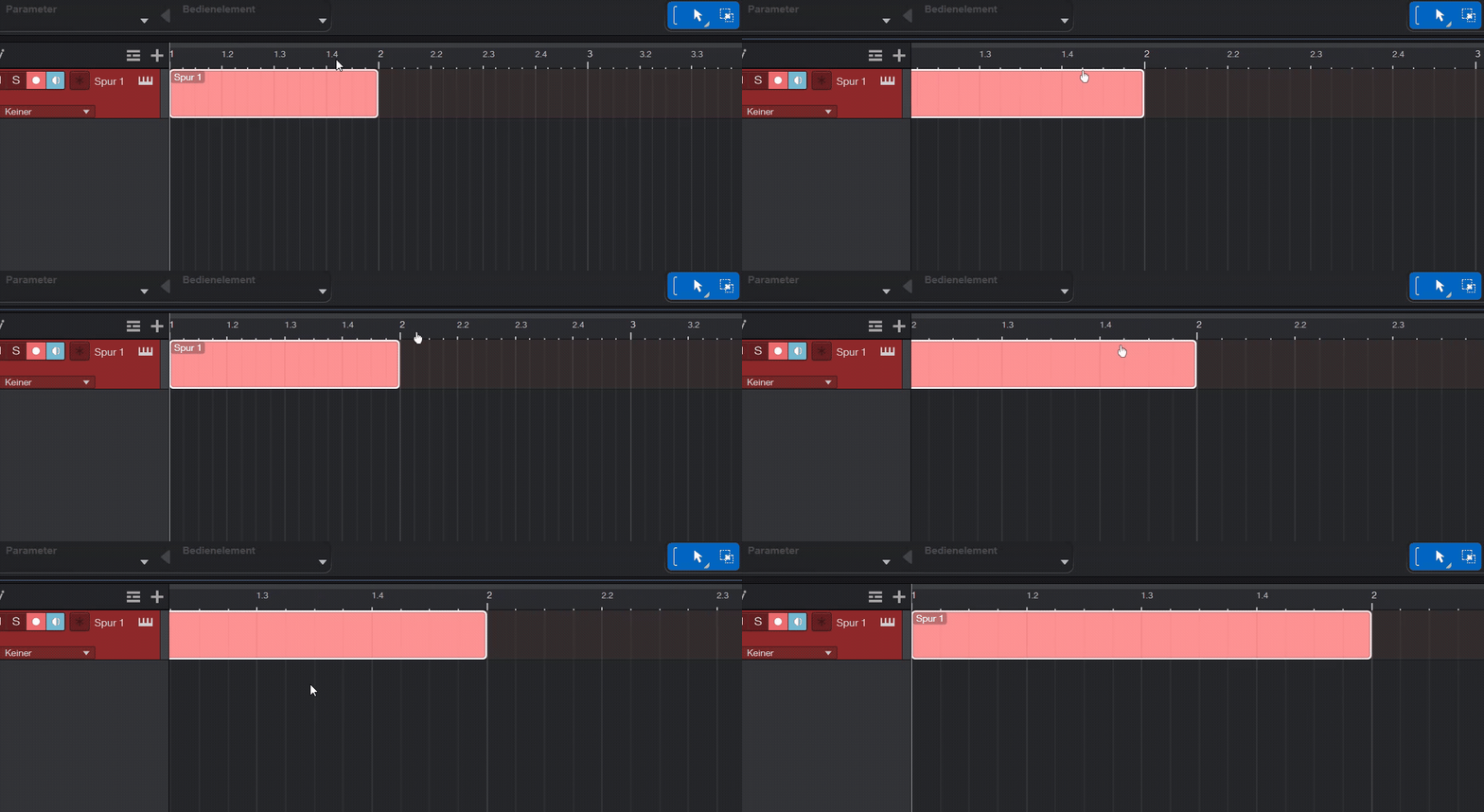
For zooming, panning and scolling please have a look at this video taken in Studio One. All funktions are done using a single mouse button only (holding it).
Left Mouse Button: When used inside the Timeline / Time Ruler you can zoom horizontally and at the same time also pan horizontally.
Middle Mouse Button: Clicking it in the notes area you can now scroll the matrix left, right and up, down. Just like in the overall nodes area in MNodes.
See here:
PS:
Maybe it would be even nicer to have real sequencer “lanes” or “tracks” where the (note curve) data lives in 0..n clips on each track. It would allow to add any number of clips, curves etc. visually on any number of tracks. The Note Matrix would appear on dbl-clicking a note clip. The Curve Editor would appear dbl-clicking on a curve / automation clip. These clips could also be dragged to a clip track e.g. or to a host DAW. Clips could also be move around, looped, copied, aliased (ghost copies), etc.