Hey guys! I have a new version ready (yes, another one :)) 0.9.97, which I hope to release later today.
This version drastically reduces CPU usage when working with subgraphs/modules. On my computer, your project went from around 18% CPU in 0.9.96 to about 8% in 0.9.97, so you should notice a significant improvement in CPU usage as well.
Finally got around to have a play with your project … I’m in awe of your skill with MNodes, my attempts are so basic haha
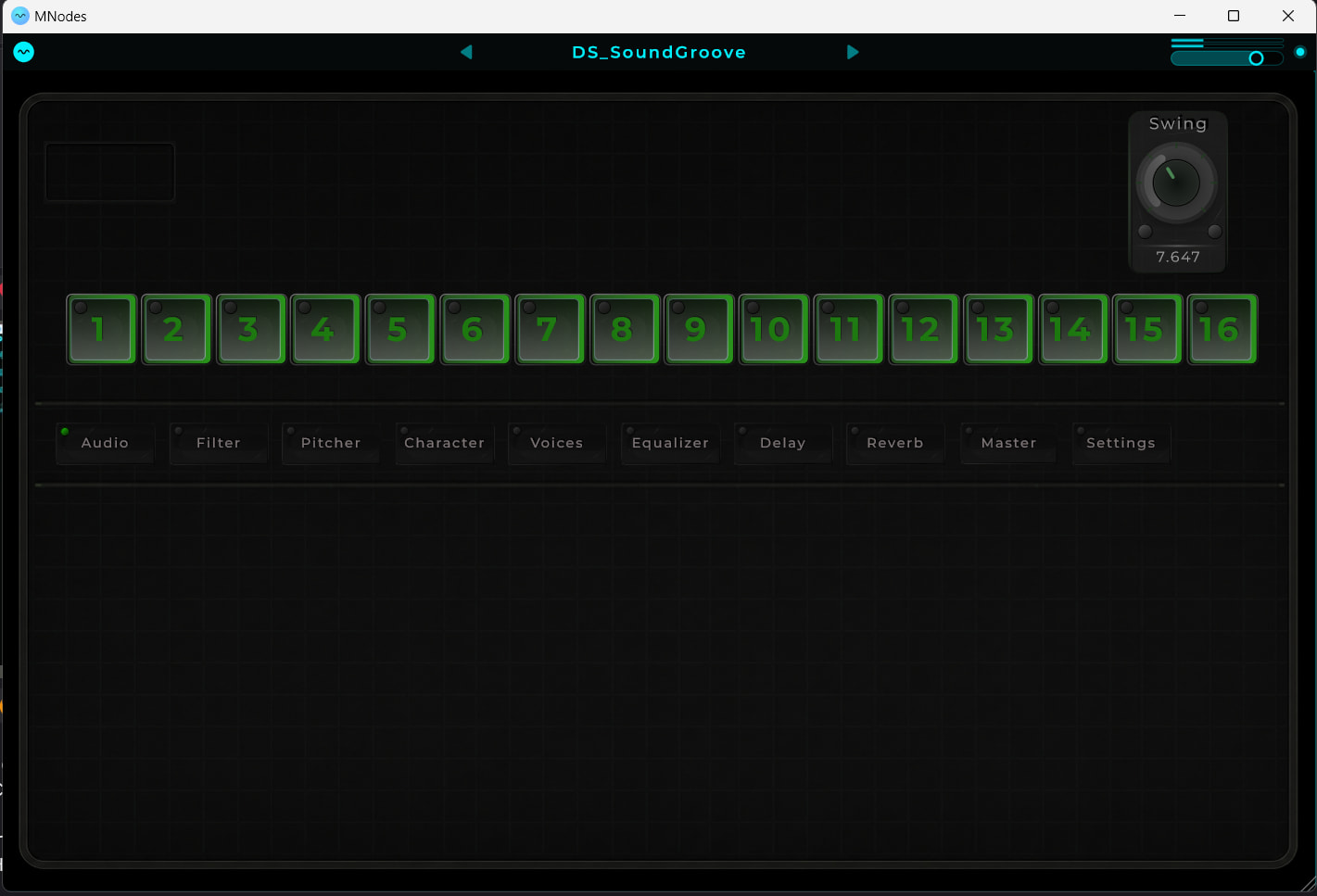
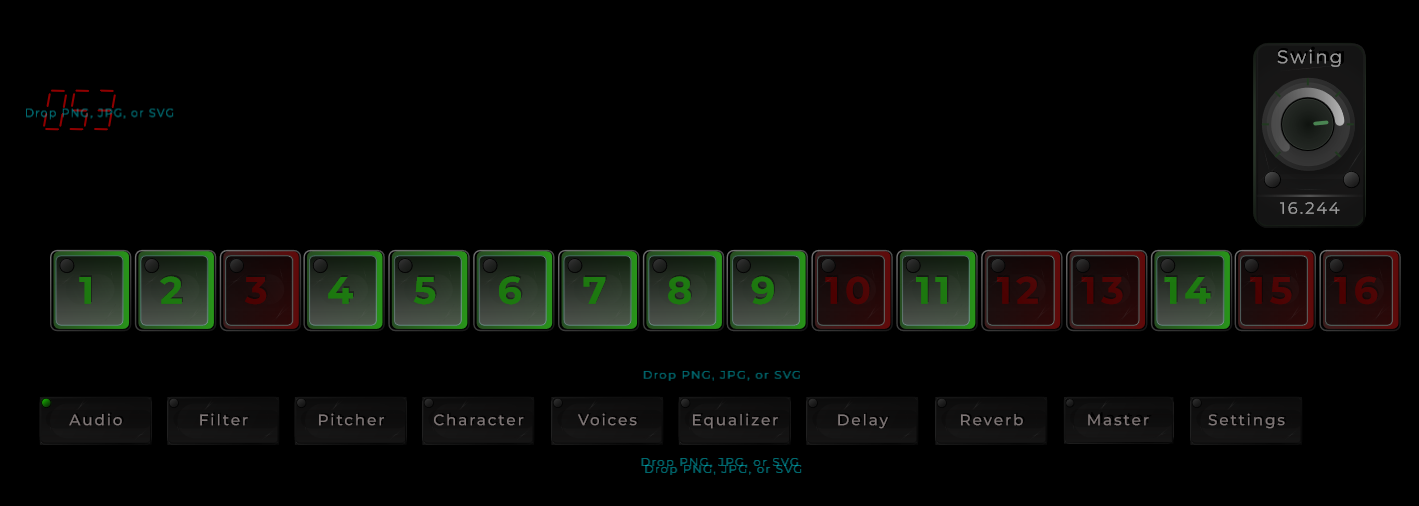
It’s clever how your knob labels change when you move a knob, but for a user I feel the final value they select with a knob needs to persist in the UI. You can only check your current setting by moving a knob…
I have no issue with reading text, even on your lowest text size setting. Plus everything is responsive - Mac Studio M2 Max 64 GB RAM, Logic Pro 12.2
I would need more time to examine the actual sound tweaks your project is delivering
Great to hear that things where responsive. With the latest update the cpu usage went a lot down so that was good.
Yeah the problem that i had and why i did label + value in the same display was because while i was testing things out i had less space.
That’s always an issue, you get an idea and then you start to have new ideas and then you figure out that you need more space
In general the main thought is to sequence the FX on a sound and while i get more idea’s the whole UI was not the best visualization of how all would have to work and be logical. To much happening on a screen and so on.
So currently i am redesigning it and knobs just will have names and there values separated.
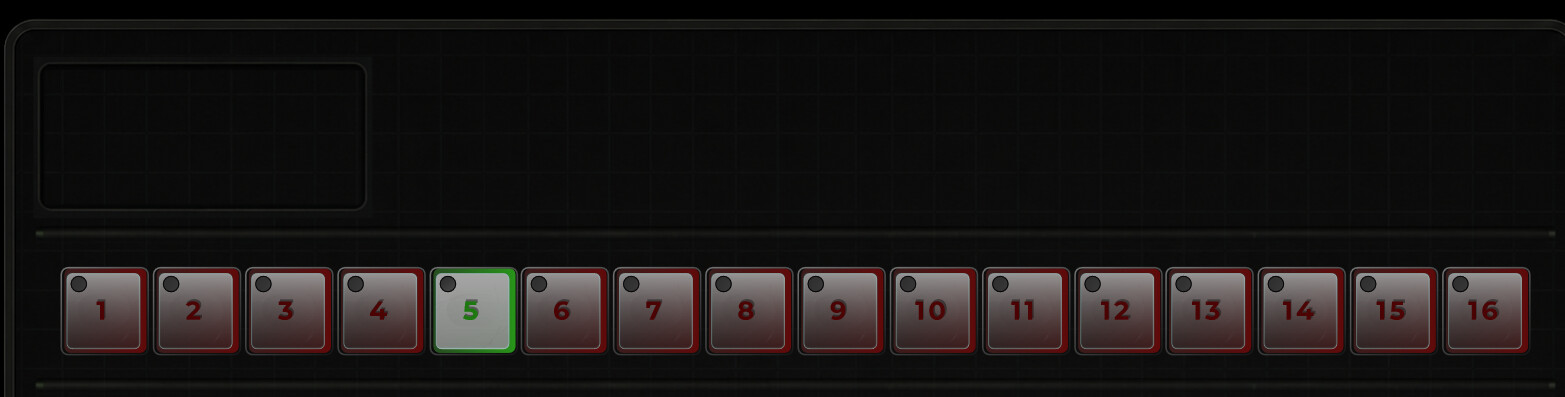
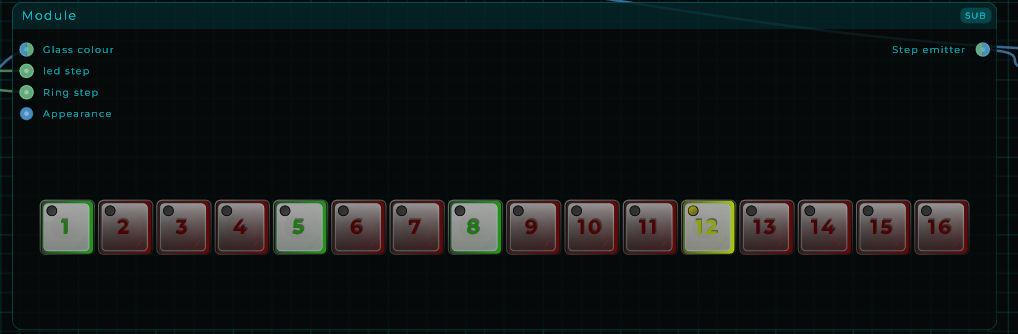
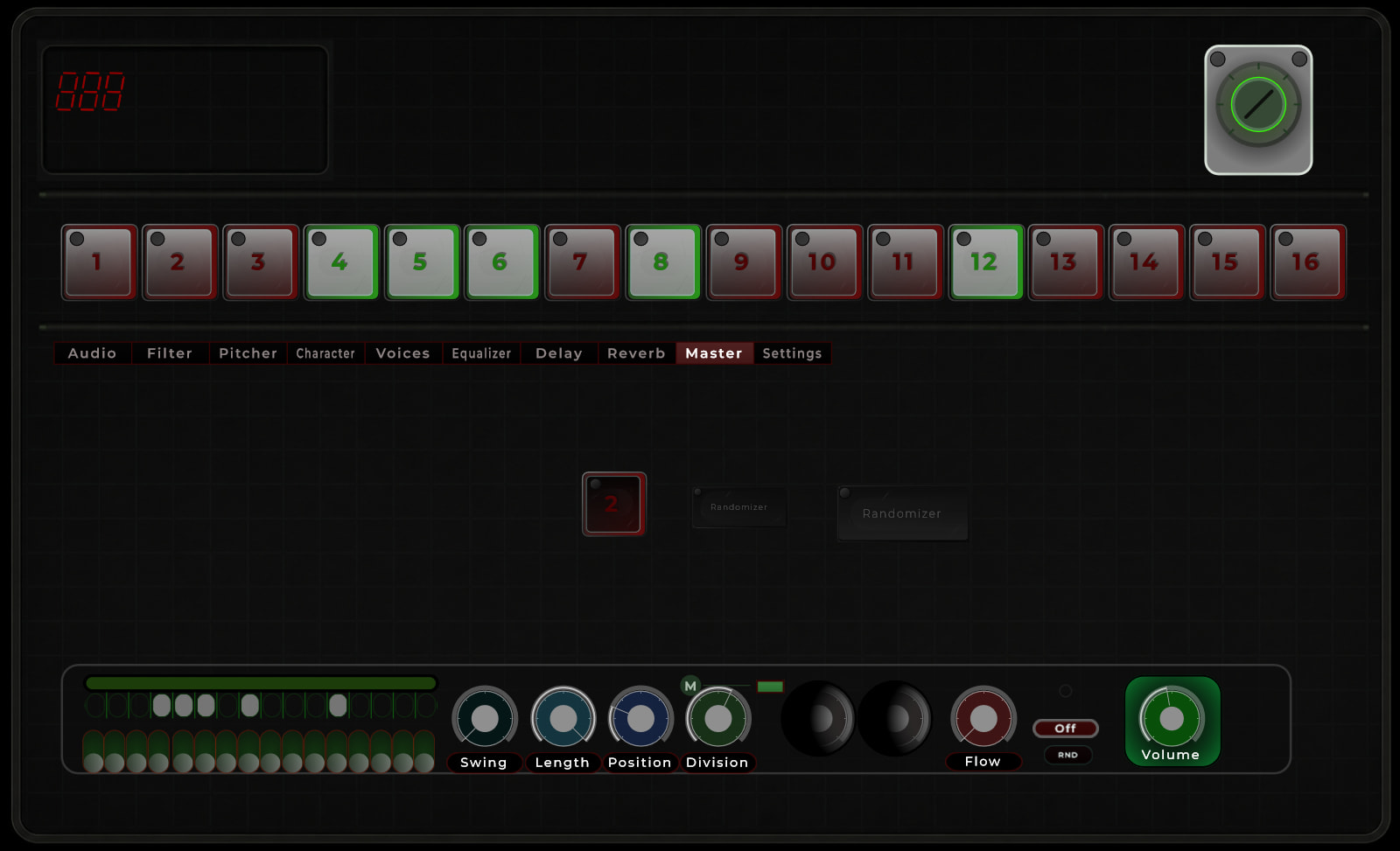
There are so many ideas in my head but every sequencer panel will have his own screen and will look like this (just a part of the interface).
designing a good user friendly gui is probably harder than the audio part in my experience been busy building a toolbar creating tool that adds custom macro toolbars to any windows program because every toolbar i ever put out only pleased a few so make your own lol
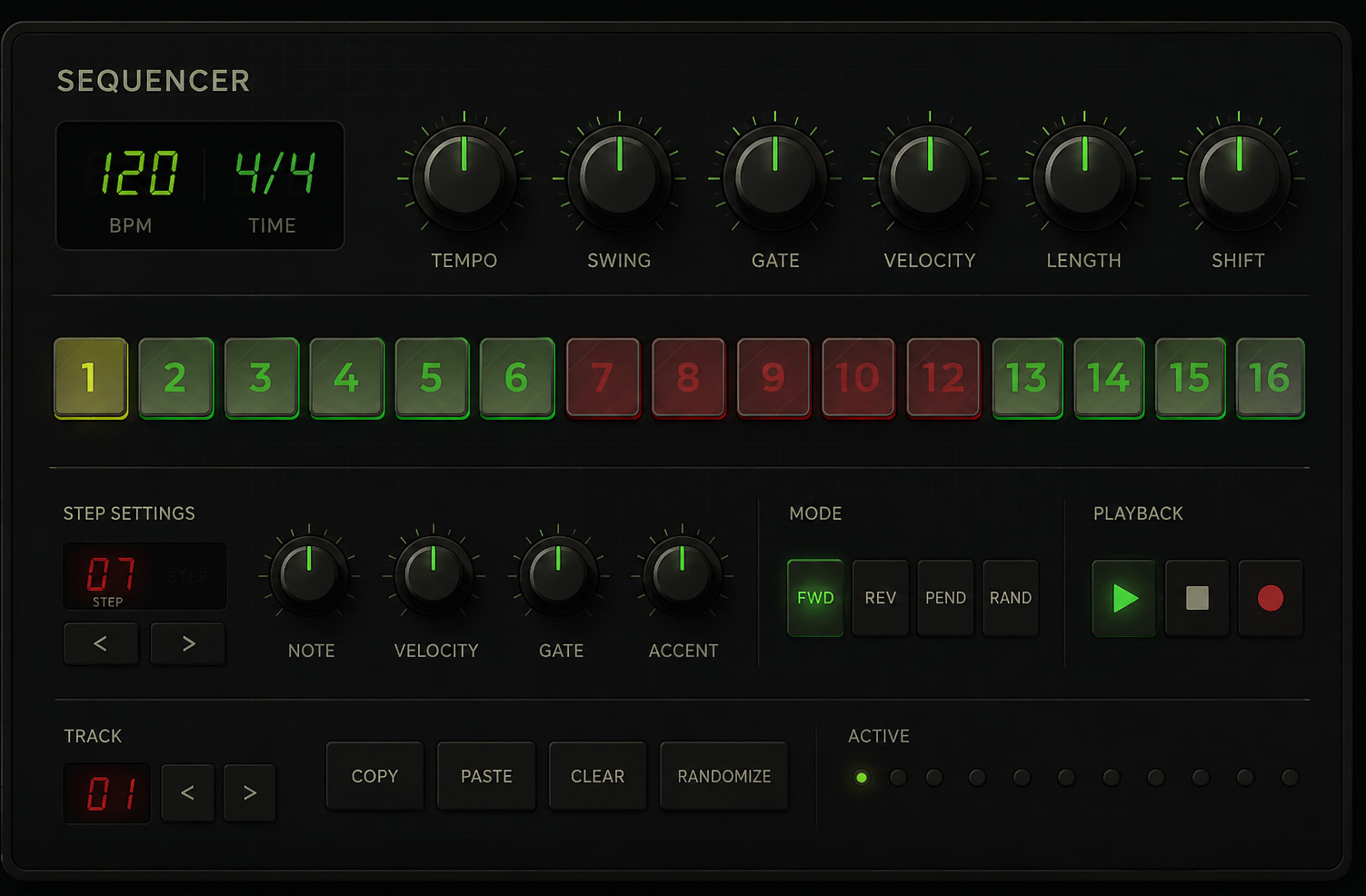
the chat gpt example does look very nice i must say i am curious to see what you come up with
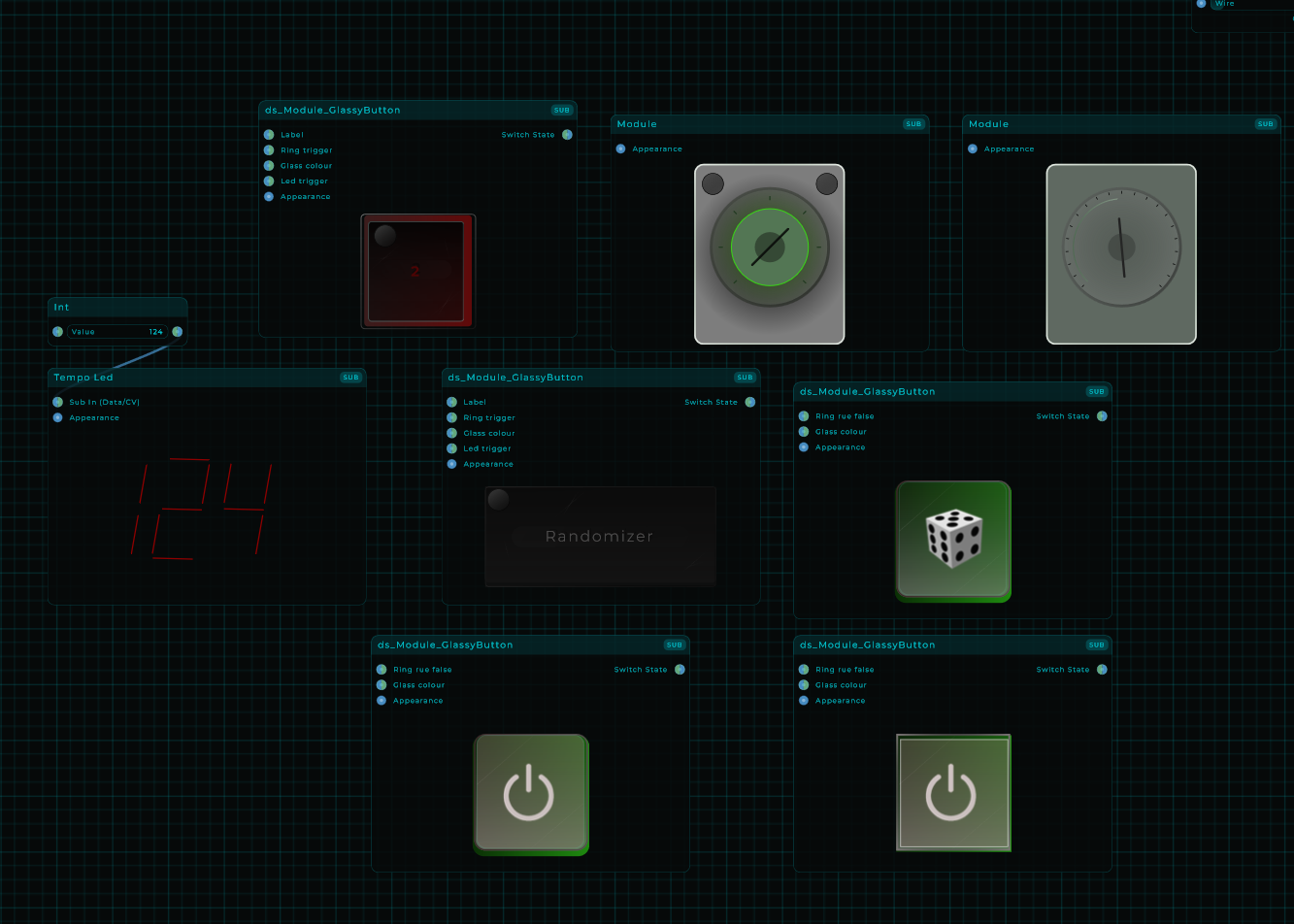
you could spend a year doing this ya know haha good thing mnodes has modules
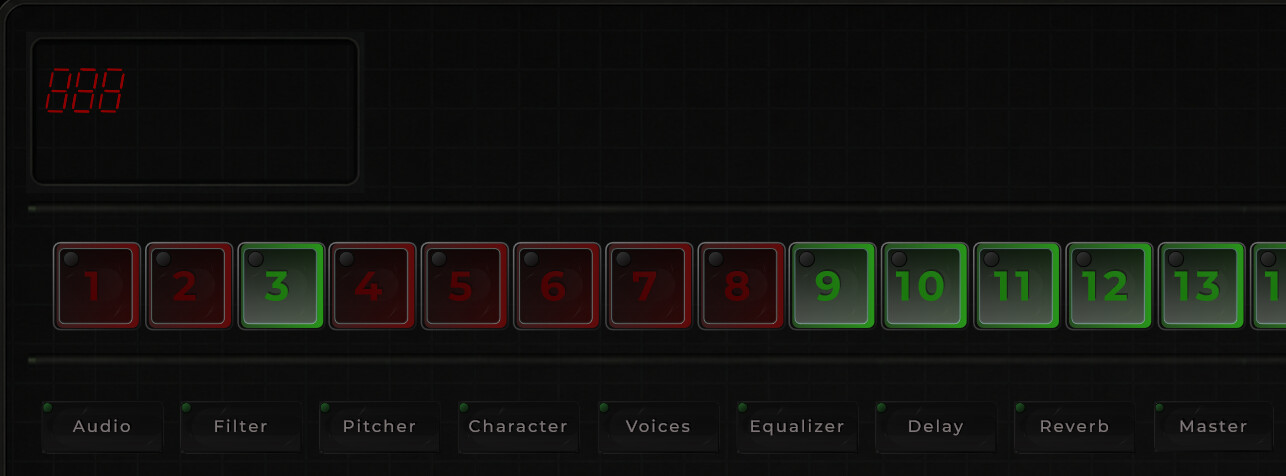
what if the row having the red box design and a green version and reversed the red box that of the row i think that would have a very high readability and contrast but thats me just an idea
I have to think about how to make readability of the numbers based on the changing glass colour. Most likely it will be more black for the knobs who are on OFF and those who are ON a bit brighter colour. something like that i was thinking.

 but every sequencer panel will have his own screen and will look like this (just a part of the interface).