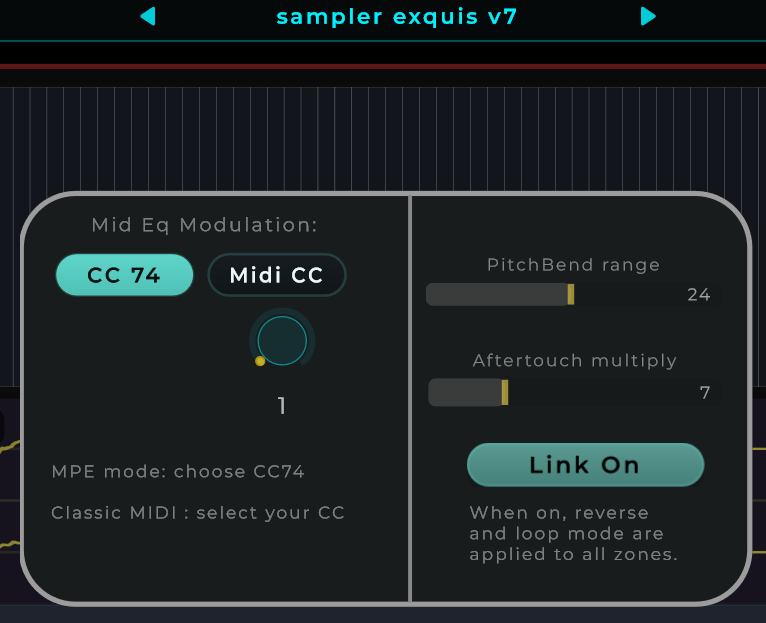
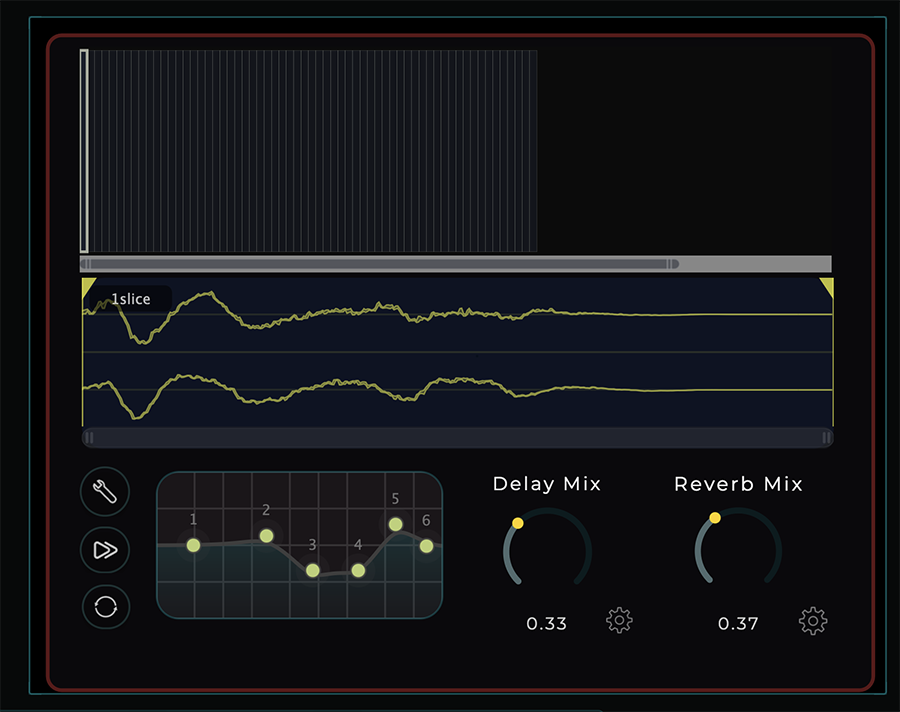
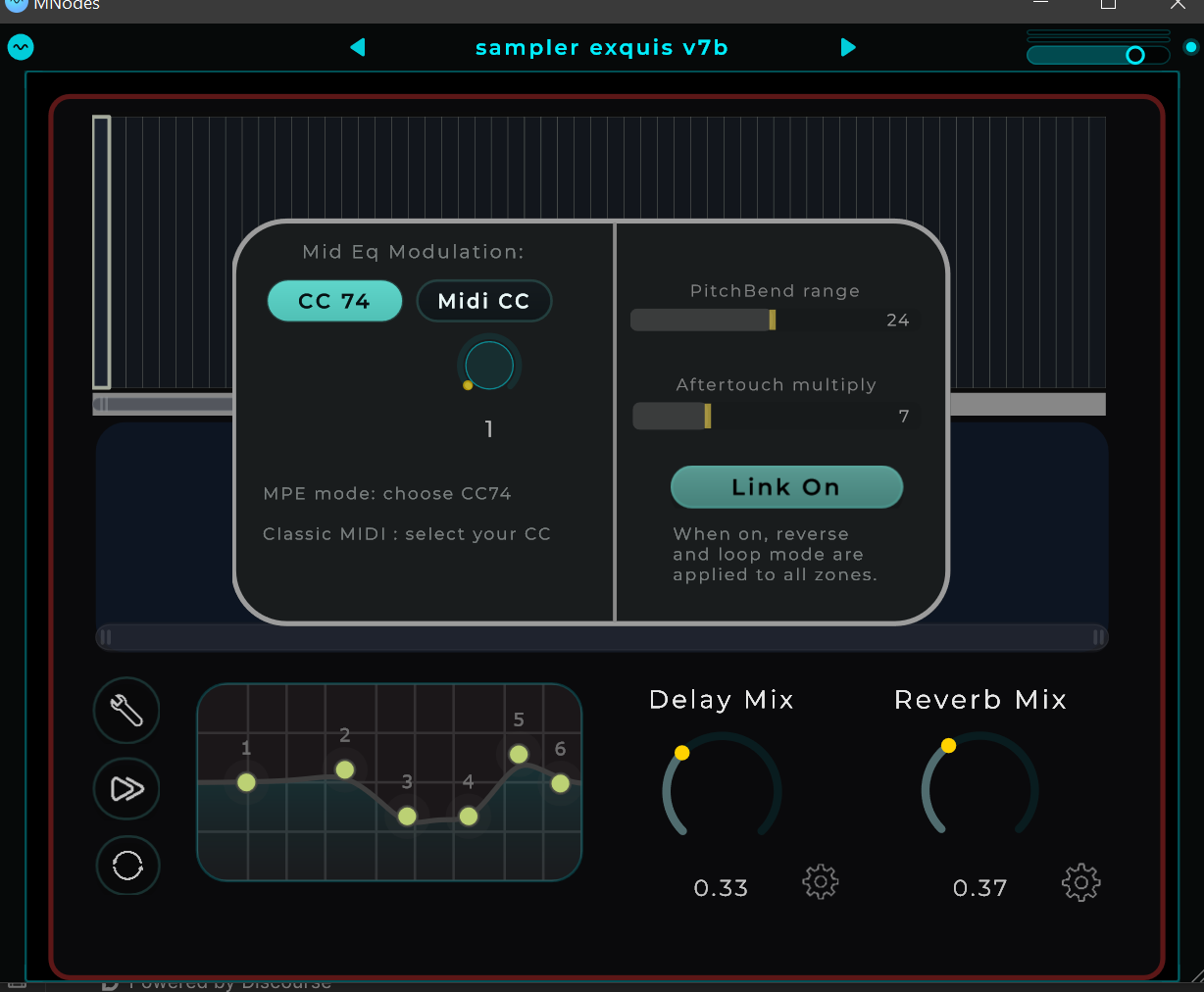
A Multi sampler made with Mnodes, this one start to use MPE features with Exquis keyboard, CC74, Aftertouch, pitchbend, but can also use classic MIDI keyboard, with pitchbend and cc1.
will upload it on the Hub
i realize after publishing, in MPE mode notes are displayed in mono, cause multichannel, need to check if it’s possible yet ?
https://youtu.be/w5RuvVUGoQ8
new subscriber  looking good
Uploaded to the Hub , first version, enjoy and feel free to give me your feedback .
again, thanks to Mario the Boss 
Excellent! Just one small detail to round it off, although maybe it’s not necessary when using an MPE keyboard. How about bumping up the global output gain a bit? The instrument’s output generally sounds quite low.
yes, you’re right, will update soon with normalized samples .
@MarioNietoWorld
When tring to update on the Hub, i have the error " could not save the changes’
is there a delay before updating ?
and btw, can you check if Link all ( in the tool pop up of my patch) is correctly saved ?
i have a doubt
i think its currently broken and some fixes around the hub are coming in upcoming version. you can for now however upload a new project with the same name and the same catagories to replace it
this is how your current upload settings screen looks
ok, thanks a lot for your feedback
when i go to the hub on the website, i see my upload in version 1.1, so i suppose Mario update it. ( in 1.1 samples are normalized)
my question about the link mode is this one, when you open the patch , if you select reverse mode are all the samples correctly reverse ? sometimes i have link On in my pop up, but when i switch to edit mode, i realize link is off on the sampler…
not sure what is going on see in my thinking i should be able to just create a pattern right from your samples regardless of having a mpe keyboard or any keyboard connected but i cant get sound out of it. or do i need a keyboard would have to look for it i recently moved
it opens on edit btw
oh something i noticed could be uninted for mario to know about: i could open this in mnodes fx
edit: asuming i am stupud and thats usualy the case i dropped some samples on them and they showed as correct and not reversed
yes, you can use a “normal” MIDI source,
the MPE add some features, cc74 and aftertouch, specific to MPE;
cc 74 can be linked to the Eq, but you can use cc1 for ex: most of Midi keyboard have this beside the pitchBend wheel
a new doubt..i try to open it from the Hub, but have a strange result, can you confirm me it’s open with this UI:
it opens in edit mode and then when i click perform this
you should know that there is a bug in hub currently it can give you an old one. its known issue and fixed in next i am told
ok, thanks, need to check why it’s open in edit
about Midi, Ableton Live is not my Daw, but here a zip, inside a video and the Ableton file
dropbox link
i am not on ableton i use the fruity looper it works fine here but i just wasnt smart enought to figure out i had to drop samples on them at first coz i thought i came with some.
as to me being able to open it in mnodes fx i made a bug report of that
!! yes, there’s 62 samples included, 1/note from C0 , that’s weird , they don’t appear for you ?
i double checked and to be sure i loaded an instrument mnodes and in there this patch turned on note to keyboard in fl studio so i can just hit my keyboard but no sound but i do see it hitting notes in your device
i checked to see if i have your samples and i do
am i doing something outside your intentions?
this can be changed on save as, there you select perform.
no, but i 'm not sure why you don’t have sound, low velocity ? , mid EQ is low? ( controlled by cc1 in normal mode but can be edited with the mouse.
can you please test this one if you have time ?
Download
can you drag drop the file here on forum coz i have no dropbox sorry