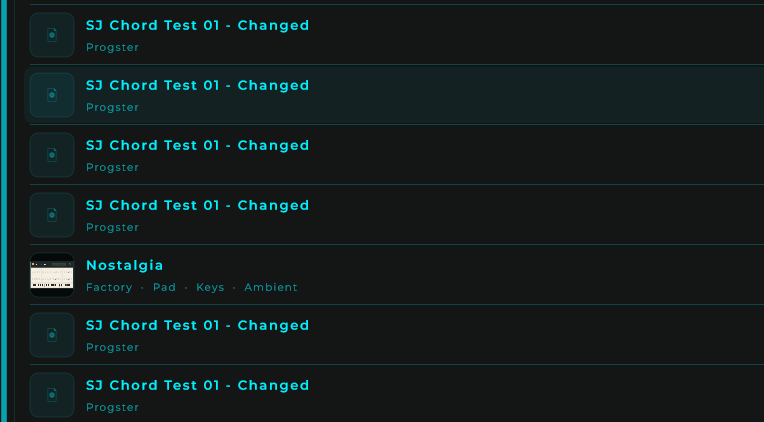
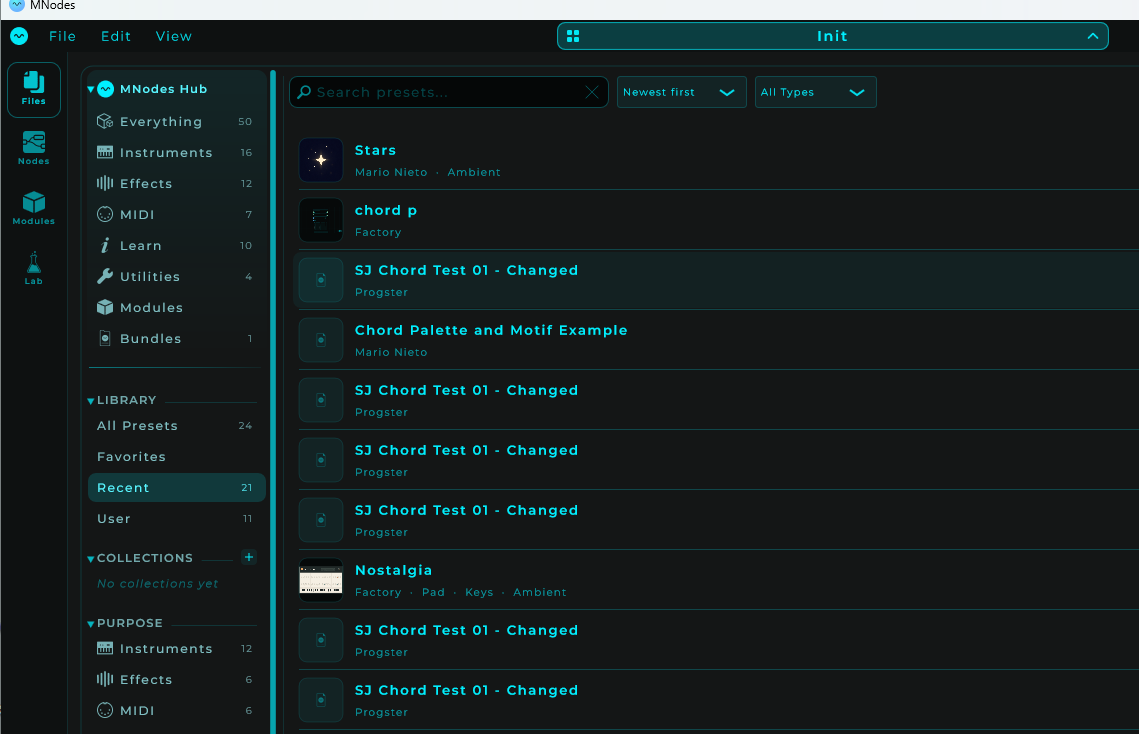
Just curious if it’s only a visual glitch? like are the actual presets still there in a folder with there original names and it’s just MNode only showing the first presets but lists them in the total of the existing total number of the real presets?
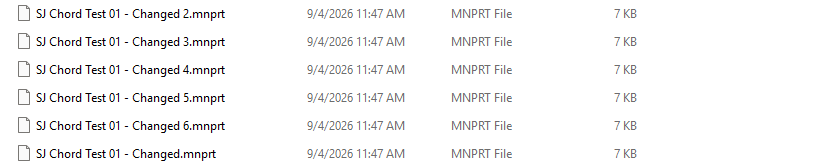
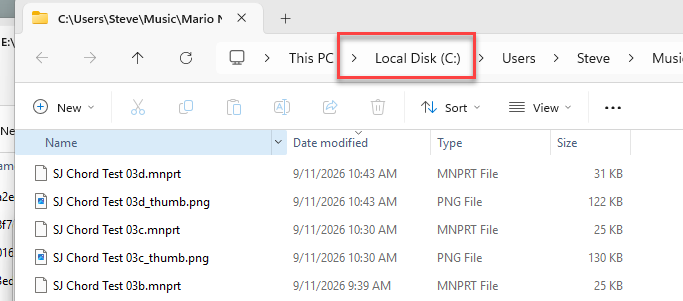
These files all had their own names before. Perhaps I should say there were multiple ‘SJ Chord Test xxx’ files, and now there are not, as I really don’t know if the files were renamed or just eliminated and new files written in their place. Note the common time stamp on all the files.
I speculate that something about the MNodes framework/infrastructure does this whenever a node is changed in a way that makes it incompatible with prior versions of itself, or with the diagram that it is is embedded in. In this case, that node would be the Chord Palette.
Is this speculation correct? Mario, is this a behavior you did not know about?
All the files you sent are the same file: six identical copies of one preset saved with 1.0.9 on Sept 4, untouched since. The 12 chords in that palette are inside and load fine in 1.1.1. Your 64-pad work is not in any of them, so it looks like it was never saved. Did you press Save after building them?
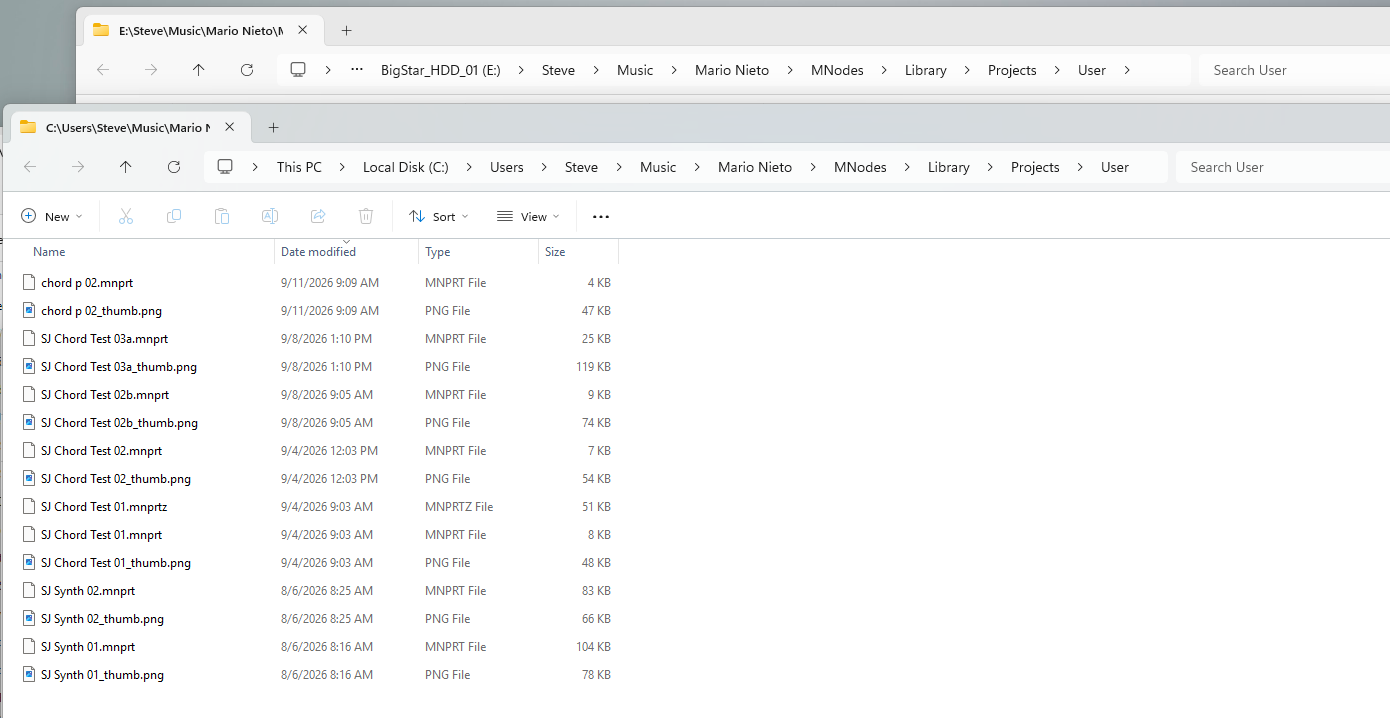
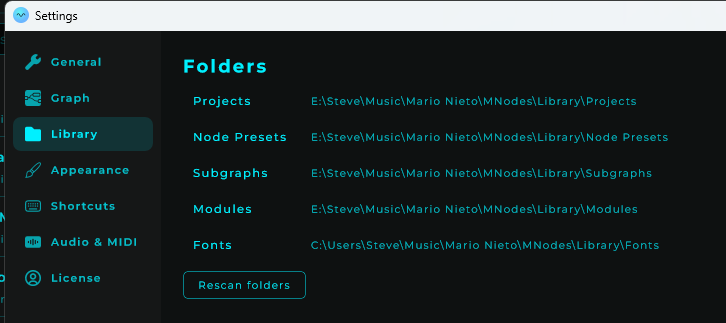
I understand the confusion. What happens is that when you drag a project into MNodes, what you’re actually doing is either importing it or working on a copy of it that lives inside the MNodes library. That Libary folder can be selected from Settings.
This is the same preset management system I’ve always used in other projects like Harmony Bloom and the rest, but I understand that MNodes is a bit different. MNodes is more like a DAW, and the user should always be clear about which “project file” they’re actually modifying.
So I’m making some changes in that direction. Thanks!