Hi, when I work on my drummachine and let it play, and change something in during it, I have when adding nodes, removing nodes, adding connections and loading new samples etc. always a short little noise.
I didn’t tried out a lot in mine projects, i am also a beta tester so i am currently experimenting with Nucli and the Assist and i was not adding or moving nodes while playing or even if not playing, i didn’t disconnect anything in any audio related nodes.
Only what i noticed, if you move a node inside Nucli this can happen, a short white noise not to harsh, just a few hundreds of a second but i consider that as something specific to Nucli and that wasn’t yet on my list to report for now.
Is it any specific node? is it effect related? like an input to a distortion fx? or just randomly anything, from a data or an cv related node/connection?
Must be something related to of course, most logical conclusion in general. i tested just a few things right now, running 12 audio players with a sample, adding some effects. adding nodes, moving them around. There is nothing strange happening for me.
I noticed Mario added a like to you’re message so i know he does that if he is already aware of something. normally i would ask now if (cltr-alt-t) the performance monitor also would show latency spikes. or even the Audio DSP (cpu) usage.
I do noticed that there has been worked on the ASIO output, but that also could be related to an update from my focusrite audio driver. something is fixed there. .only i dont know who whas the cause of the situation when you change the samplerate in the standalone.
Perhaps try to switch back & forth with the sample rate in de audio settings? but only if it was about working in the standalone. no point to change it in your daw unless you got an update and they broke it .
Ah this is just my brain seeing all type of connections between possible fixes introducing new bugs. i wonder if this will bring you anything.
And if you use FL studio, use that suggestion from octafuzz, if you dont use that. well FL Studio has his own buffer sizing method that differs from other daw’s so don’t go down to far the rabit hole and just wait for the next update.
–
Watched a YT video from you, noticed you are using FL studio.. might do the trick since i also have fixed a lot of VST related issues with that buffer option back in the days.. 20-30 years ago.
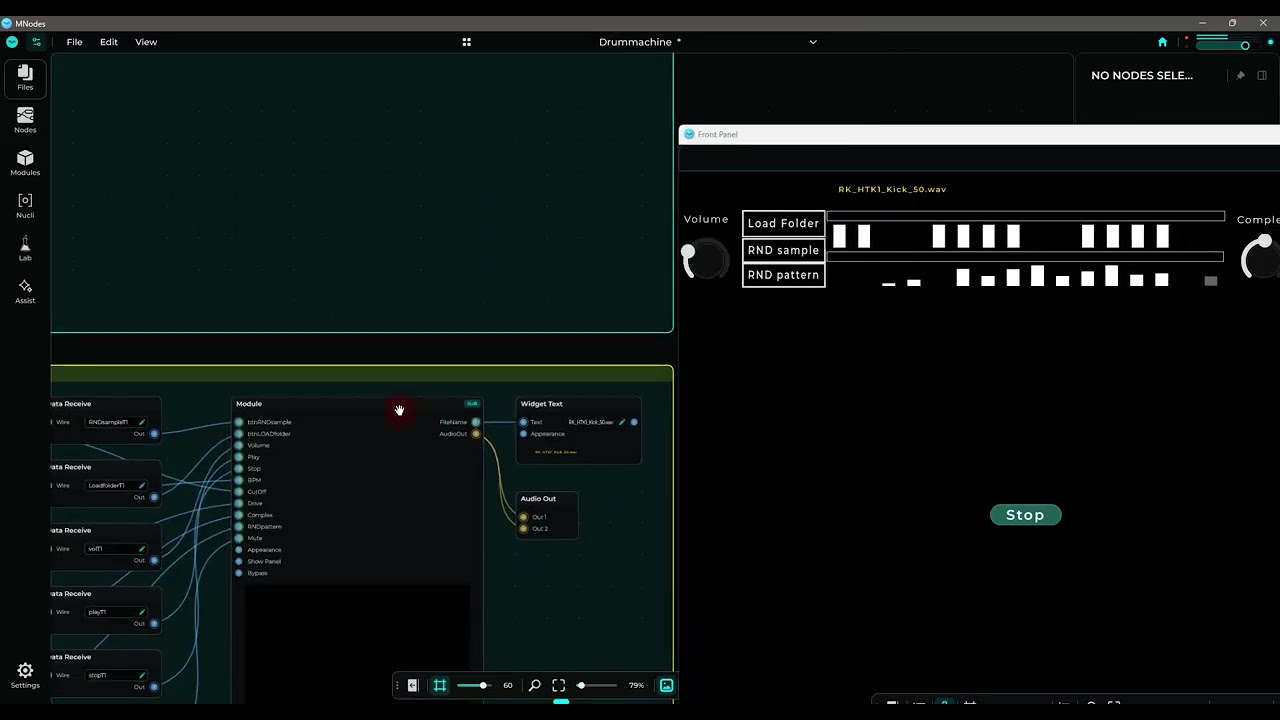
Ah okay, I think I found it, it is because the player, sequencer, folder list etc is in a module, when cut and paste back into the main canvas, there is no noise anymore…


 .
.