hello
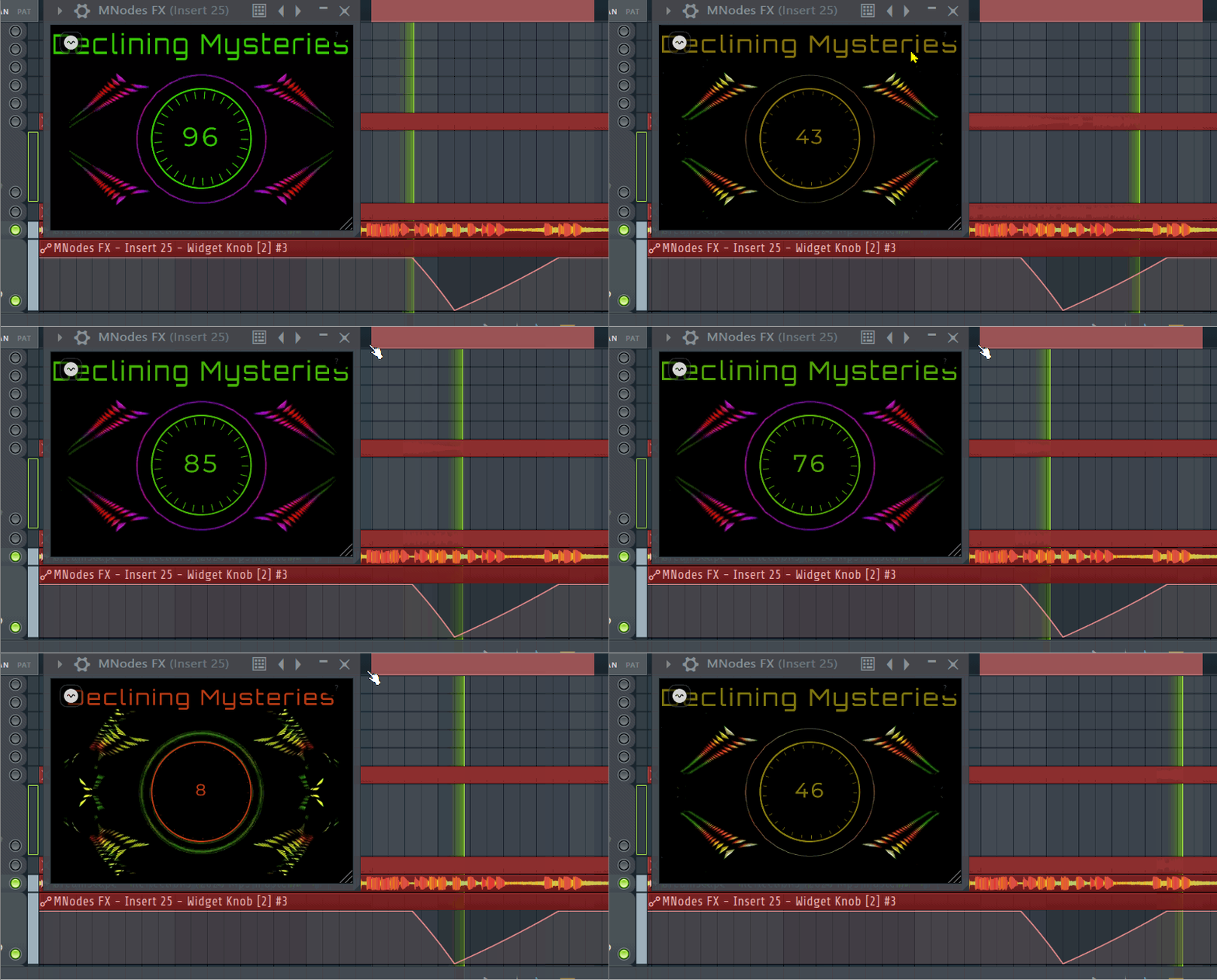
in below gif ive created a automation clip for the knob on my gui and i play fl studio in a loop a few times showing the results are very inconsistent, on the last loop it almost does what it is suppose to do
best regards
hello
in below gif ive created a automation clip for the knob on my gui and i play fl studio in a loop a few times showing the results are very inconsistent, on the last loop it almost does what it is suppose to do
best regards
been digging into this and from what I’ve found, FL has a thing called “smart disable” that puts plugins to sleep when it thinks they don’t need processing. While the plugin is asleep it gets no automation at all, and when it wakes up everything arrives late or in one burst. That would explain what your gif shows, every loop pass different and the last one almost right.
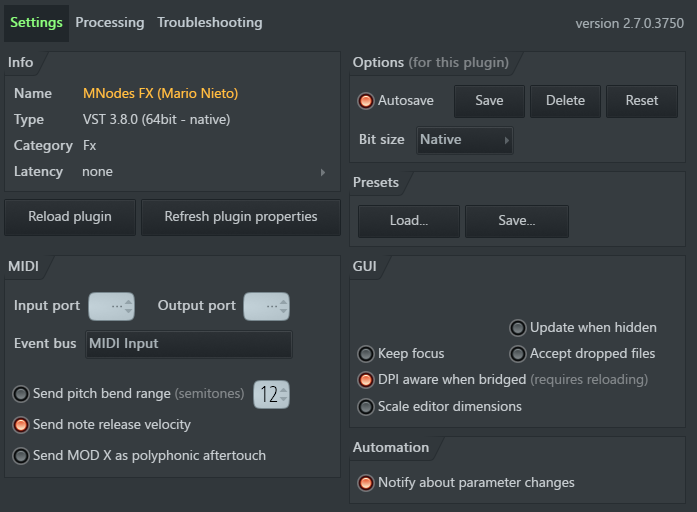
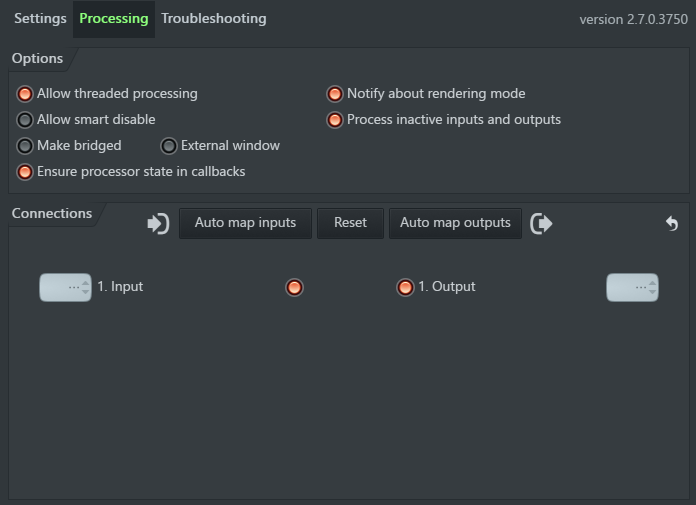
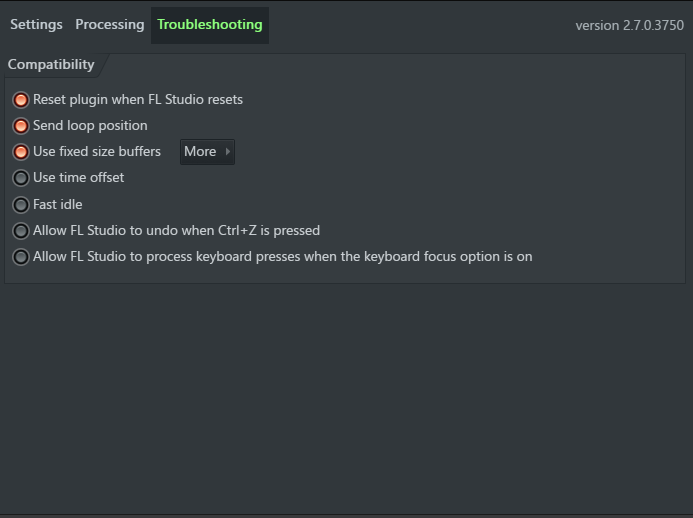
so first thing I’d try: the cog icon top left of the MNodes window > Processing tab > untick Allow smart disable. And if that alone doesn’t fix it, from what I’ve read Image-Line also recommends Use fixed size buffers (Troubleshooting tab) for automation timing weirdness.
this is where I found it, in case you want the details: Plugin Wrapper
ive tried all those options mario and while fixed buffer size makes it sometime do a complete cycle it is not predictable
also notice the lag on each first run and then the second does flow
also i need to click in my playlist before it will remember to update its life purpose 
i can make a video if you want
ive setup a test with just a button without all my visual stuff and that works just fine it seams lag reletated to the gui in my case. maybe my morphing was not such a good idea
I am currently figuring something out, i have some mnode plugins of my own that can use automation and there was lag, even into not showing any updating of the GUI but i have it working now, now i am figuring out which setting’s that are 
But since its decades ago that i use FL studio for anything i need some time to see why or what was the solution. i have a bit of problems with how to get around with it
sure i am curious to know. i am gonna elimate the filmstrip and see what happends i like to pin it down to what is causing lag here
i can confirm that my problem originates from the filmstrip, not using it makes it work however there is always this first time lag as if it was still loading this is resolved in a few seconds
This one is a bit tricky. i had this situation:
(loop).. press play.. 1st loop works, 2nd fails.
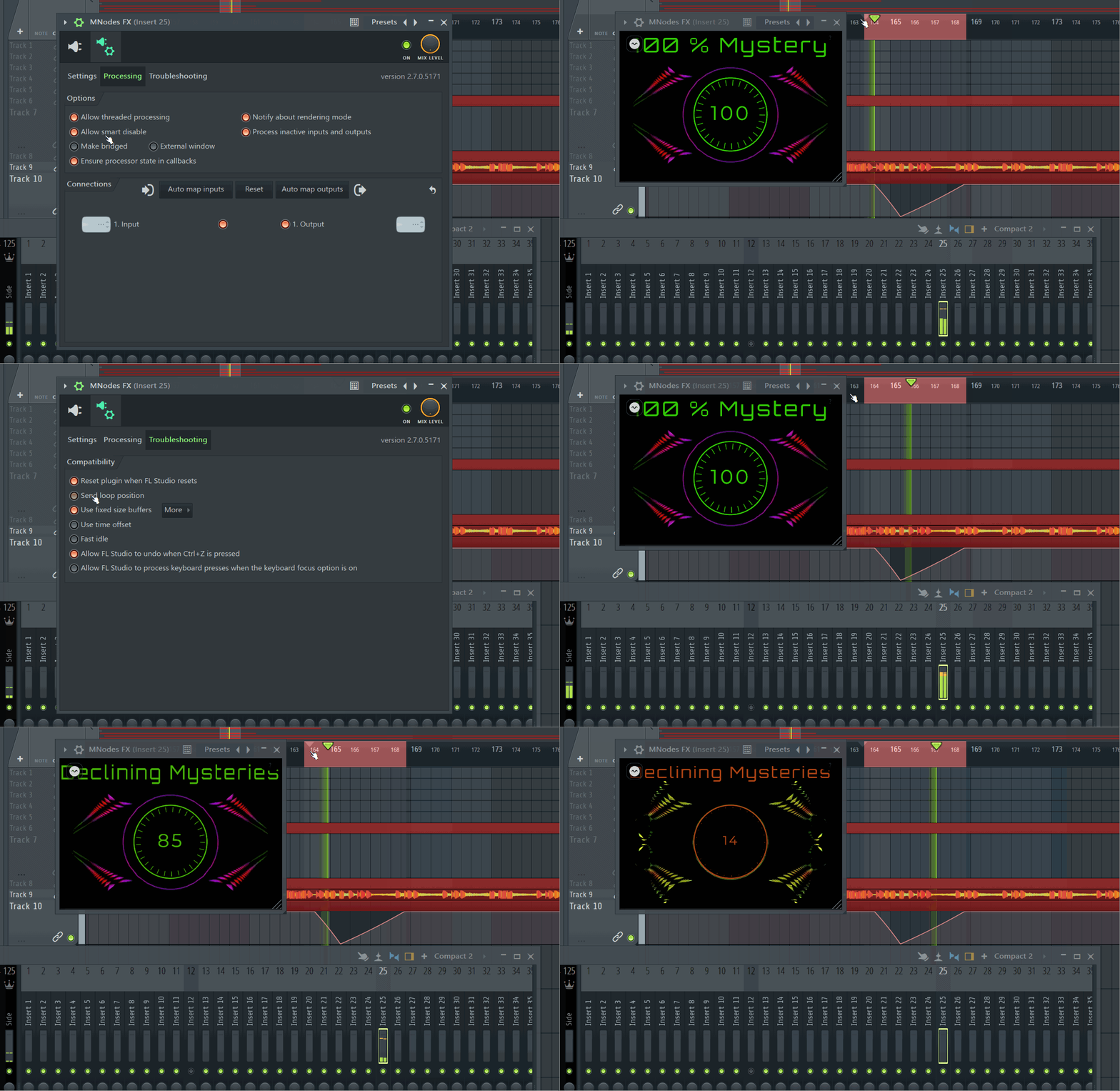
And now it’s working.. but i have to stop & play after every change i did with the settings within the plugin holder. i share the screens that where after each loop my GUI still updates following exactly the automation curves without lag.
Some screens i didn’t do anything, but just for you to compare if when all is matching then you and i have no differences.
I changed nothing here:
I did a few things here, but since i was toggling things on and off i can say what i did exactly:

send loop position makes it 10 times better but still that lag on first go after a pauze or something
to be more precize if i touch the gui it will then cause freeze/lag on my daw
Okay,
Is that filmstrip of yours, the image.. a large file?
8.7 mb 100 frames
Ok, That can’t be it then.
yeah right now all i have is that lag still something that does not exist when i use just a regular button
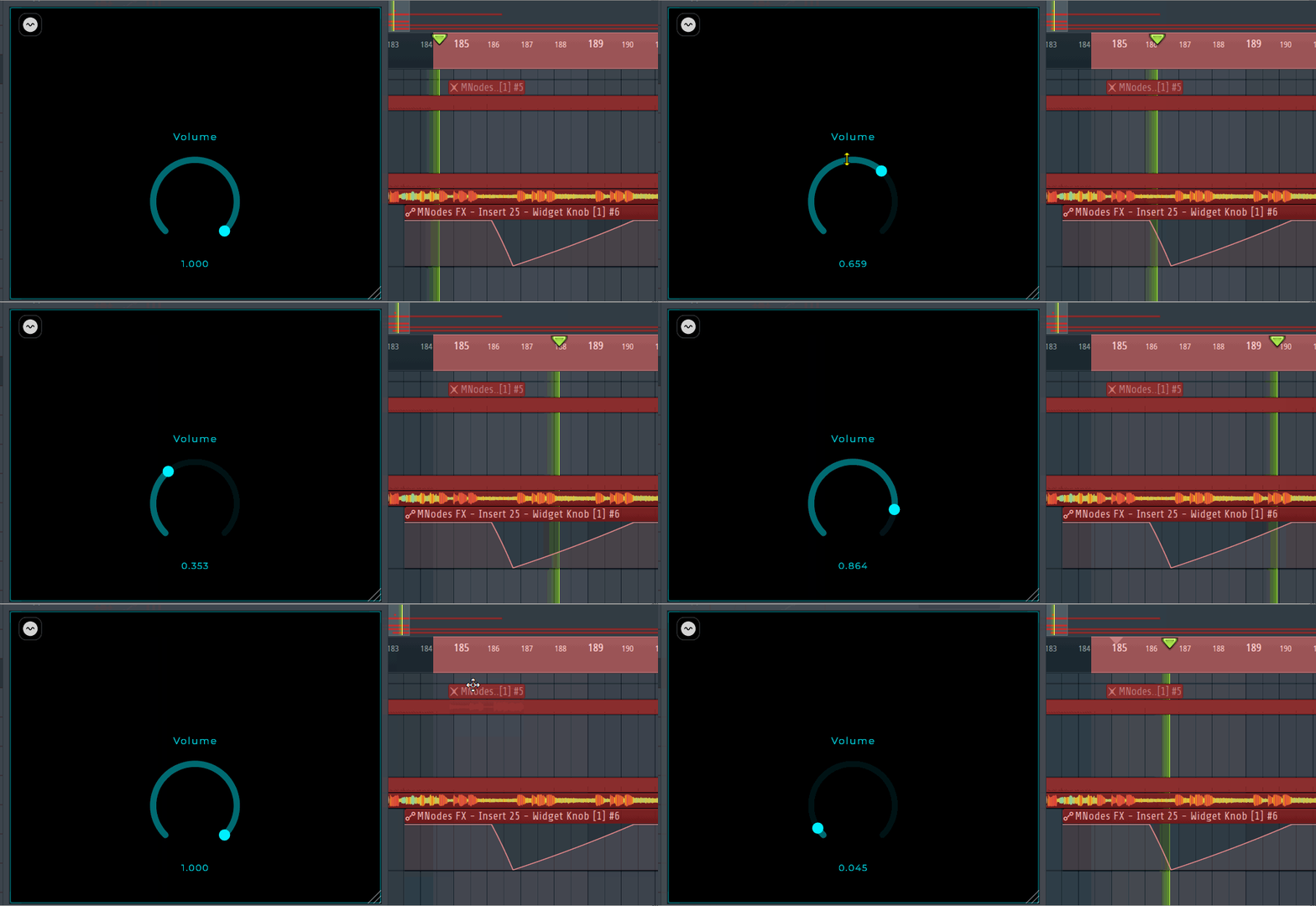
i might have to ditch the fimstrip
Yeah, just wondering why it’s happening to you.
Is it perhaps in general settings:

Especially forcing the refreshes?
i have that always on danny
all my tests point to the filmstrip
my latest test i had it just visable on my front without changing it on knob twist: instand lag and freeze, i remove it and leave all my color morphing first run lag after that always fine
so i really think the filmstrip is causing it
Yeah, Then there must be a relation between the automation and the filmstrip. if’s at the source of FL studio, or in the end of Mnode of some where between.
A lot of wild guesses to make.
I even had to disable windows defender to make kontakt from native instruments to work smoother because windows was scanning everything what kontakt was loading.
But i can’t imagine that this in any form is the situation.. a bit to far fetched to say the least.
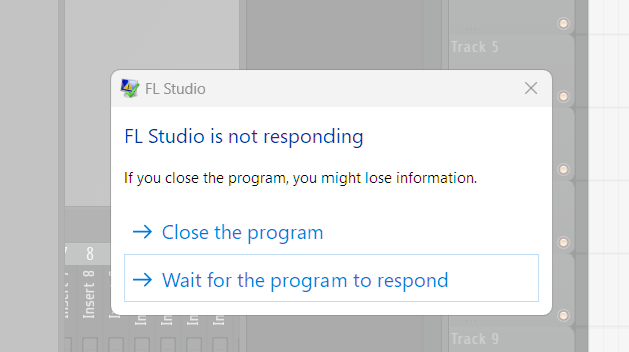
I must say, i don’t know how much this occurs to you but i got a lot of crashes with mnode in fl studio.. the third one in 30 minutes:
Note: This happens why i just want to quit FL studio, not while working with it. But i also didnt update it yet to the latest version of FL.
on quiting yeah but must say ever since they revampded the code behind ive had these crashes on exit so i wont blame any developer for that. stil running a few versions back tho coz i make very little music these days and their backup system does not include modifications i made to the chords (i can just click on a button on my chord toolbar and have that chord loaded for next click)
ill send you my patch in pm so you can try it there (no need anymore)
thanks for checking that! after digging further you’re right, the problem is in the filmStrip: big images were way too heavy to process on every repaint, that’s what caused the stutter. I’ve already made a change so it’s muuuch lighter now, so this shouldn’t happen anymore in the next version
cool ill just wait for that then thnx mario and if nobody did say it today your the best