hello
is meter intended for a single input or can i route left and right into it?
if it doesnt how would i only display the highest value of 2 meters in a 3th meter i use only for text display on top
cheers
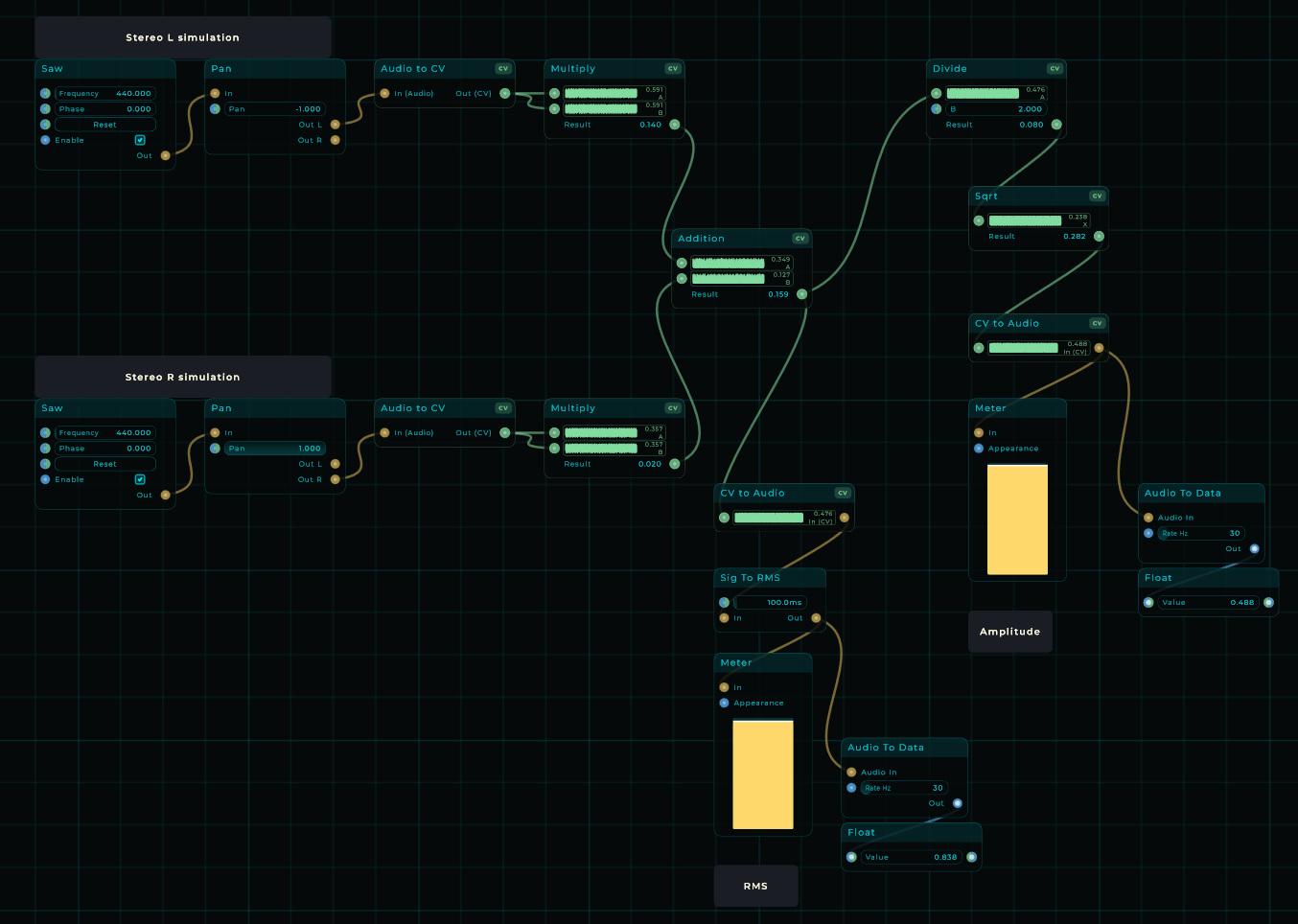
I cant tell you if this is correct, only my interpretation of some math suggested how to calculate these.
This is based on some questions you had, doesn’t answer a specific question but if this works you got at least all kind of options. The only confirmation i could give is that the meter does not show clipping, otherwhise it would. But does not have to mean that this is 100% correct in calculating but it seemed to work at least visualy 
thnx danny need to have a closer look when i am properly awake
i think the rms one can be incorrect due to the 100ms window it has, where the meter has a hold type this is more a release value type on a set time window. and that in itself can also be usefull if you want to cool down the values shown so to say to make it less busy in showing.
think i just really need to know if meter handles it or not to proceed on the proper path intended for this stuff
The meter is just for a solo signal. You can’t add two signals to it unless you make sure that both signals are not combining the amplitude towards clipping.
that makes things quite complicated need a stereo one or some data out i can compare to show the highest value
Yeah could be, thats why in my example i multiply the audio signal as a CV value to get a positive value only to omit positive against negative values, add them up and divide them so that combined you get both signals as a value.
But would it help out if you only could get the highest value of the left and right channel separately?
yes, ultimately i have
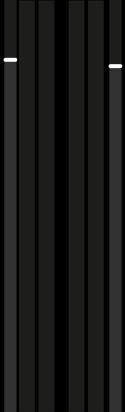
left is input fader and then left/right meter
right is output left/right meter and then fader
what i need is only the highest value of in shown on top of that and same for out
@Danny ill figure it out dont put time in for me, first a few good hours to work in my yard again
Okay, Ah i love to figure things out.. can’t help it 
Ah i tried something, but this is ending up in a bug report.
But enjoy the yard work! temperatures are better now. 
i have not had the time to try further but i did manage to complete the whole midi audio trigger side of my trigger reverb in a very easy to manage way and thats logic i can reuse for other fx aswell
tomorrow i want to tackle the faders and meters if time allows me to
new in 1.0.7

loving the new meter 
wondering if meter should have 72 segments possibility because then it would be a db per segment
now i am gonna try figuring out making an auto gain compensation to it