Hi all,
I can’t install or download any items from the Hub. Each time, I get either Download failed or Install failed.
I have reinstalled Mnode several times, and each time the factory content has the same issue.
My computer specs are below:
Windows 11
hi kenyabubois first welcome to the forum
i just tried the hub myself and had no problem downloading from it
also this is not a reported issue at this time so i think you might be blocking it somehow
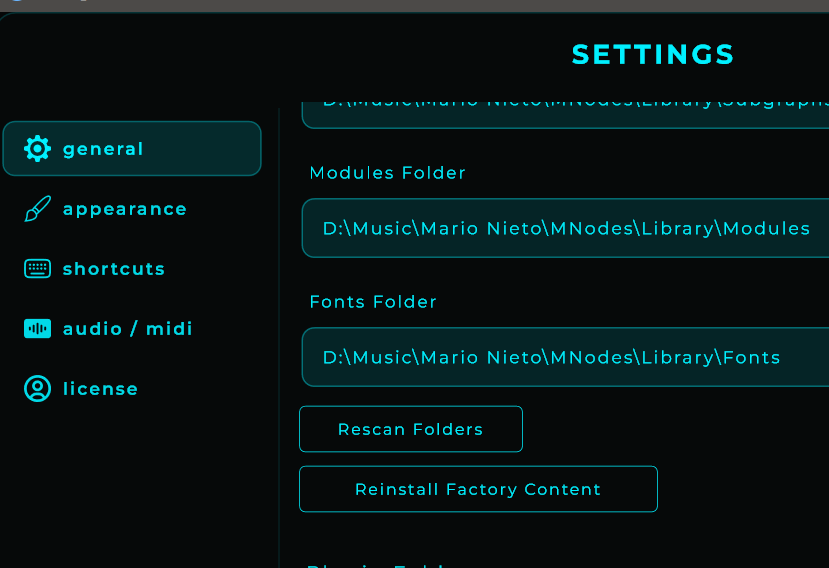
factory content and hub content are not the same btw see factory content you can reinstall here in settings
dont know how to help ya besides asking you if you checked anything that can block it
Danny
August 21, 2026, 7:15am
3
I am also a windows 11 user and i have never experienced that but seems you can download manually the mnode updates.
Isn’t it something about the firewall?
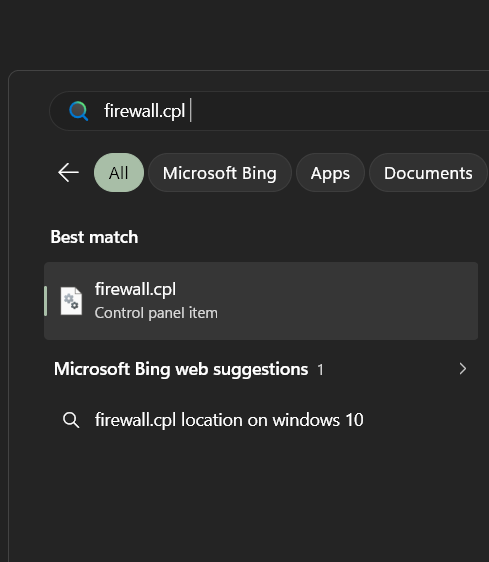
Use the normal firewall control app or just
firewall.cpl
Select :
And see if these MNHostworker / MNodes one exist:
And welcome to the forum!
it’s possible the firewall is causing the issue. Have you tried what Danny suggested?
Yes, I have tried everything (Danny’s suggestion, disabling the firewall, running as an administrator, etc.). It works fine on my desktop, but this is happening on my laptop.
I am out of options at this point. I cannot install the factory content or anything from the Hub. Each time I try, I either get the download failed or the install failed.
These are the specs of your laptop, right? Or are you using a different Windows machine?
Windows 11
Could you send me a screenshot of the window that appears when you try to download or install a project from the HUB?
Danny
August 25, 2026, 10:10am
7
Also another suggestion, i was using TCPView (you have to download it from microsoft itself) i you want to double check on it.
But MNode communicates with two servers, I think one is the license validating server and the other one is the hub content server
License server : 172.67.173.57
Suggestion, just open CMD in windows (dont have to be in admin mode)
And ping those servers, at least the hub server (a guess based on the network packages i received)
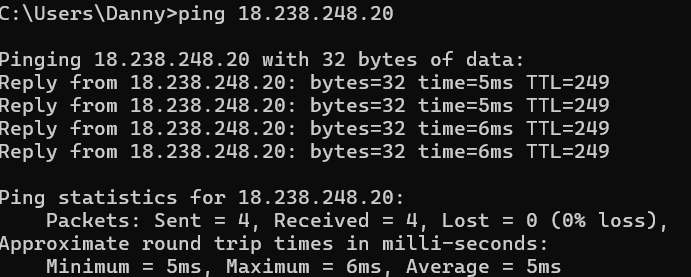
Hub server response :
command : Ping 18.238.248.20
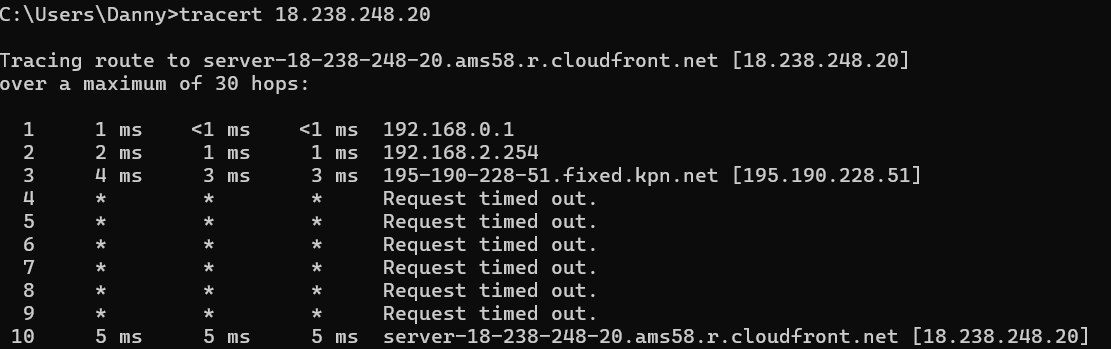
You could also do a tracert, does takes a while because you will get some timeouts
Command : tracert 18.238.248.20
Just trying to identify what makes the difference at your desktop & laptop.
To clarify what’s i am about to figure out is your network routing/filtering. DNS related.
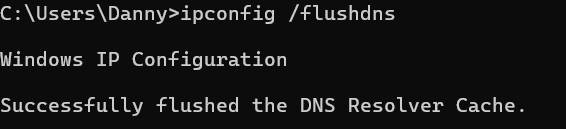
You might also want to do a :
command: ipconfig /flushdns
Now do understand, i am not an extreme network expert but i have solved a lot of issues in my life time helping out others.
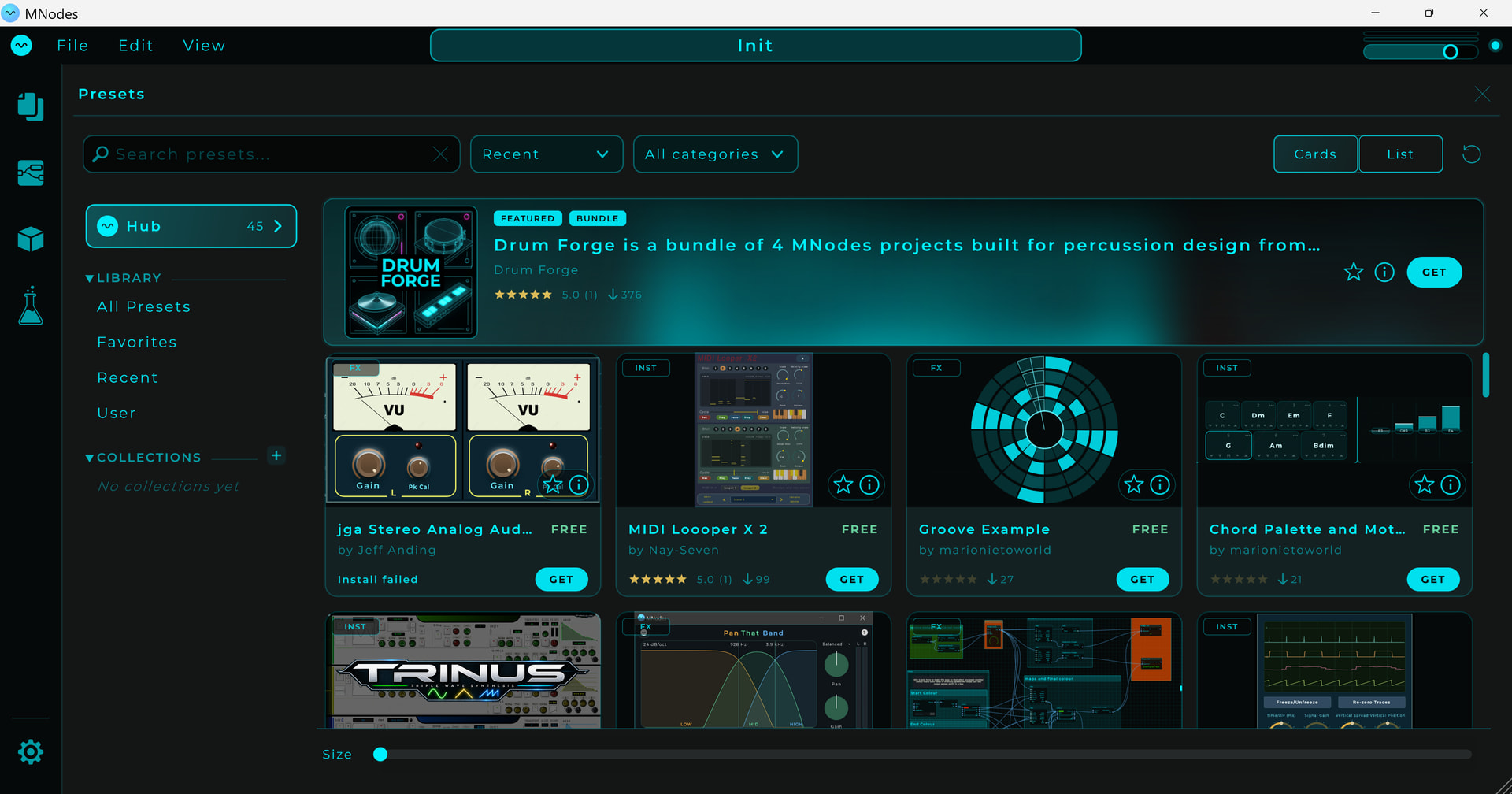
What happens when you press Get? Please show me the message that appears, or let me know if nothing happens at all.
Nothing happens. As you see in the screenshot when I tried to get the jga stereo analog…it says “install failed”.
Hey, sorry, I hadn’t noticed the message…
pls try this:
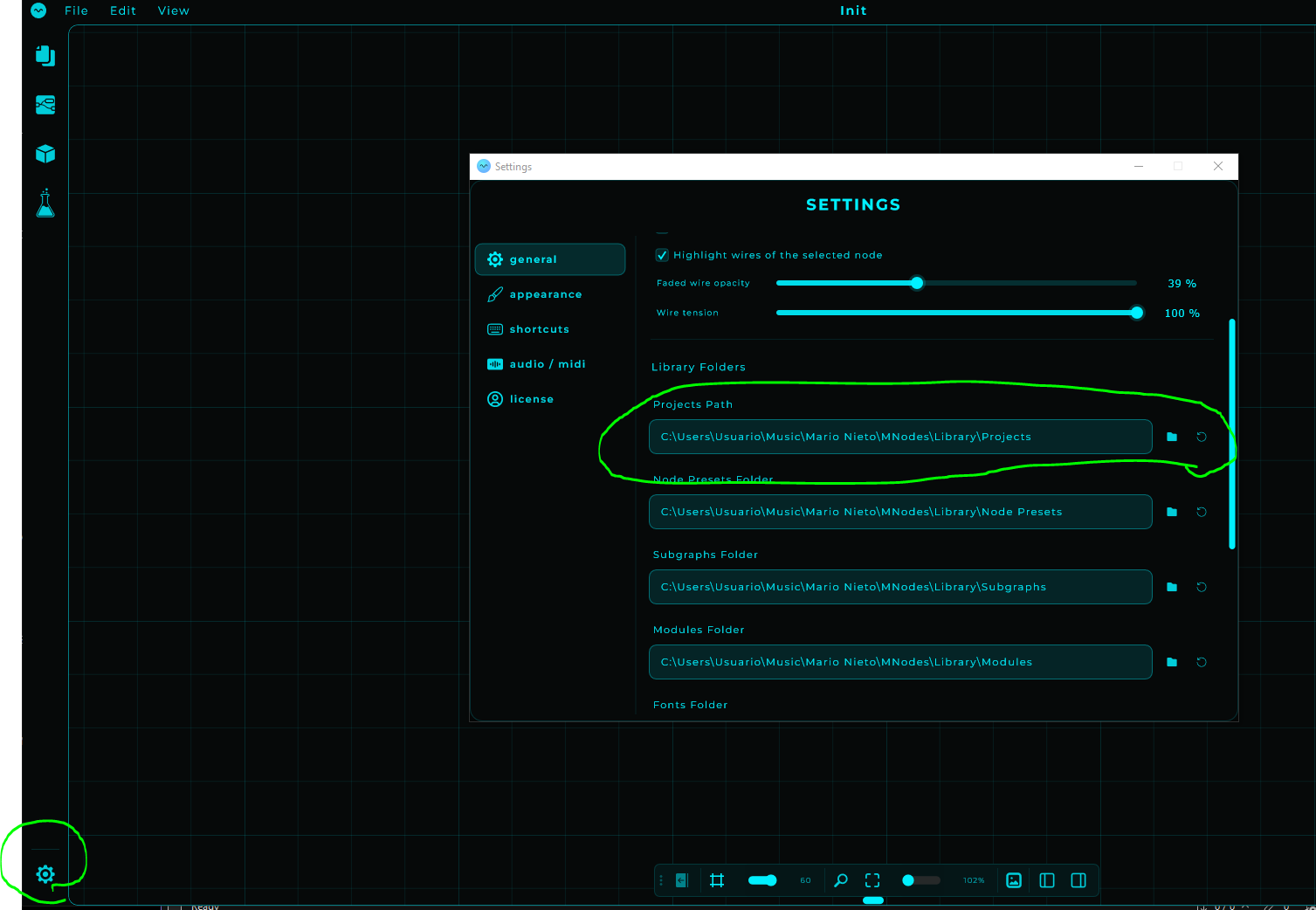
Click the gear icon at the bottom left of MNodes to open Settings. In **General**, under Library Folders, change the **Projects Path** to somewhere outside your user folders. There may be something wrong with the current one. Then try downloading a project from the Hub again.
Also worth checking: Windows Security → Virus & threat protection → Ransomware protection. If “Controlled folder access” is on, turn it off and try again. It’s not the firewall and it doesn’t turn off with it, which is why that test changed nothing.
Let me know how it goes.
MarioNietoWorld:
Windows Security → Virus & threat protection → Ransomware protection. If “Controlled folder access” is on, turn it off and try again. It’s not the firewall and it doesn’t turn off with it, which is why that test changed nothing.
Let me know how it goes.
Finally! Turning off “Controlled Folder Access” worked! Thank you, Mario!
Danny, thank you for jumping in and troubleshooting as well.
Danny
August 25, 2026, 6:32pm
13
Your welcome,
Glad that you could figure it out