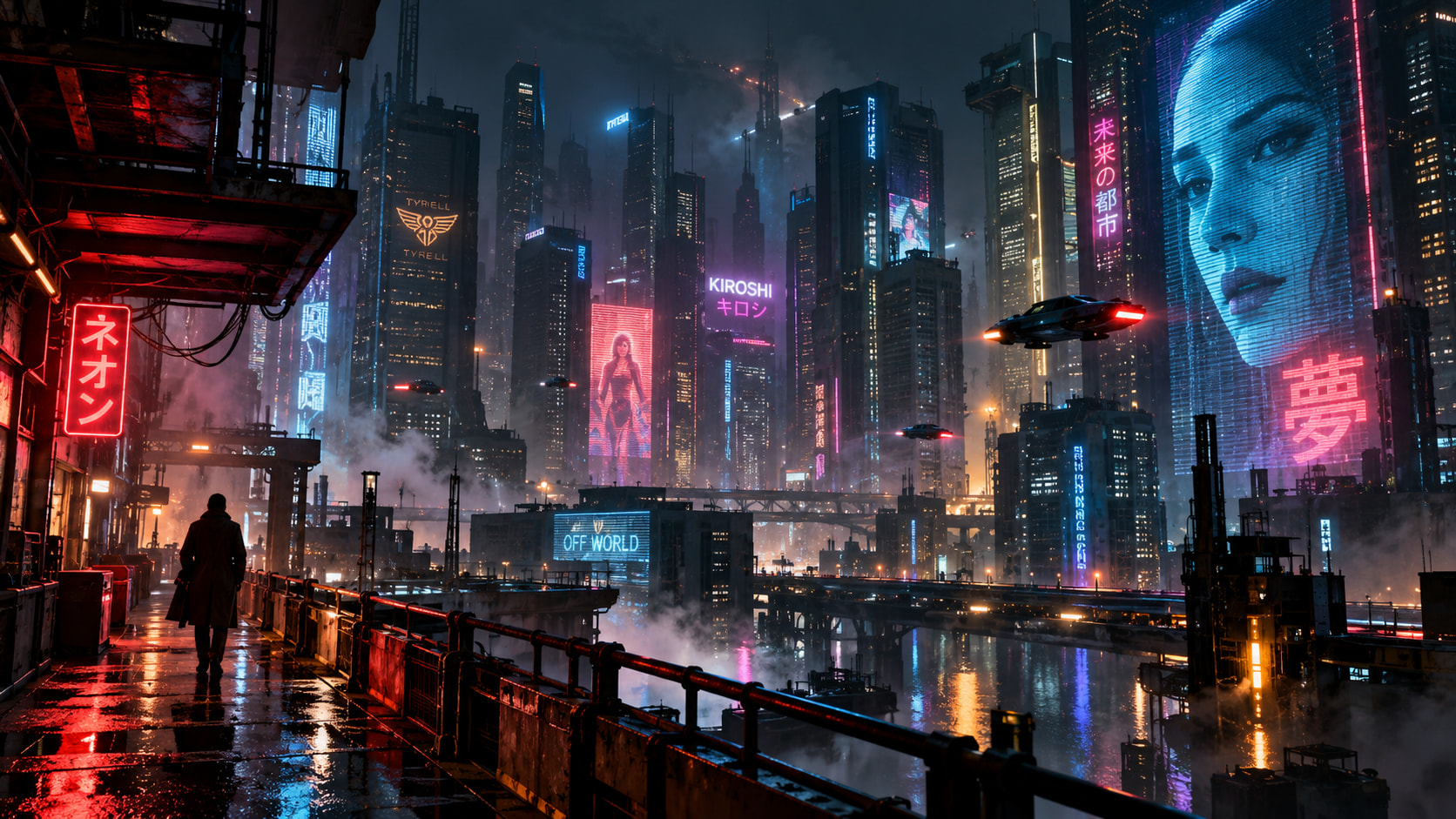
In the last few years i tried to create video clips, even with AI generated material but in the end all takes time, it’s never satisfying unless you have money to spend and since it’s a hobby i just want to create some visuals but just don’t want to spend multiple days working on it.
In the end it’s about my music.
So imagined what there could be done with MNode at this moment and since we got the scene and shader related nodes i was wondering what the visual capabilities could be.
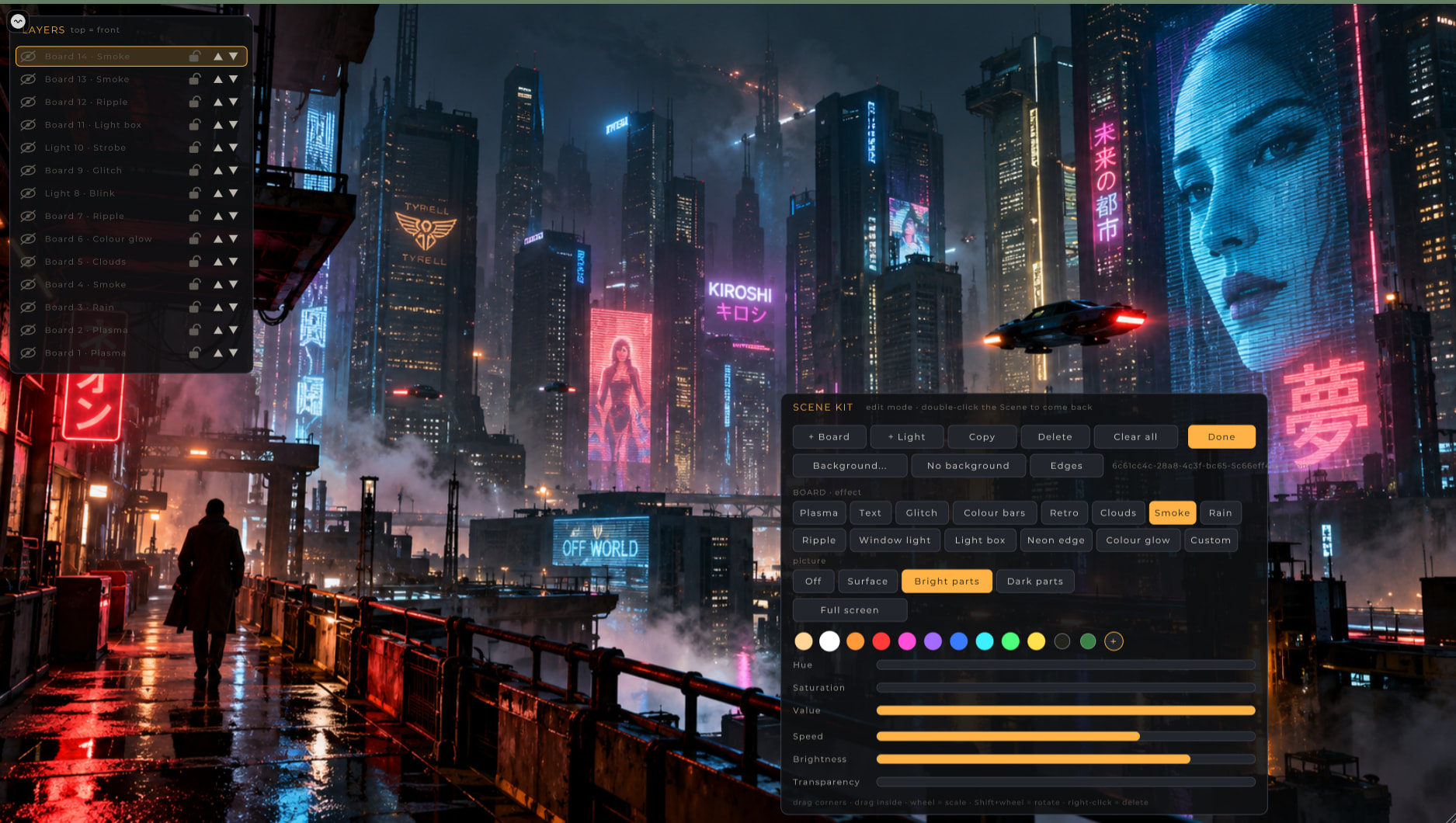
And if i turn all my layers then you got all type of visuals to make it more animated.
Now i am open for suggestions, if any creative mind out there has some ideas which could be useful then let me know. Of course i got some ideas, like elements animate on the music or specific frequencies to create light shows.
just drop a message, even as crazy or unreal as well. might not work out but at least i am willing to give it a try.
that does look nice and interesting idea that makes me wonder if i could manipulate milkdrop code or perhaps use some of that type of stuff
to make this work as video material imo i think you need some elements alone so you can move them over the image thinking transport, people, birds stuff like that
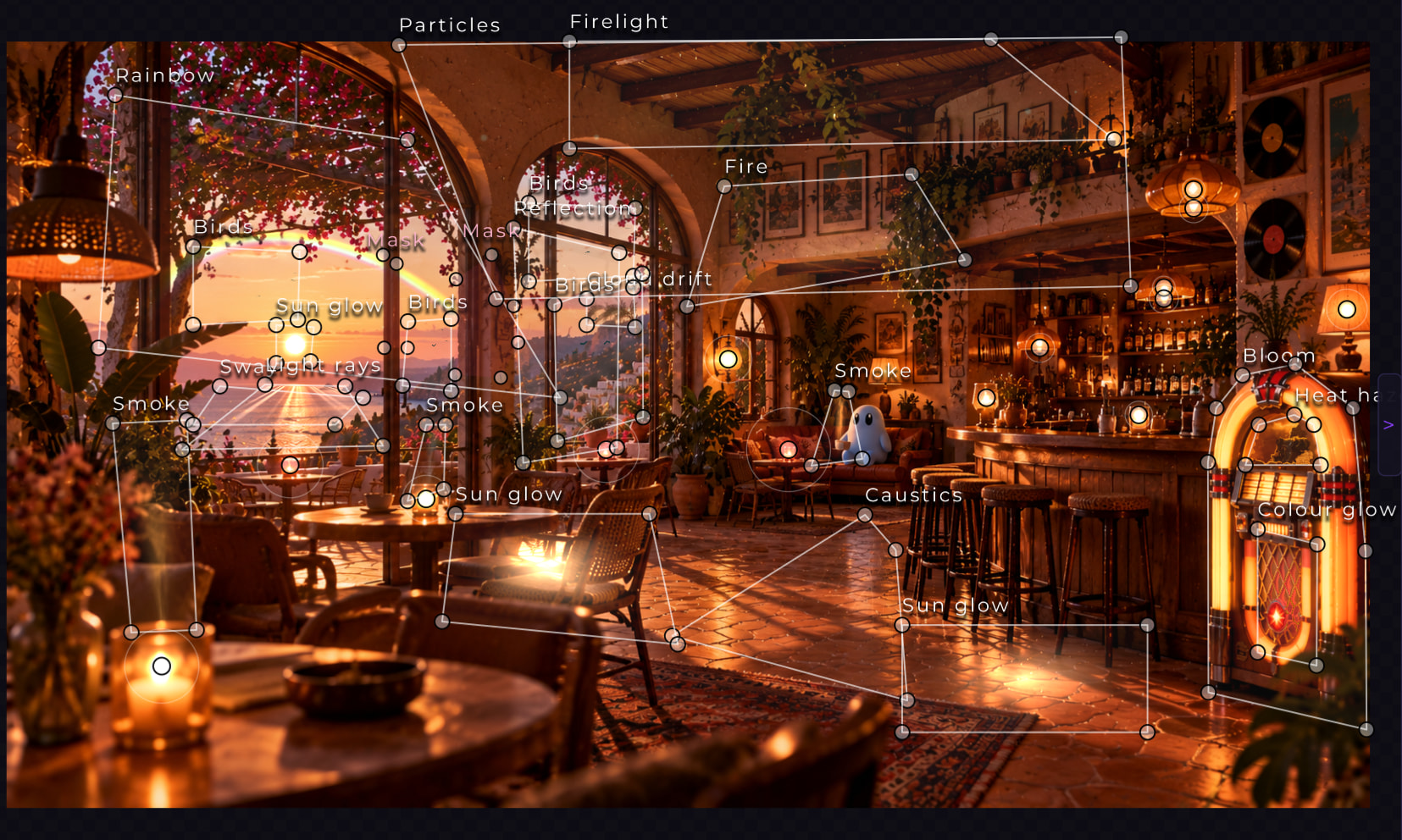
Yeah, But this was just a example. with this editor i am creating you can choose any picture your self. so you can create your own scene. might become even something as a cabin with a view into nature. i am trying to have all type effects to make any scene work.
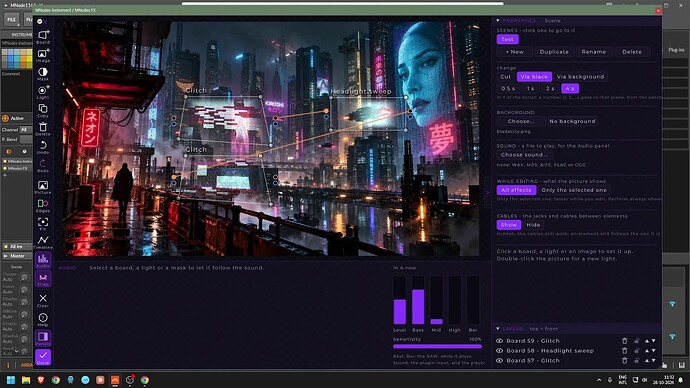
This is the current version, going to continue tomorrow. there isn’t a manual yet but with the elements there are sometimes some key combinations like shift, ctrl, alt and the scroll wheel that adds some workflow to do stretching/scaling and rotating.
There is also a timeline editor to animate parameters of a layer.
There is enough in there that i just can’t explain right now, most of them are normal/usual behavior if you have been working with graphics editing software.
A lot has been added/changed. there is a help page.
Important thing is to think out of the box, a shader effect can be rotated, changed in details but as it can work on top of the background picture, it can also be connected to the surface and it can respond to a dark or lighter area.
Some shaders are a not as is, for example the birds.. bit silly. use full in some cashes but not all the time.
Also a lot of trickery can be done with layering shaders and masking parts out.
There is a timeline to animate and there is an audio item to manipulate parameters of a shader based on what select. You can select the audio in the scene properties if you run this standalone but the audio inputs and its animation values also should work inside a FX plugin version. the tempo is from the daw so any audio animation would follow that.
There is a help page inside, a lot of information but it does not contain all the things you can do if you think outside the box.
Another suggestion because you can not save anything as a preset, use this project file as your preset it self. so after downloading it, edit the XML file
Change that metadata name to your “whatever_cinemegraph _scene” and keep the original as is, always just duplicate it and rename that metadata name. and use it like that so you can create multiple projects with your own cinemegraph design
Saving a project will never be introduced as a function. so make sure you duplicate and rename the metadata name. of course you also can to save it as.. or even better, export it. and always save your work with mnode itself.
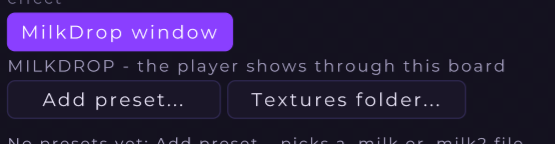
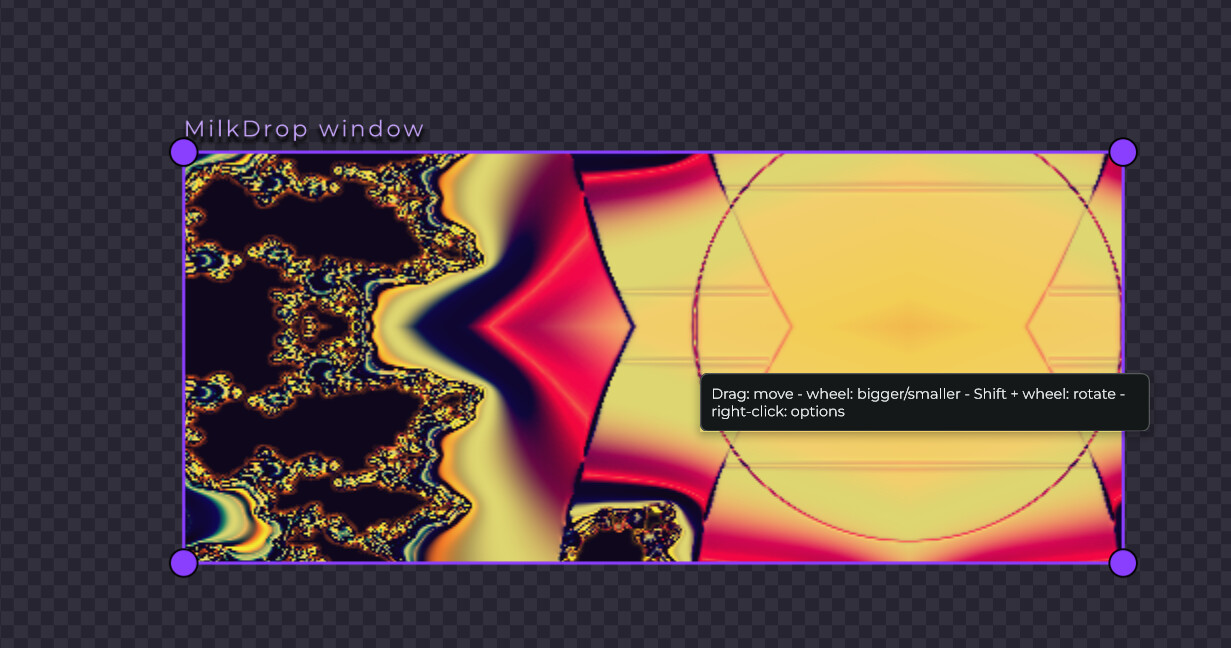
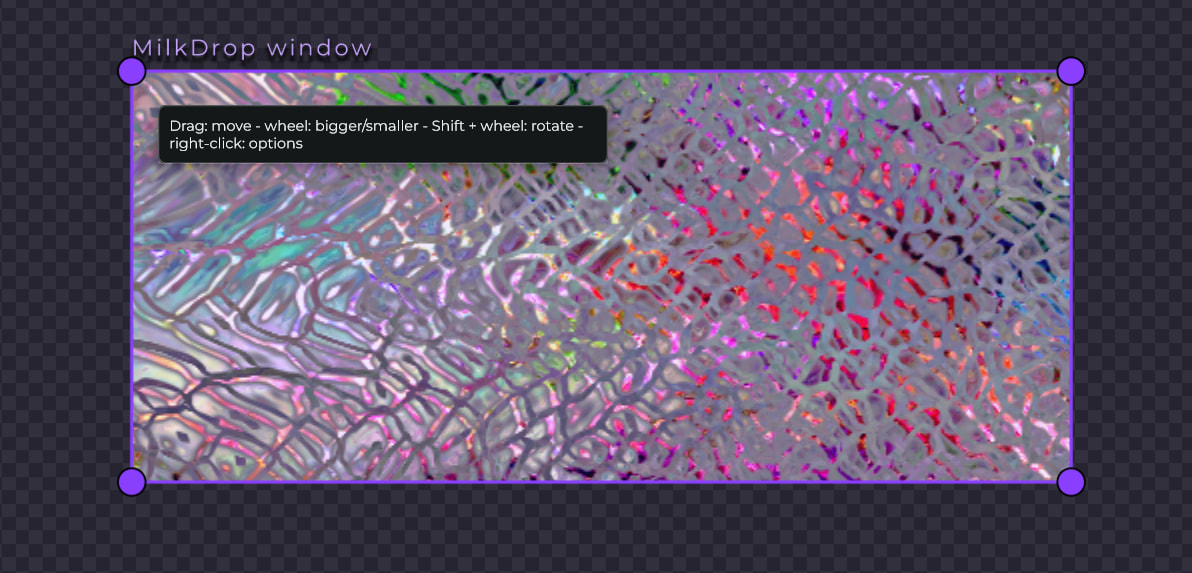
For sure it isn’t a complete solution yet, i think. but i have got some presets working. especially the milk v2 presets which doesn’t belong to v3. I cant include the actual presets and textures but i think you can manage your self with that:
Experiment with it if you are able to, i mean i don’t now how it runs on your GPU. and if there are thing missing, just let me know. i am still working on it like a playlist and make it react to sound or timeline events.
Also i can’t support the real shader engine, so this one is complete based with his own shader engine and you will get warnings if something is not supported. V3 has some closed source shaders engine so i can’t use that.
I recorded this video while i was working with it, mistakes will happen and it takes some time but you can get an impression what you can do with the current version. I would suggest, just skip true some parts because it took me around an hour to show some key/main elements.
this is the actual release version, al the versions i was showing here are the ones before this one and were my tests versions.
Also it supports .ISF files
Interactive Shader Format (ISF) is an open, reusable file format created by VIDVOX that combines standard GLSL (OpenGL Shading Language) fragment shaders with a structured JSON metadata header.
Fifteen film looks in two new groups:
Film stock: Super 8, VHS, Polaroid, Technicolor, Old photo, Split toning, Noir, Infrared
Camera & lens: Halation, Anamorphic, Tilt-shift, Fisheye, Night vision, Thermal camera, Film burn
Sci-fi and sky effects: Falling water, Butterflies, Dew sparkle, Fireworks, Sky lanterns,
Searchlights, Airplane, Data rain, Drone lights, Scanner, Warp stars, Portal, Force field, Tesla arcs