I was figuring out which background from which view or object was creating a blue background and i couldn’t find a setting that could change that.
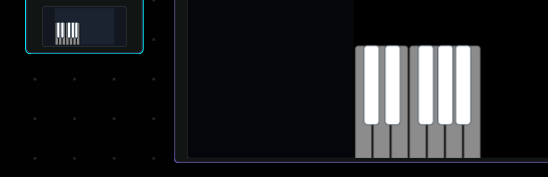
So this black area from the scene view had a blue color:

I disconnected the object wire between the nodes and the blue background disappeared
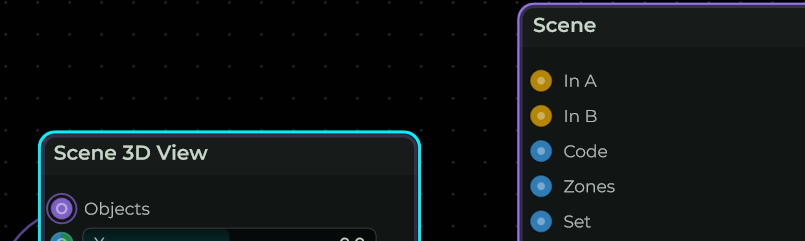
But my Scene 3D view contains this:
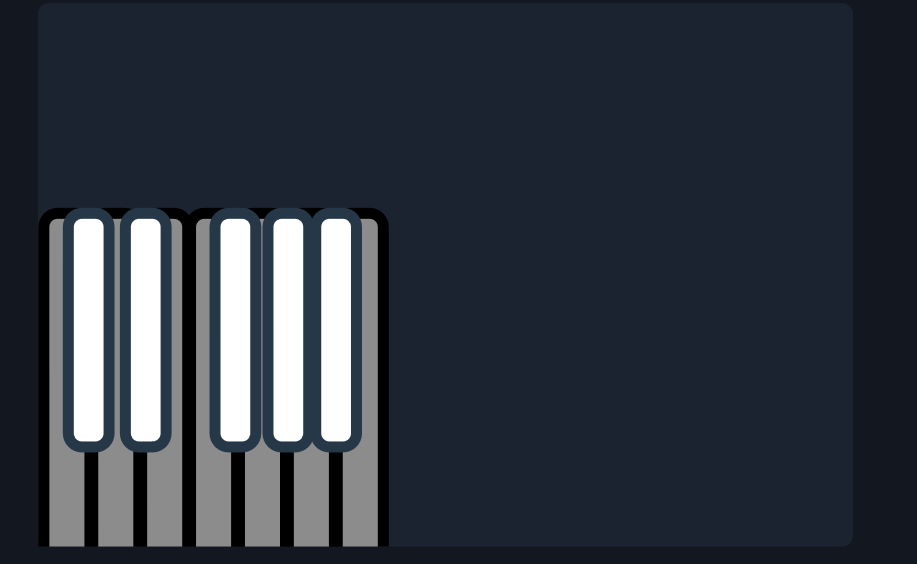
But when i reconnect the nodes i am getting this result:
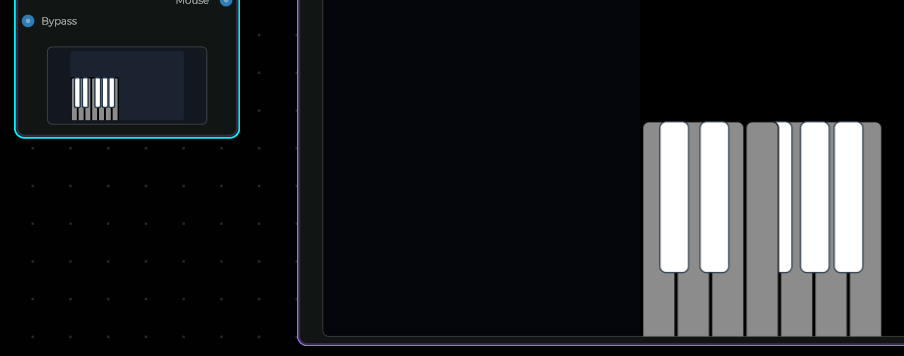
As you can see the scene view does not represent the 3D view correctly.
Now i can fix this, i disconnect that shape:
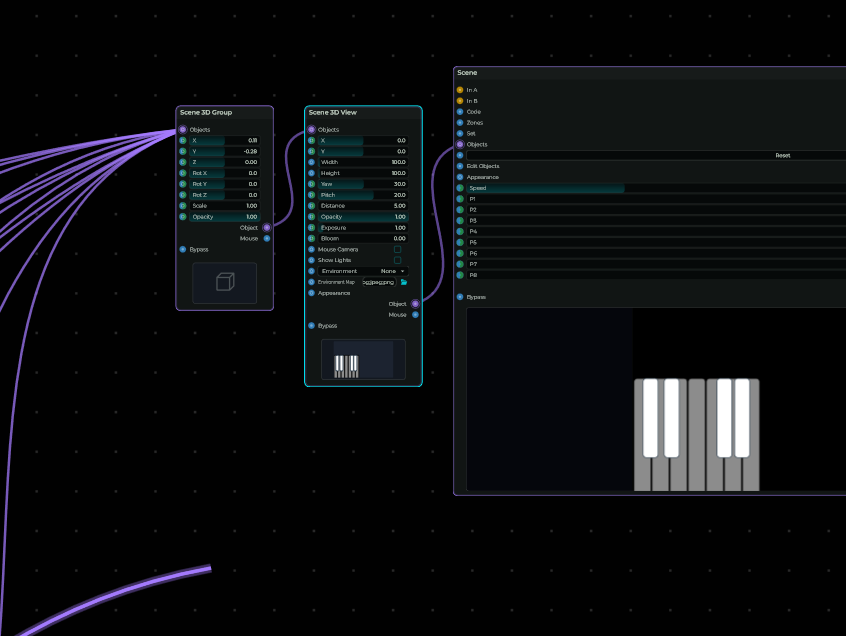
And add it back to the 3D group and then all is back as it supposed to be:
Also you can’t duplicate a module with this setup, if you that you get this result:
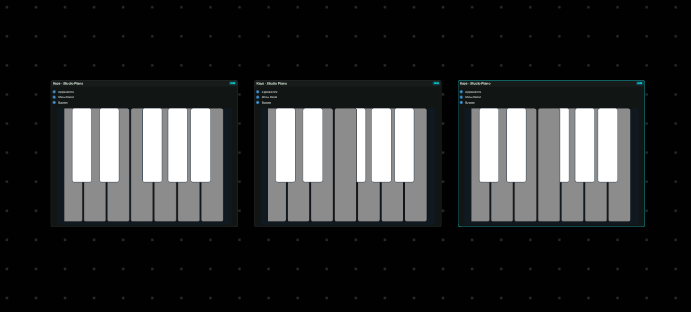
Now this could be me. i am using an example as reference and started to create my own to learn how to proceed. perhaps there is something i am not aware of.
--
Also i don’t get an expected, and that could be me perhaps understanding something not as i could or should is the scale setting of the Scene 3D Group:
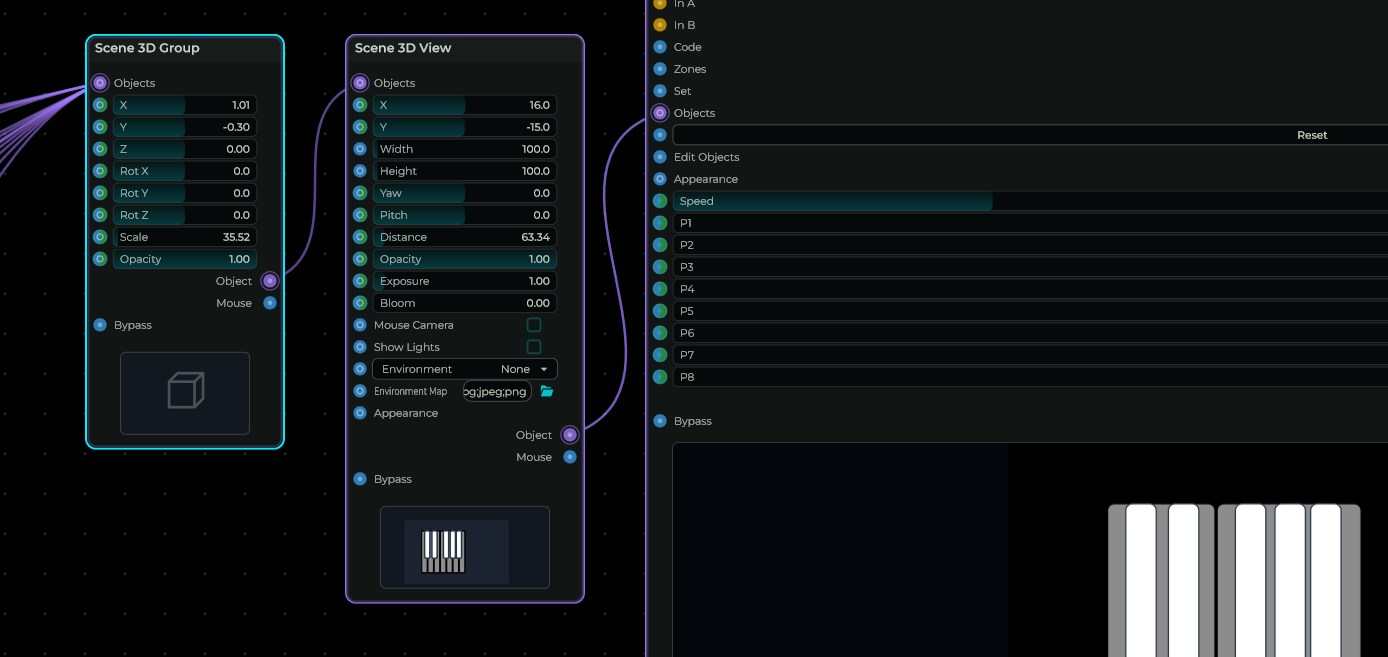
Not matter what i set the scale of the 3D group, there is no difference occurring in the Scene node.
--
Also i found out where that blue color came from and didn’t seem to change:
Situation:
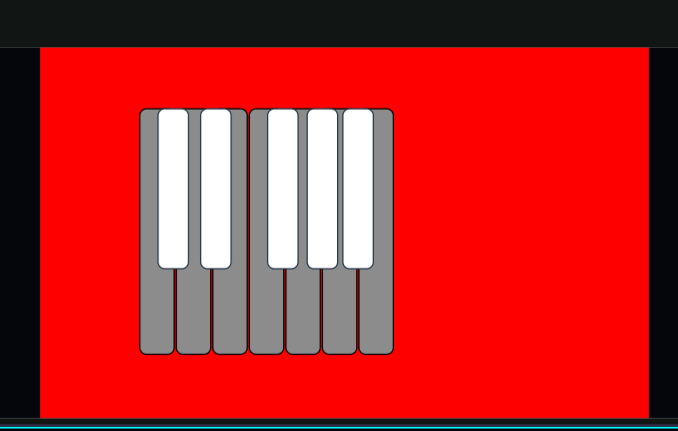
Changing the red color in a different one:
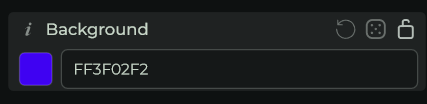
Nothing changed:
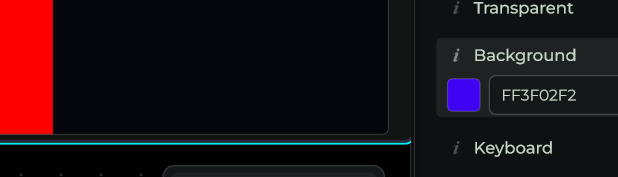
But when you toggle Transparent on & off it will update to the new color.