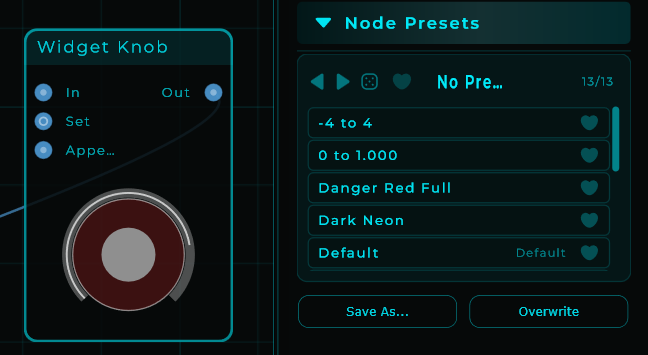
Node parameters include ranges that vary:
- 0 - 1
- 0 - 4
- 0 - 5000
- -4 to +4
- 0 - 1000
- Others
Almost every time we create a knob we have change the range numbers in the inspector. Thisis tedious when working with many knobs.
It would be very helpful if knob widgets would inherit the minimum and maximum and a reasonable increment whenever the knob is connected to a node parameter. A reasonable increment will default in but can be adjusted by the user if desired.
A knob connected to any parameter range that goes from -x to +x should default set the “bipolar” checkbox in the inspector automatically as well.
Reasonable increments might include 0.001 for a node with boundaries between -10 and 10; 0.01 for node boundaries in the -100 and 100 range; 0.1 for boundaries in the ±1000 range. And 1 for parameters > ± 5000.
These are all just made up numbers so there may be better suited numbers to use but you get the idea.
All inherited values can be adjusted by the user just like they can today.
The user should be able to enable and disable the “smart” knob capability in the settings.
If enabled in the settings and the user wants to disable the feature for a particular node temporarily, they could make the connection while holding the shift or control key.
If disabled in the settings and the user wants to enable the feature for a particular node temporarily, they could make the connection while holding the shift or control key.