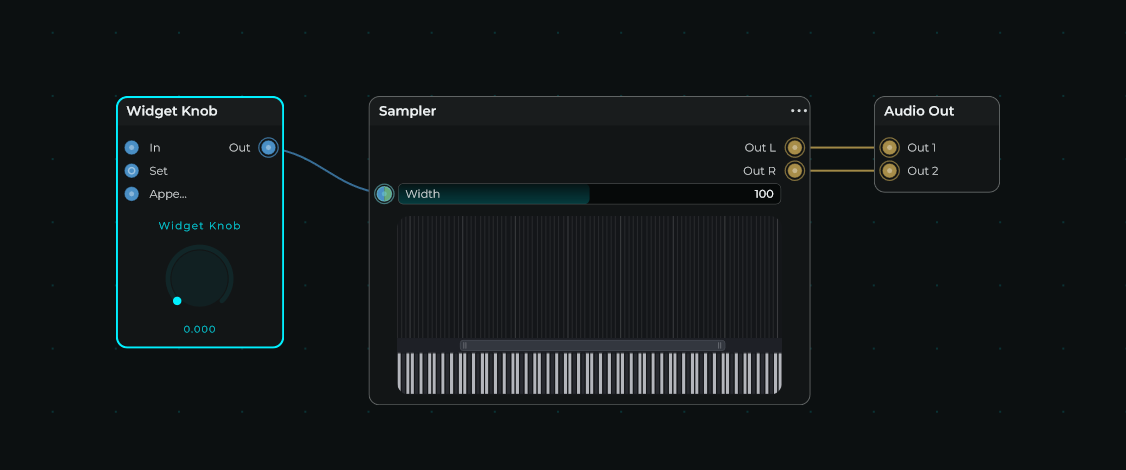
Title says it all. Press “H” to hide the cables and the size can change unexpectedly.
Expected: ONLY the pins are hidden, nothing else changes.
Looks good… maybe there could be an icon in the bar at the top as a visual cue that it is compacted..
Yeah, a little bit…
Was using UI Only mode for the PianoRoll to work focused. Pressing “H” shrunk the UI so much that I could no longer work with it without manually resizing it again. 
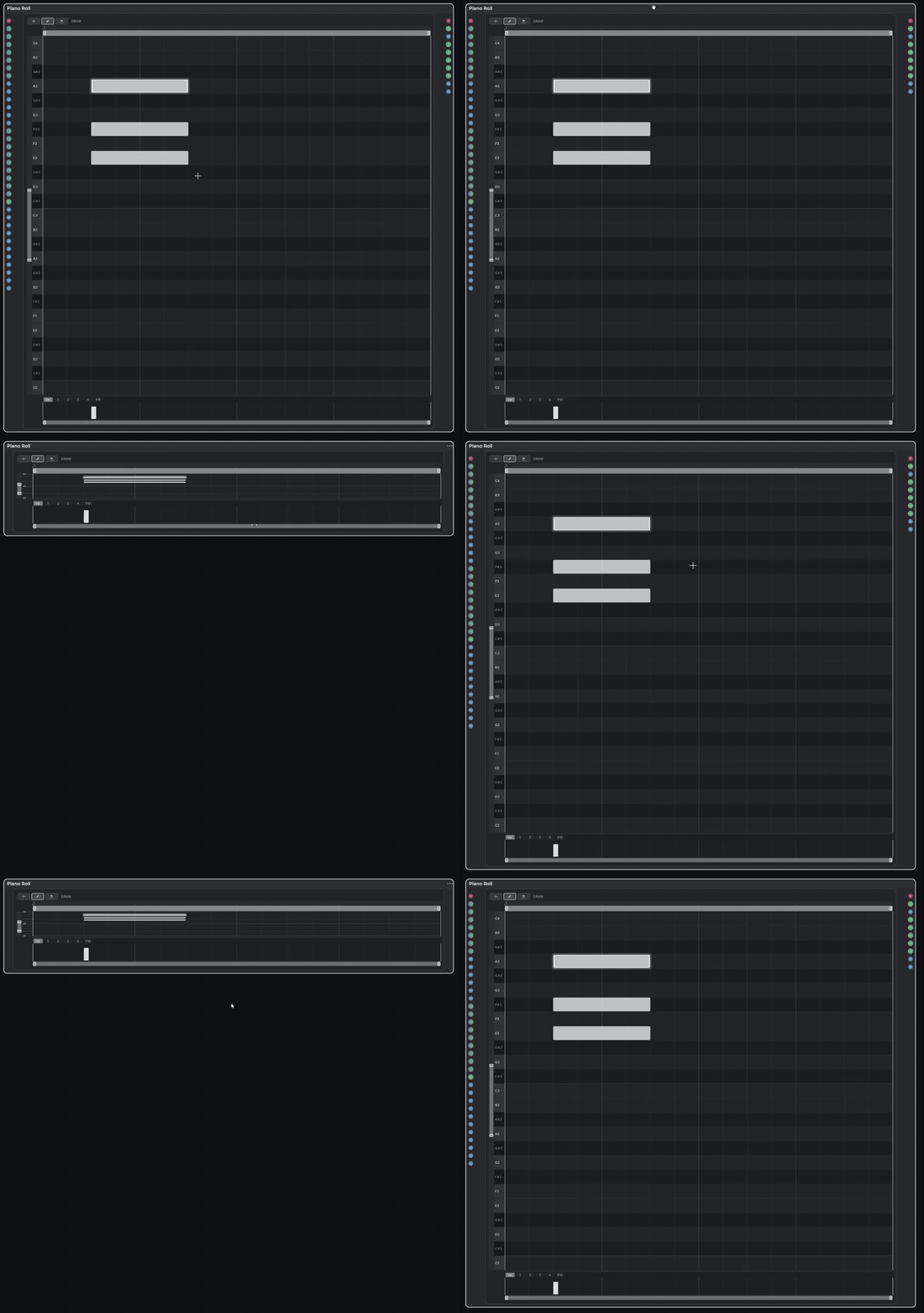
So my issue is not, that space is reduced when pins are hidden, but that the UI I am working with does not stay consistent (the same) in size when pressing “H”!
The UI part of a node shall always remain the same size, no matter what. The rest of the node may be reduced in size as long as it does not affect the UI.
yeah it makes sense! I’m working on it. Hopefully, I’ll be able to release the new version later.
Ouch.
fixed, and building new installers