Currently you can only align elements using a user defined grid. However there are more options that would really make sense to improve the “alignment experience”.
(1) Align by other UI elements
Moving element around can show alignment guides and auto-align them by other element’s boundaries and geometric properties. See this video, made in PowerPoint using its shape editor:
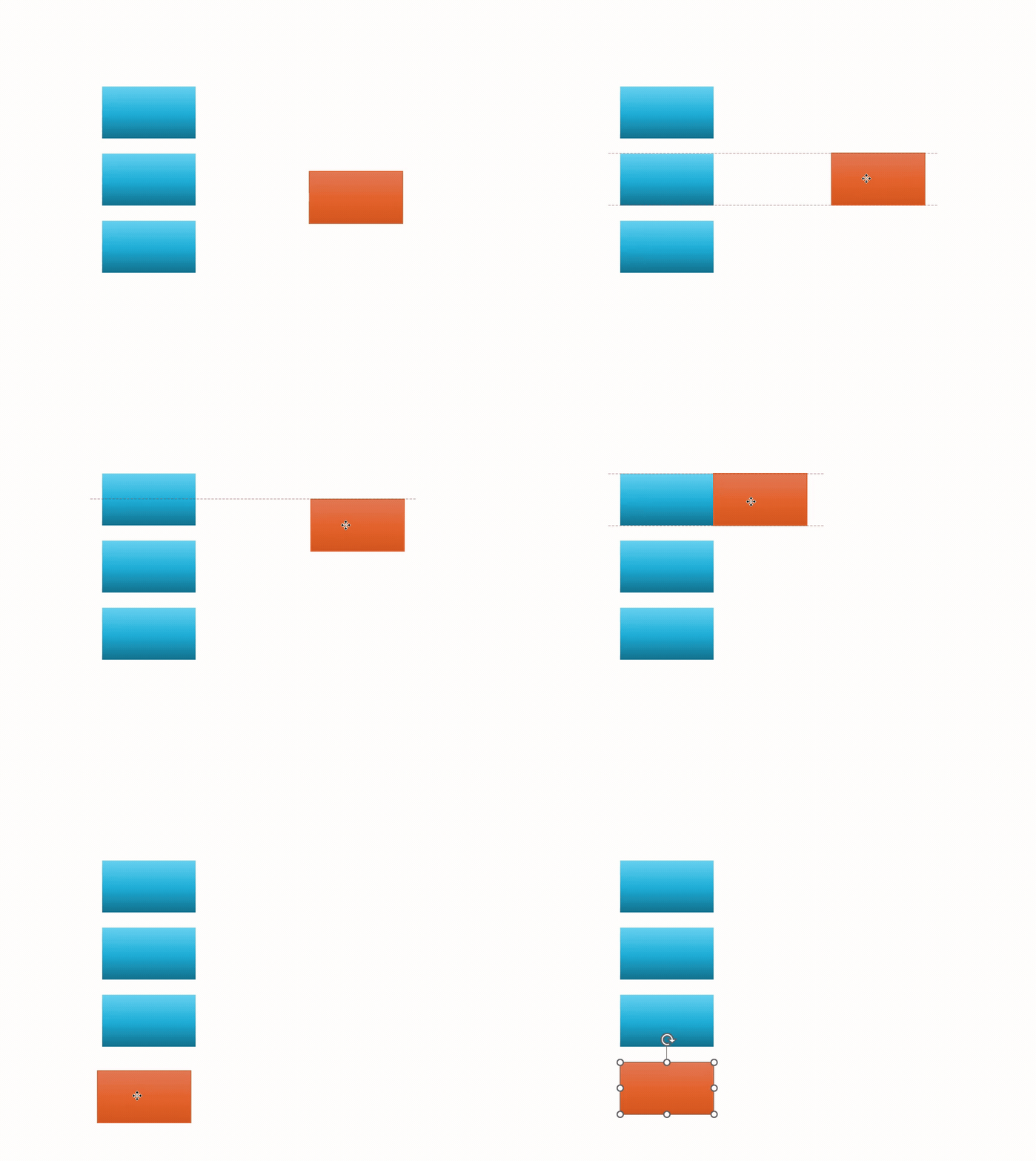
As you can see you can align to other shape’s edges, their center and even make the distance between objects the same when approaching another shape.
(2) Align by using a toolbar
Cannot show the toolbar itself in this video but using PowerPoint again I use a command that makes the selected shapes align to the right (could be any other direction or centered):
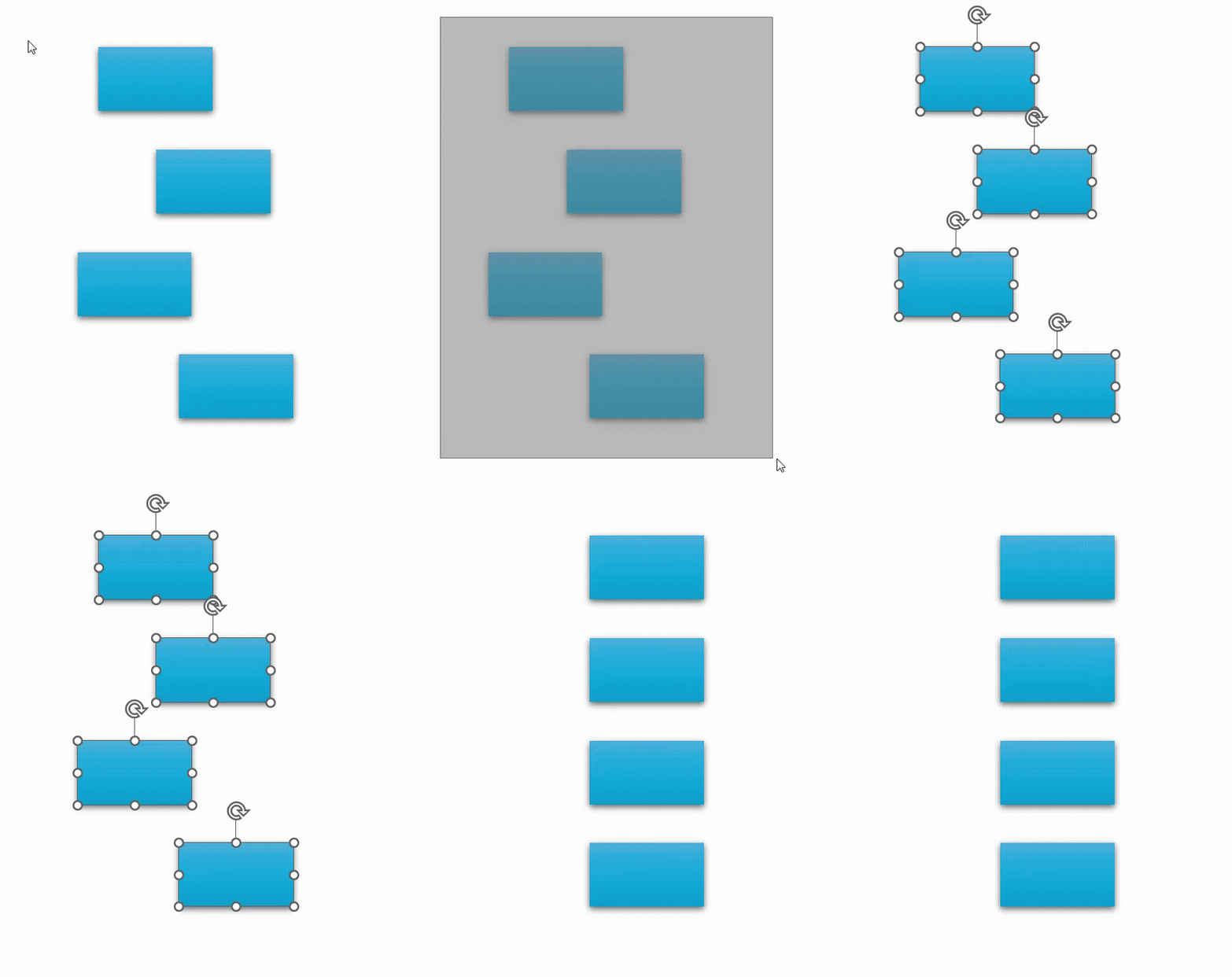
Would be great to have such options in the Panel Editor as well 