While the object as such looks fine when changing the opacity (look at its UI) the same object looks weird in a Scene:
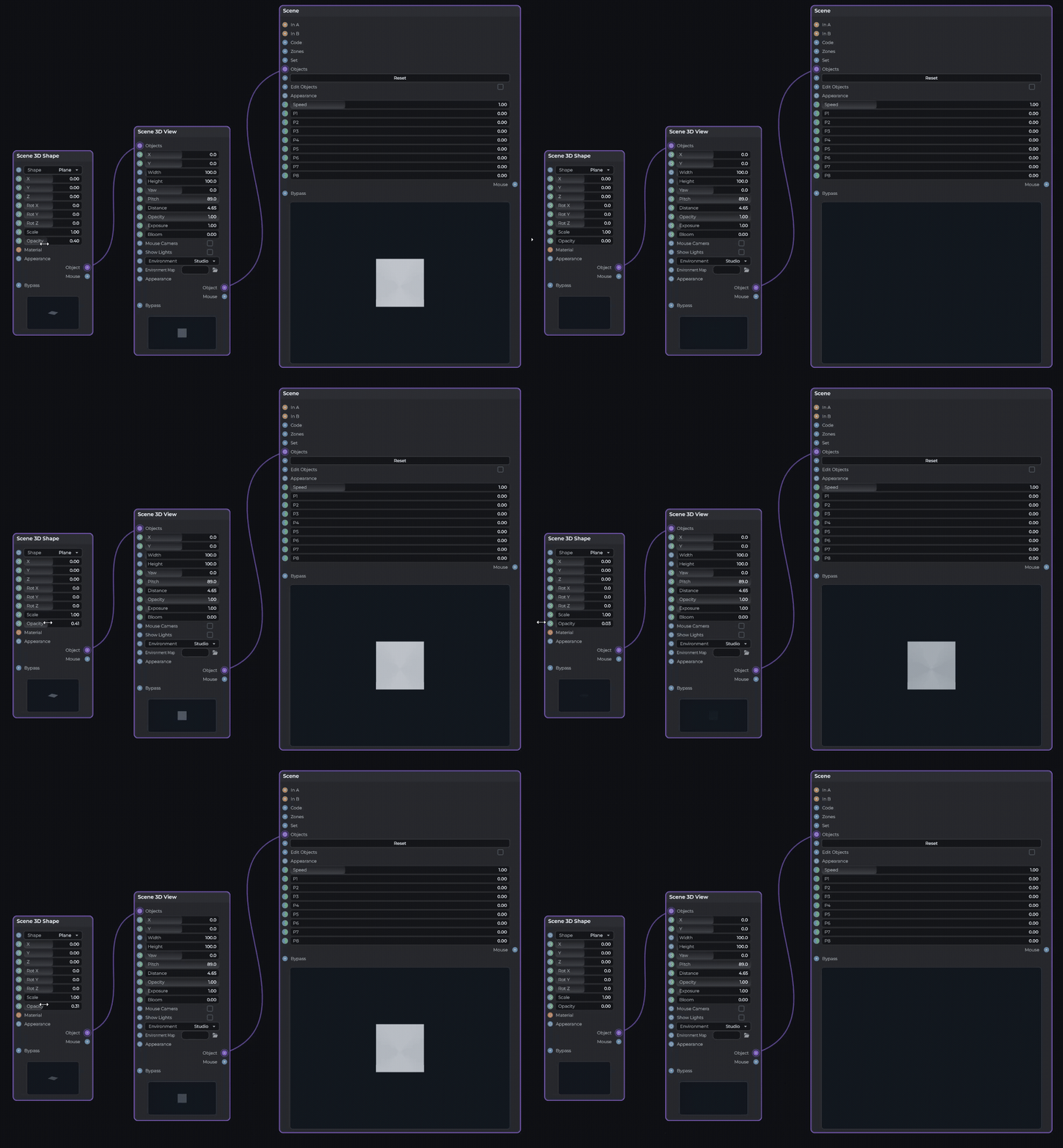
While the object as such looks fine when changing the opacity (look at its UI) the same object looks weird in a Scene:
Feels okay for me,
Opacity of the 3D shape works out fine in the 3D view, changing Exposure in the 3D View makes the transition in the scene as expected if you combine both settings (opacity) you can make a good transition without having a a 3D object popping up suddenly from the 3D shapes opacity on 0 to 0.1.
The Scene 3D view has just a bigger impact on the 3D shape, so you got to tweak it a bit and make them work together.
Even changing Exposure makes the fade-out effect look not smooth and off. At the very end during the fade-out the object suddenly disappers instead of fading out smoothly just like in the 3D View. This is what I mean. In the final Scene object it looks odd, no matter what you do to Exposure.
Made a typo there, i meant opacity.
I was multitasking 
Later in the text i was referring:
“in the scene as expected if you combine both settings (opacity)”