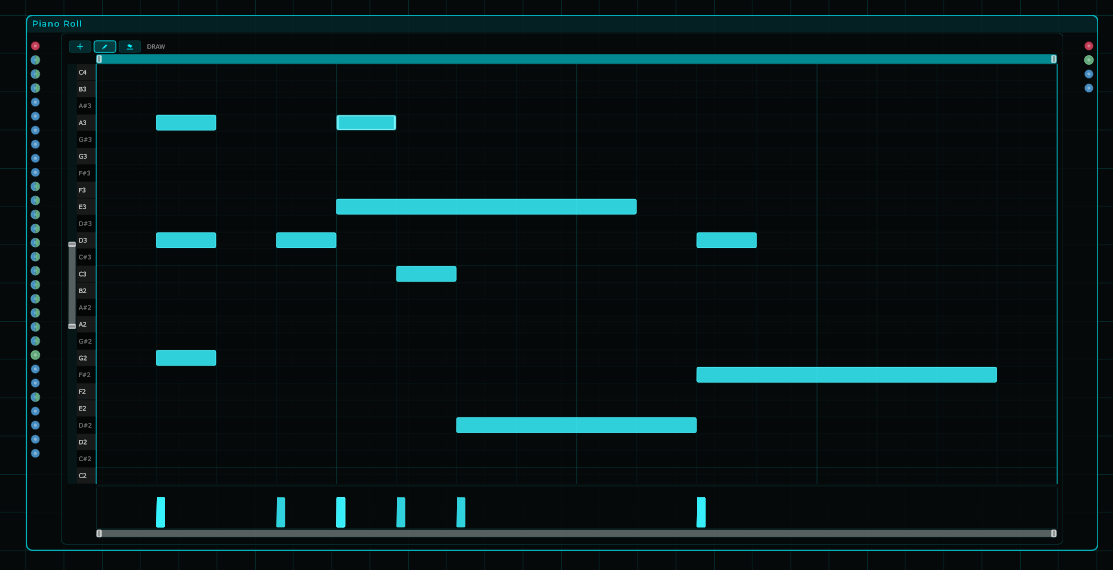
The new PianoRool is really welcome and well made.
But the size of the actual piano roll matrix is a bit small and the node due the number of params quite large.
There are multiple ways to improve this. I think one of the best would be to add a [ ] button to each node with UI and allow to see it in a dedicated, separate window so that you can resize this and edit it much better. This window could also have a “fullscreen” button so that you can edit the content REALLY large.
Another idea is to allow collapsing the parameters of the node. The room that this frees up can then be used for the UI inside the node.
The UI could also live in a separate “tab” so that clicking on that will make the node a full UI display (hiding the params).
Anyway - as nodes can become quite large it would be a good idea to think about UI usability and decluttering the workspace