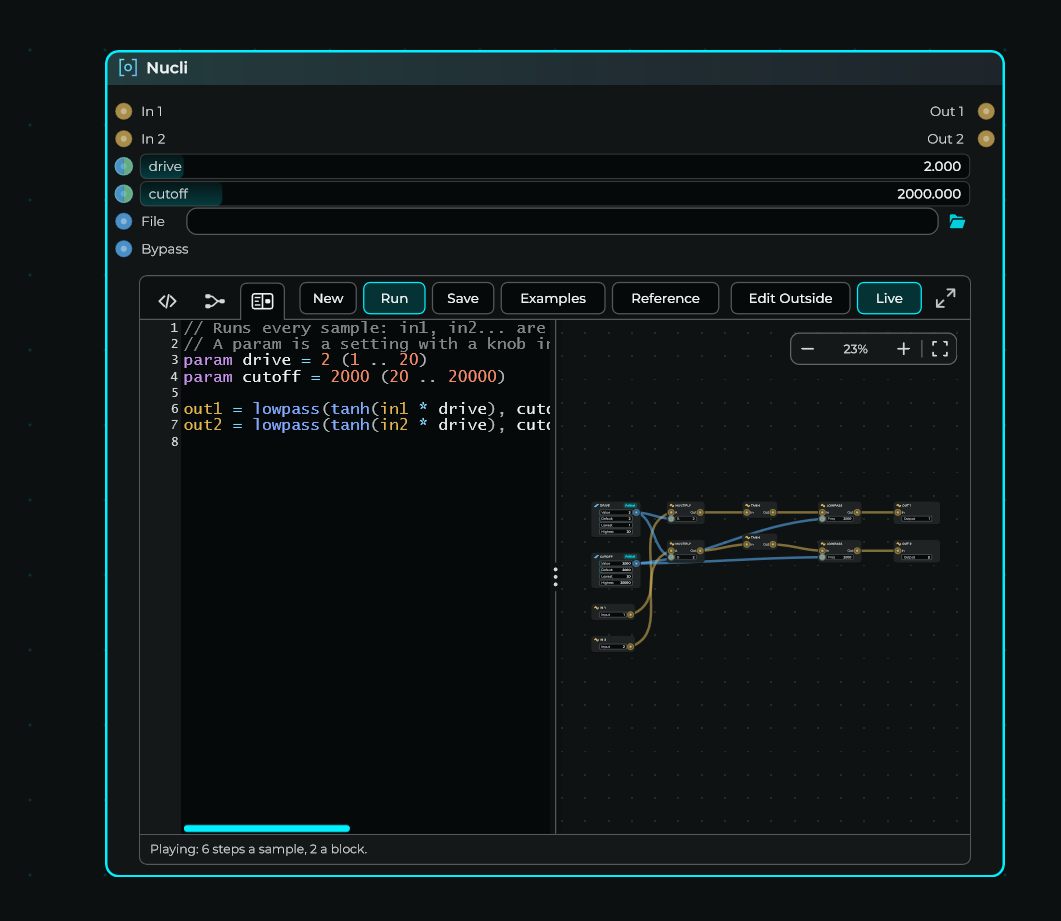
MNodes 1.1.6 is out, and it’s the update I’m most proud of. It brings Nucli, MNodes’ own language for sound: build any algorithm you can imagine, sample by sample, as code or as boxes.
Plus physics and 3D sound for Scenes, a Script that plays CV and MIDI, Round Robin in the Sampler, faster Scenes and many fixes.
Yeah, something happened with that file… I think it somehow got mixed up with a help file that has the same name. I’ve accounted for lots of scenarios to prevent this, but I missed this one…
Could it be that the VST3 file wasn’t replaced for some reason? Try deleting the MNodes VST3 from your plugins folder, opening your DAW to check that it no longer appears, then closing your DAW and reinstalling it. That’s what I’d try right now.
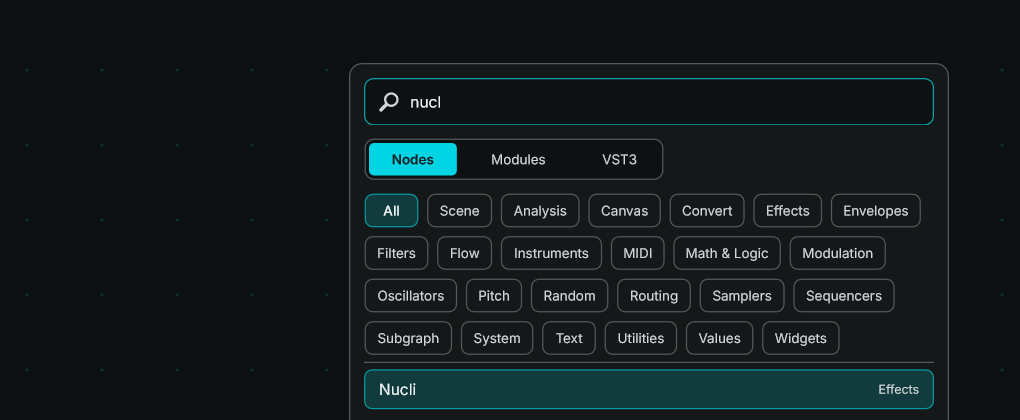
I’m just starting to dig into Mnodes from ground zero. It seems a bit daunting figuring out how to get started. I am a programmer by trade and Nucli seems like something i’d like to dig into but i have NO idea how to start. It doesn’t seem to be a ‘node’ and when i search for it on the Hub, nothing is returned on a search for it. Is there some info on how to get started with it? I have installed version 1.1.7, so it should be ‘available’.
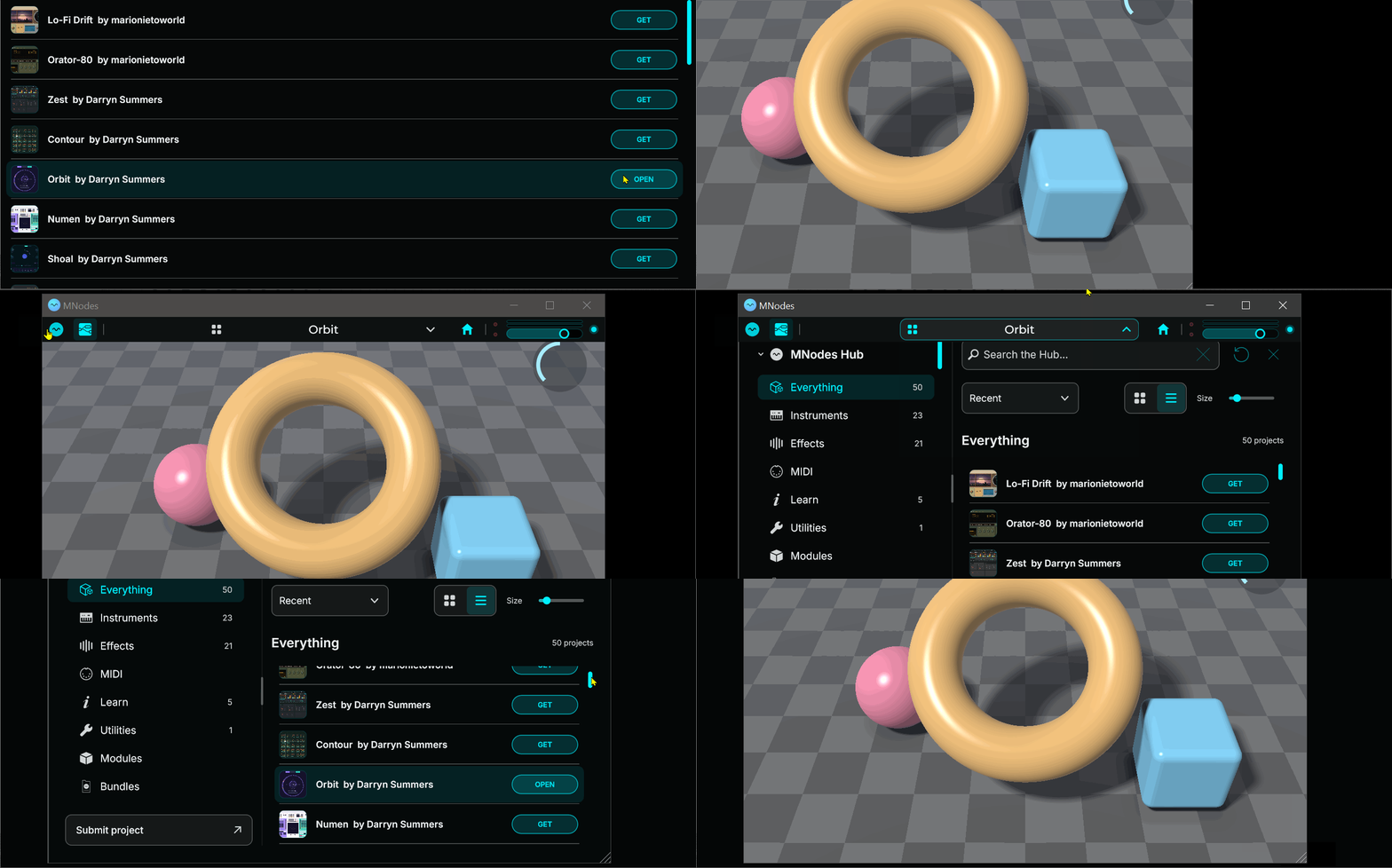
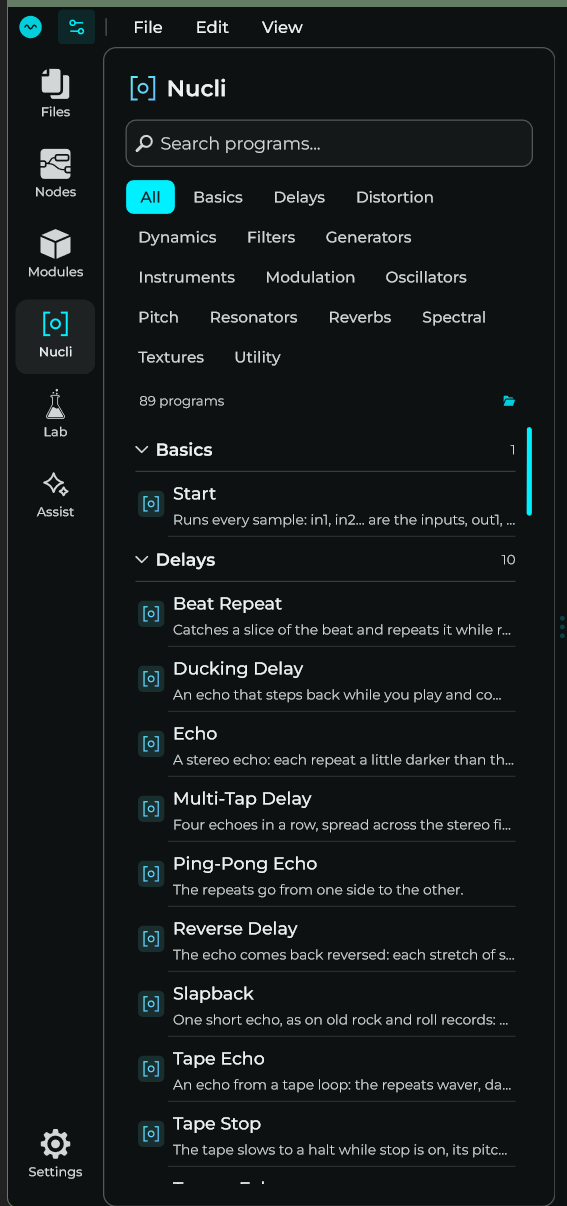
Does this help you out, some screenshots (most of the time a picture explain more then words): There is nothing specific te find on the hub unless you dive into some projects but i think these explain which one the nucli node is and where you find examples.
Yes, I recommend checking out the examples and documentation. I’m also putting together tutorials and guides to help you better understand how everything works, which I’ll publish with the next release.
Yes, that IS actually super-helpful. I (wrongfully) assumed that i had to find it in the hub somewhere but once i got into an actual project, it shows up on the left sidebar. Thanks for this ‘hot tip’!
That would be much appreciated! During an earlier version of Mnodes, i started down the road of getting acquainted and somehow, couldn’t find any tutorials (at least one of which i had found earlier, so i “knew” they existed) and got flummoxed and sidetracked. Great work so far though, no criticism here. Just trying to dig in…
Yes, there’s been documentation from the start, but I’m gradually improving it, as the early versions needed clearer explanations that were easier to follow.
I’m already working on that, and the next release will include plenty of examples, guided tutorials, and project collections to help you understand how MNodes works. I’m putting together a lot of material, and I hope to keep adding more over time.