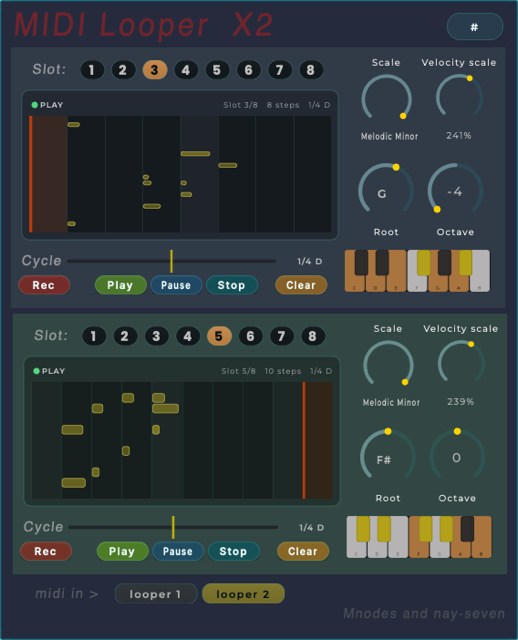
2 Midi Looper with scales, octave, velocity scale, midi out canal choice,
Nothing revolutionary, but a tool for creating and experimenting with loops using your favourite MIDI instruments.
Thanks again to Mario – it’s really cool to be able to create your own tools
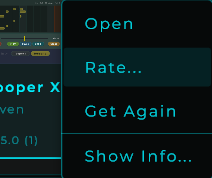
Same here, only logic behind it where the visual recognition i had and it showed up in one of the first positions of the recent list. Get isn’t available, you have to redownload it.
Strangely, i also downloaded the one from Jeff, and he updated it and then you are getting a new “get”. perhaps the situation is different where Jeff might removed the older version first and uploaded the new version.
Bit confusing. but at least we got a recent list to know if you need to re-download with “get again”. currently the best indicator to know.
I have been going through the Hub. When a project you already have gets a new version, the button now says UPDATE instead of Open, and the project jumps to the top of the list so it is hard to miss. Clicking it replaces the copy you have. That is in the next build.
I have also been testing project updates from my side and replacing a project works fine here, both the file and the details.
@Nay-seven about Edit: I have just deployed a fix for something on the server that could break saving without saying why. Please try again, and if it still fails tell me exactly what happens: does the Edit window open, what did you change, and what does it say when you hit Save changes? A screenshot of the message is enough.
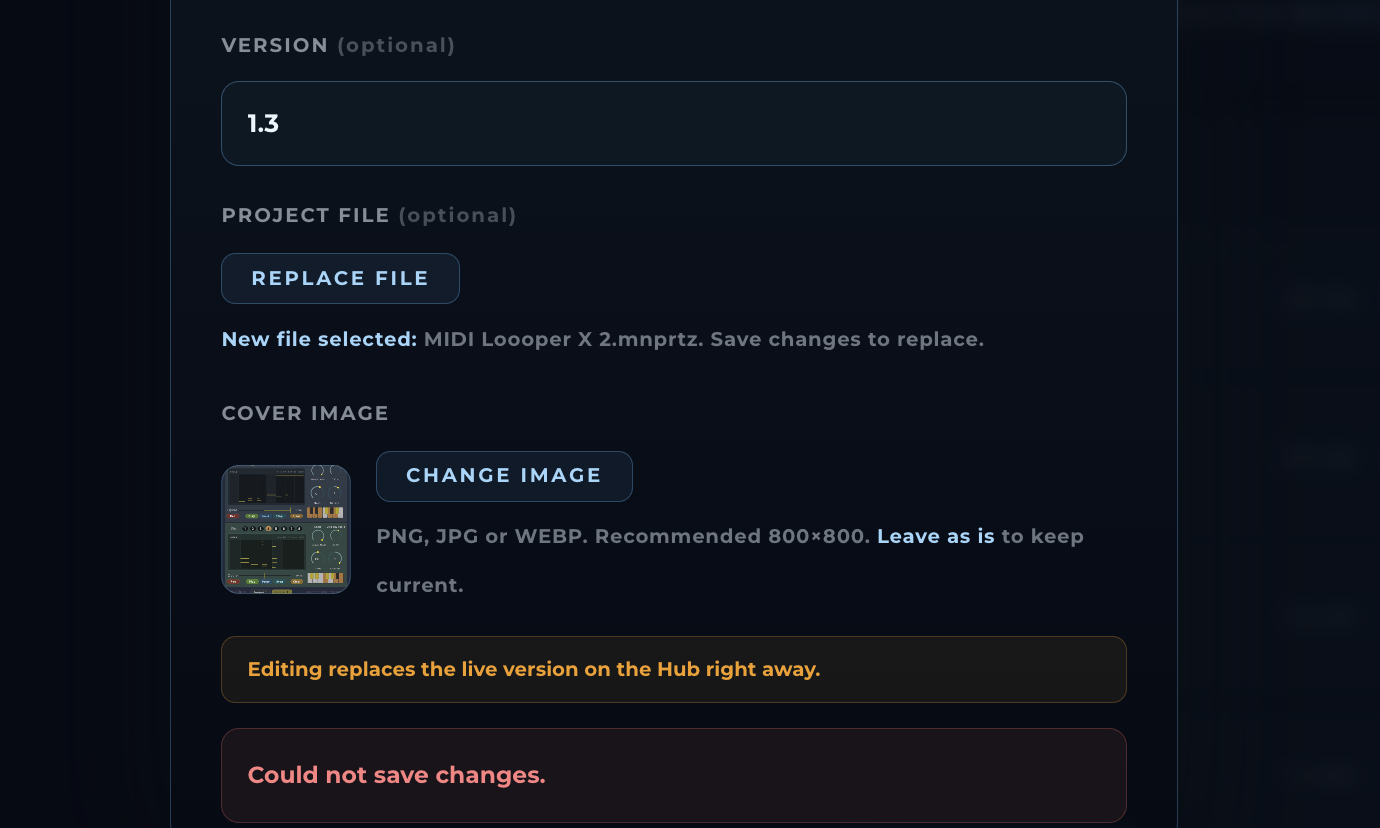
so, i made some little UI changes, save and “collect & Export”, then click Edit, window open, i change only version 1.2 to 1.3 in the description, upload the new file ( same name) and here the screenshot: ( 15:21 here in France, sunny days with some clouds )
Danny - correct, I updated the preset to be a perform mode preset. It was sufficiently different from what I had put on the Hub that I deleted the first one and added the second as a new, different entry.


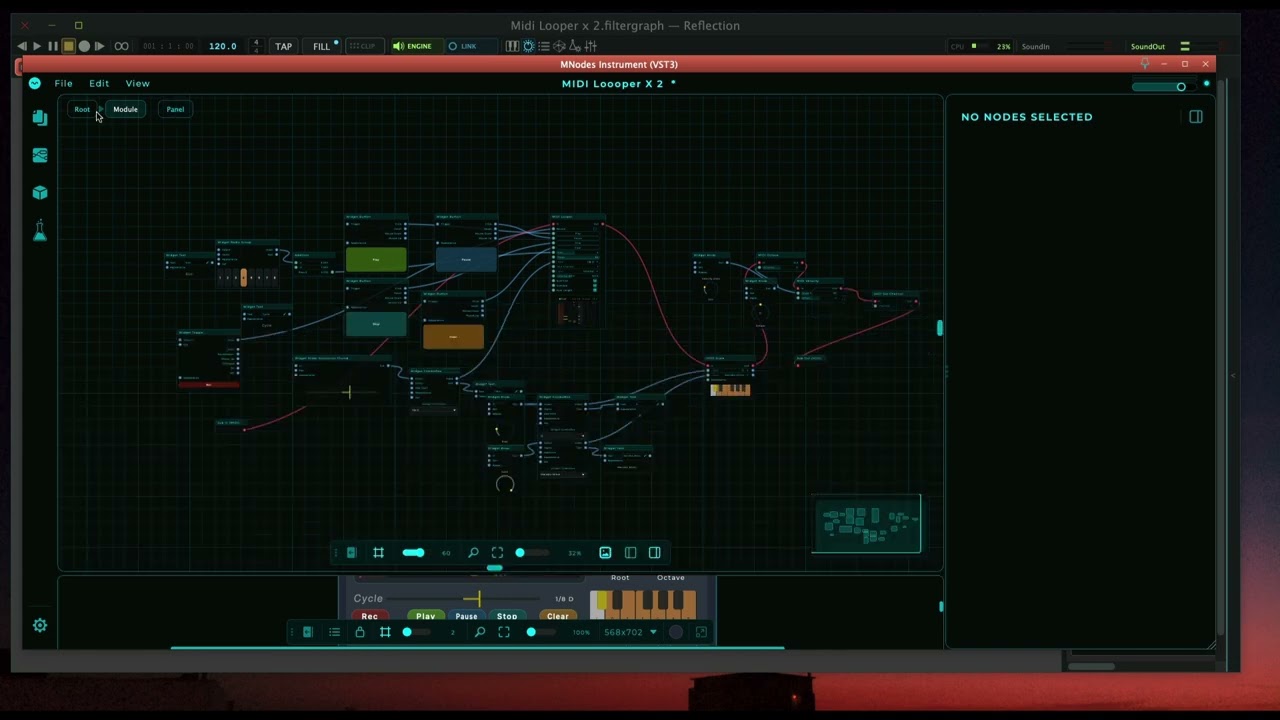

 i try it soon

 )