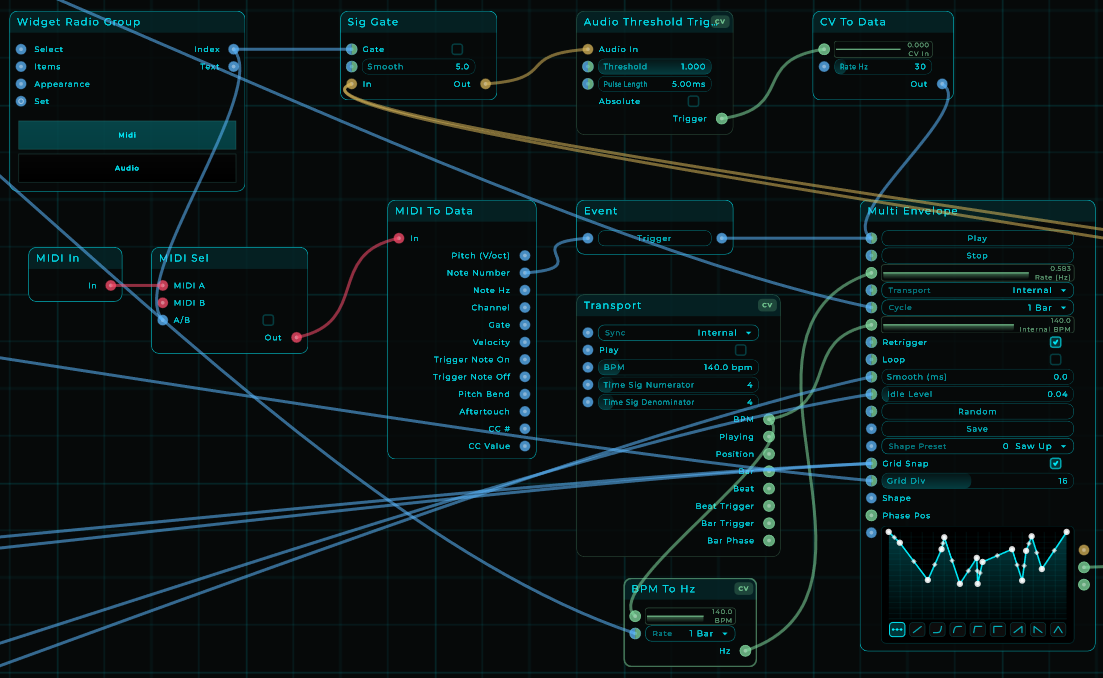
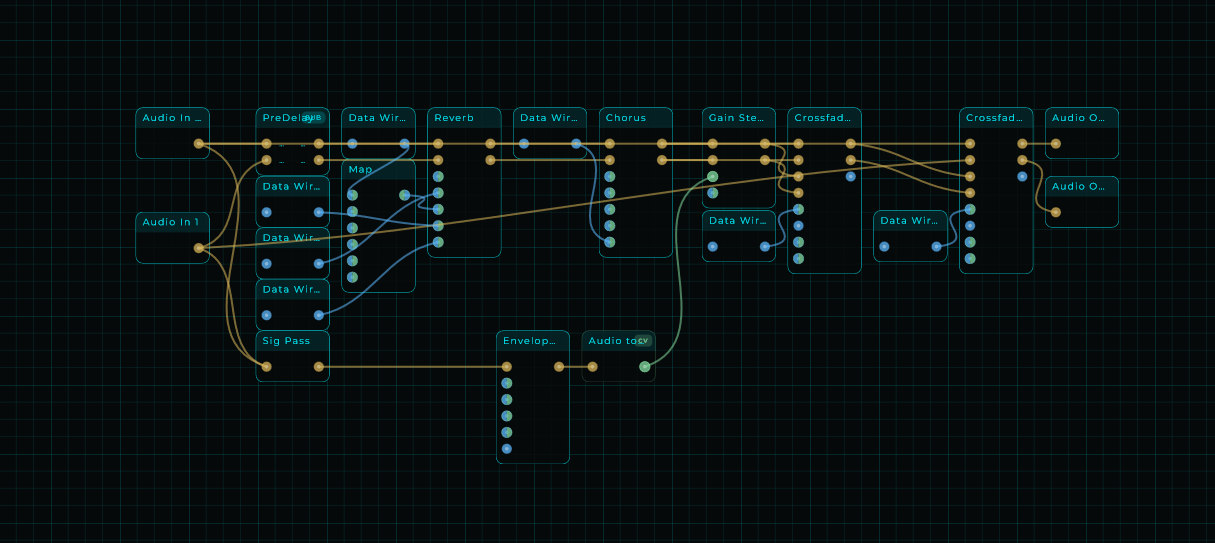
hello i am trying different things to toggle between an audio source as trigger or a midi source
i am looking for the best way to toggle my midi trigger off and my audio trigger on
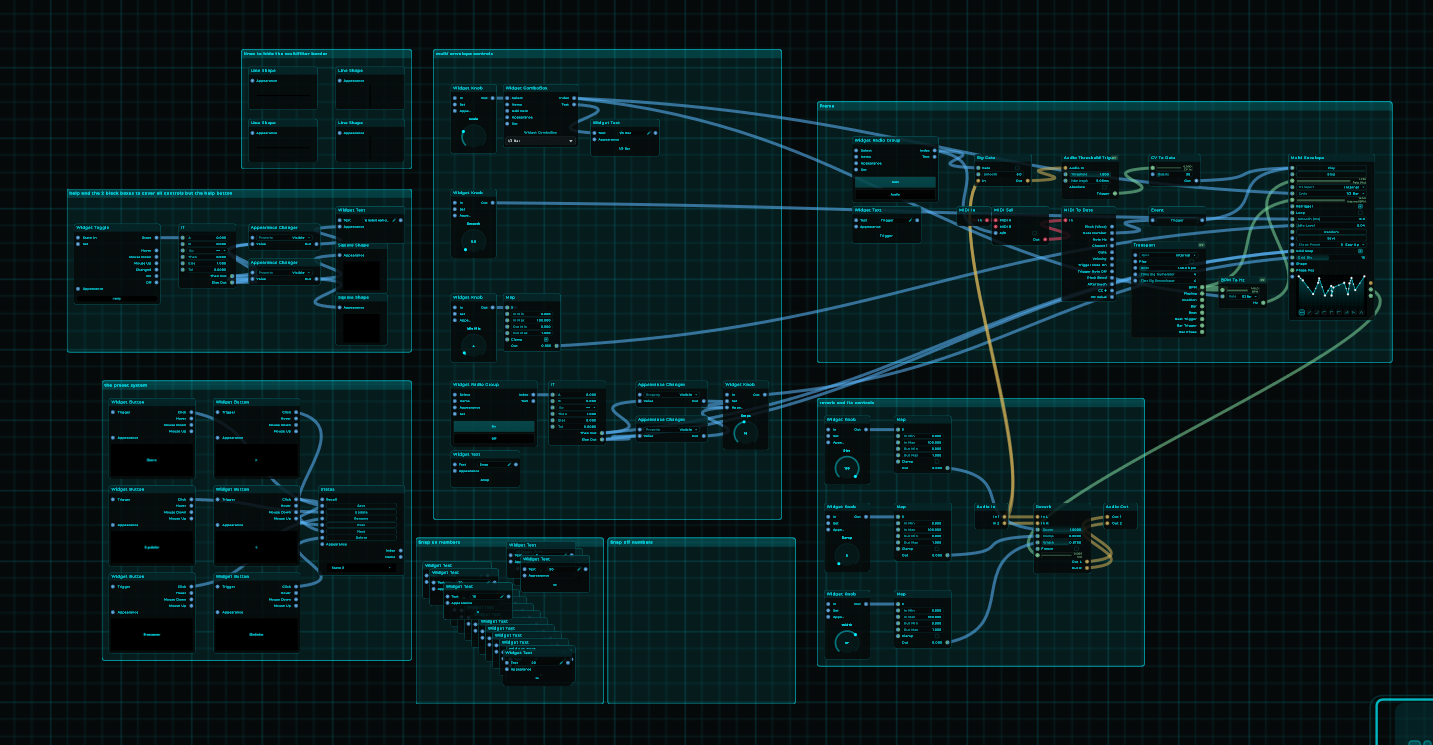
currently i use a few if’s for the midi part and that works i struggle however turning the Audio Threshold Trigger node off
what would be possible nodes i can use for this? and just for switching in general i like to learn those nodes
edit: just a thought wouldn’t it be easy if all trigger creating nodes had a on off toggle build in. for midi that would include midi to data node that would make things very fast and easy to do
Then there you will loose any comprehension what is happening after a month
The problem is always, you think you are there.. finished.. and then suddenly a new idea approaches you in your mind and then you think.. OH NO.. i don’t want to.. i can’t and before you know it you are redesigning it all over again.
you are absolutely right and i do realize some structure would benefit me the problem is i never really grasp what i need at first or why some things even exist for now and it just keeps stacking up when you keep finding out, i hope some experience gives me a better feel on a good organizing tactic
Yeah, It’s a learning process cause at first you are learning something new, or at least a different framework within where you design.
I think it’s good to use the “comment” node to write down your ideas and describe perhaps what a data or any wire to send and receive does (and so on).
Try to think modular, or lets say re-usable blocks. that saves time for future developments but also give a “comment” on them if they are a not self explaining themself.
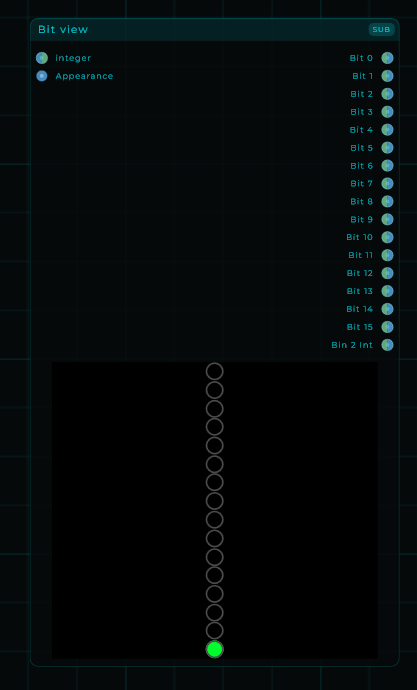
Perhaps try to make module with there display, like i did for my converter for integer to binair
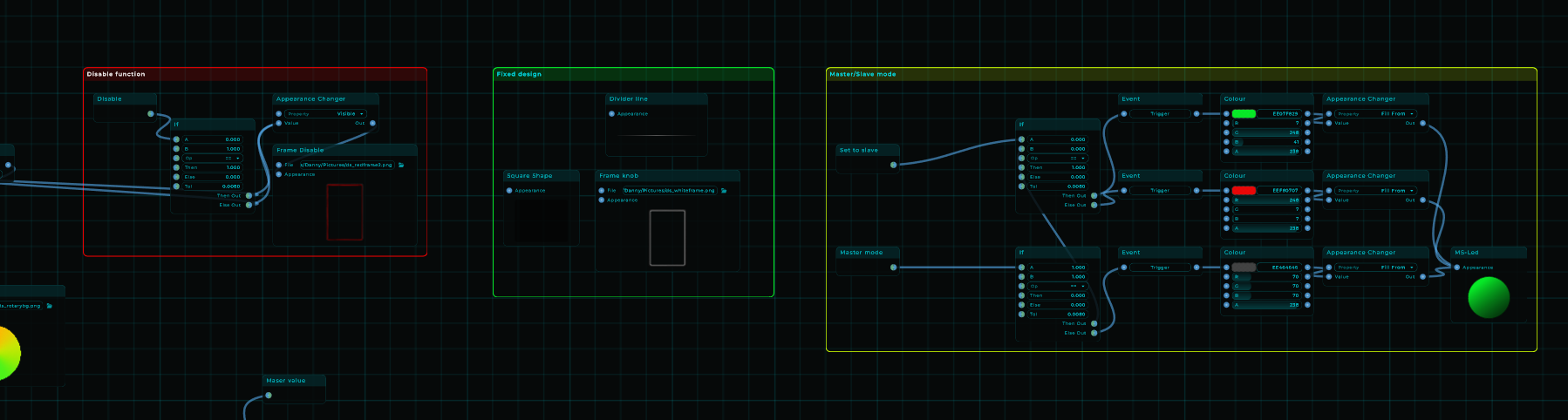
In this case i don’t have to look inside if something is “set” or “unset”. it increases the debugging processes and you spend less time on checking values.
Now in this case i simulate a led, but it can also be text widgets to display any situation.
This will increase your workflow when you are checking out if things work more rapidly.
Then you have a faster visual recognition where things are or happening.
These little things will help you out. and of course it takes time when you never did that but at some point while doing this it becomes second nature.
And experience as you said, it will deliver always a level up into how to be able to organize.
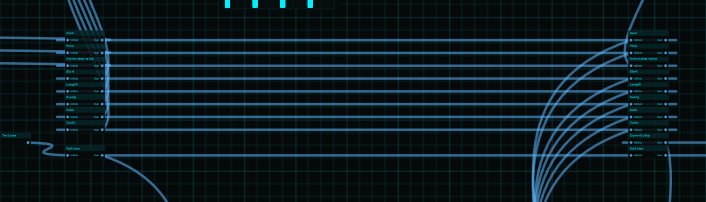
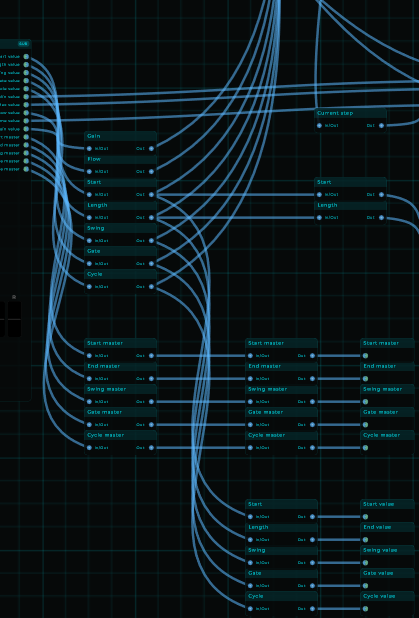
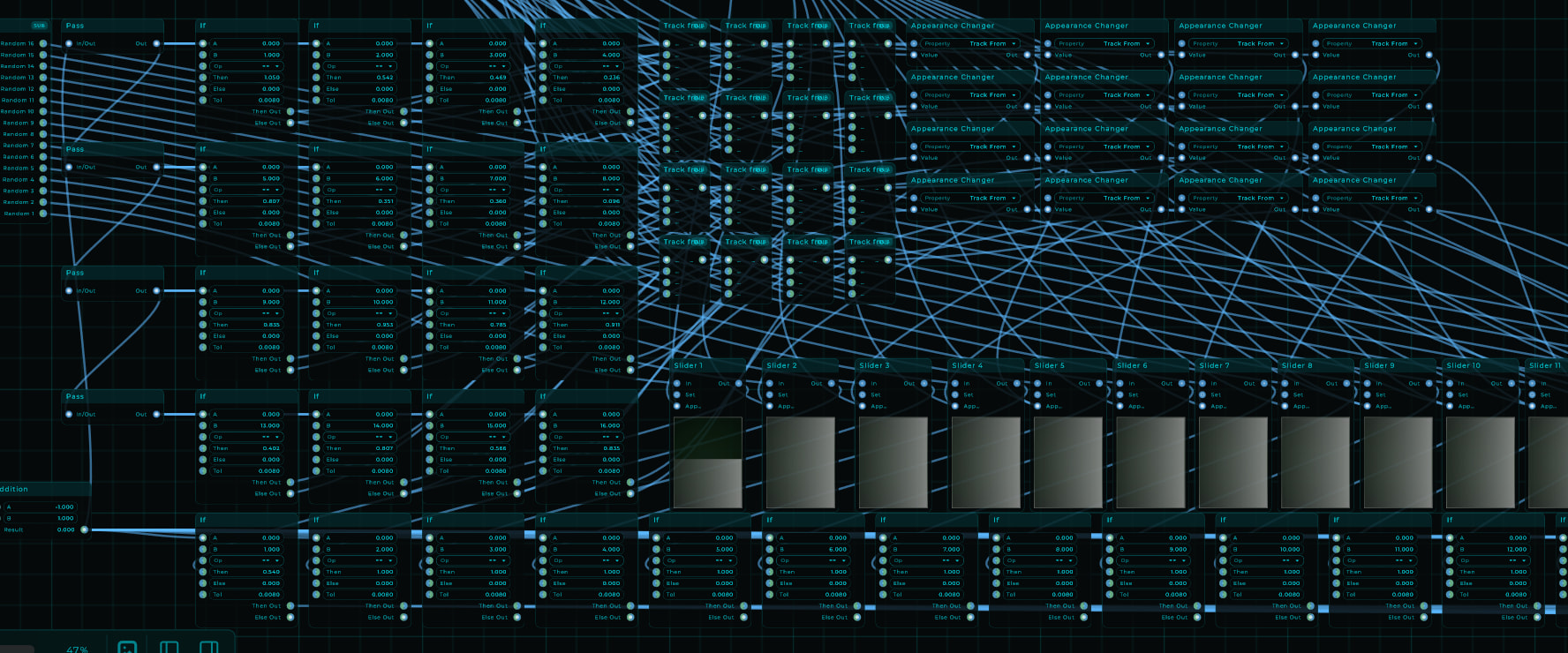
yeah i already use frames to keep things together and name them what they do, my filter tool is a giant wire spagetti lol but this project is much less involved and here my frames work fine i just want to add in some date in/out to get rid of the over screen wires to tidy it up
but yeah all good tips danny thnx
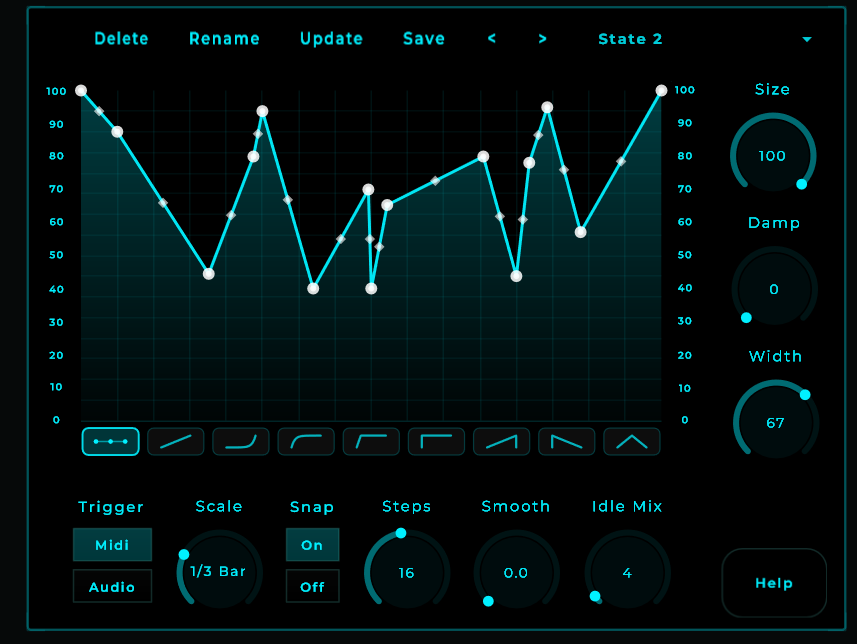
my current midi/audio trigger activated reverb mix level automation lane (aka Trigger Reverb), almost all is there just a lot of text to add in the empty box and swap triggers
Yeah, the order is crucial. I’m working on some improvements and options to make nodes more compact and improve the organization of large patches, so they feel less intimidating.
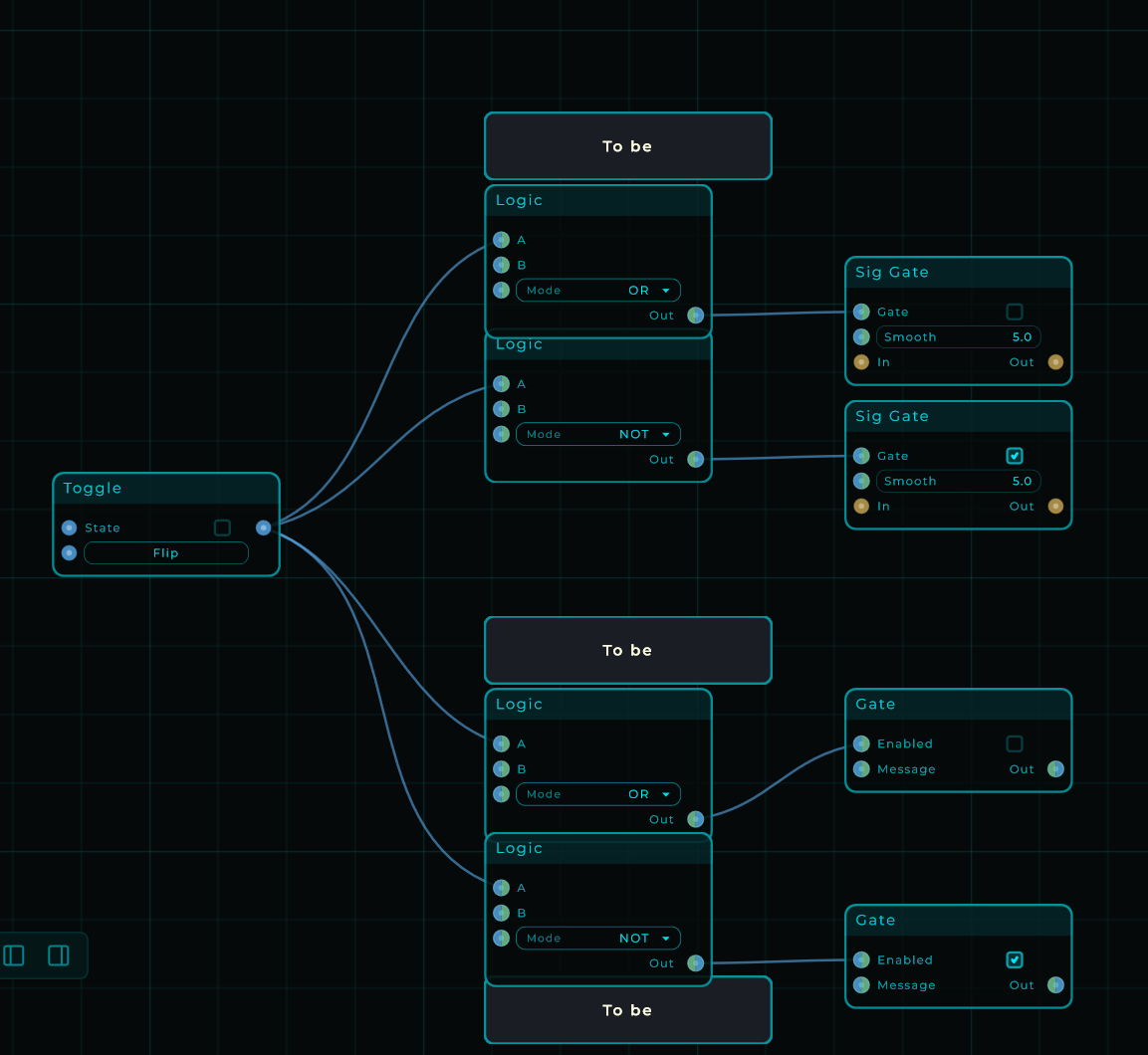
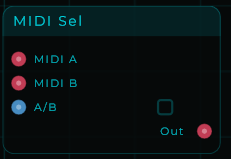
 thank you danny