hello
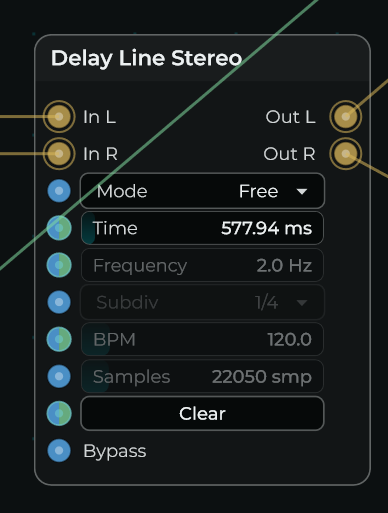
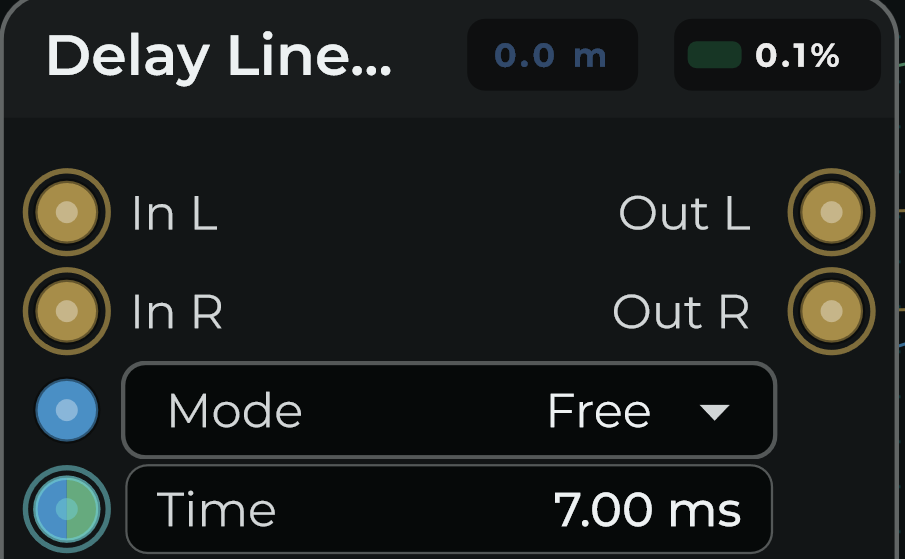
ive build a peak rider plugin with a lookahead function that delays the audio so i can correct a peak before it goes out (you cant see all controls i also have a 10 ms smooth on and it ignores values below -9 resulting in up and downwards leveling)
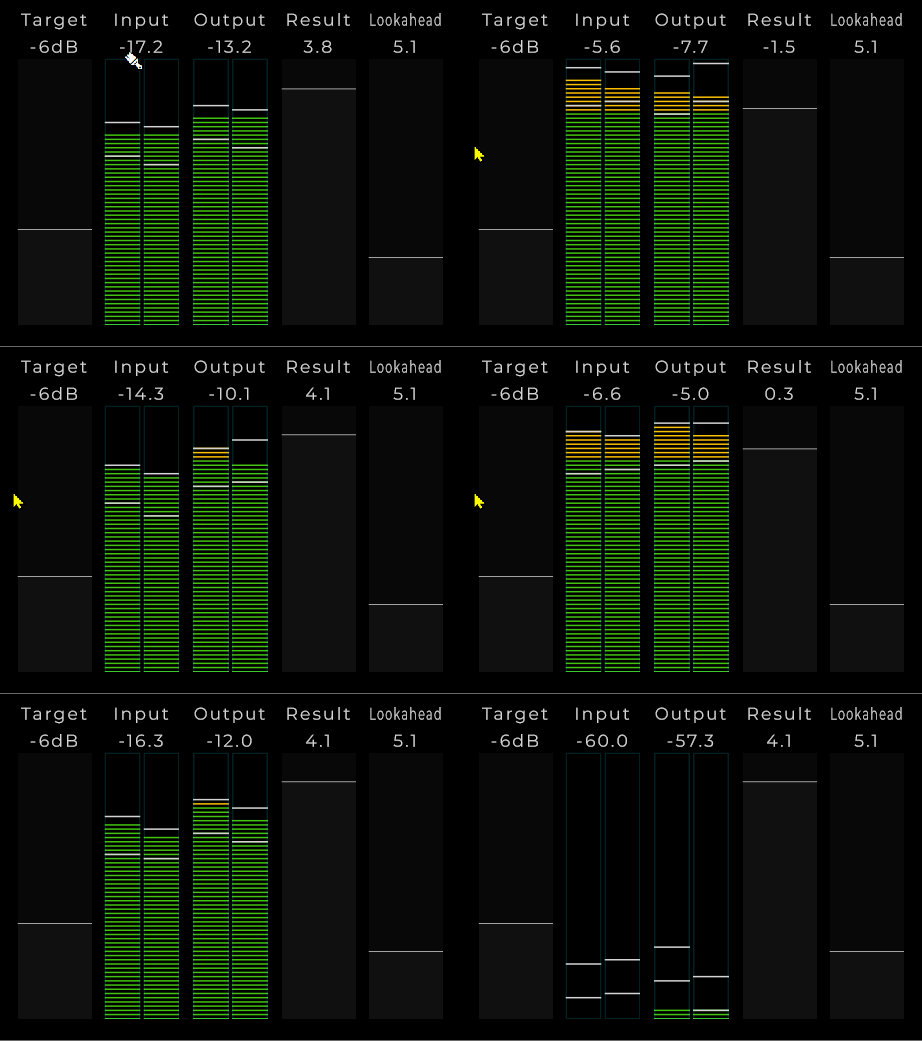
works very nicely however if i look in fl studio its latency window it says 0 latency but the lookahead fader is in ms a delay i introduced
i wonder what is the mechanic here.
does it report latency once at startup so that i just need to find a good setting to leave it at or am i missing something else?
ive setup a test with a hihat hit to see if i could rule out something and i could the delay line itself is working i gues its just not reporting latency to fl studio
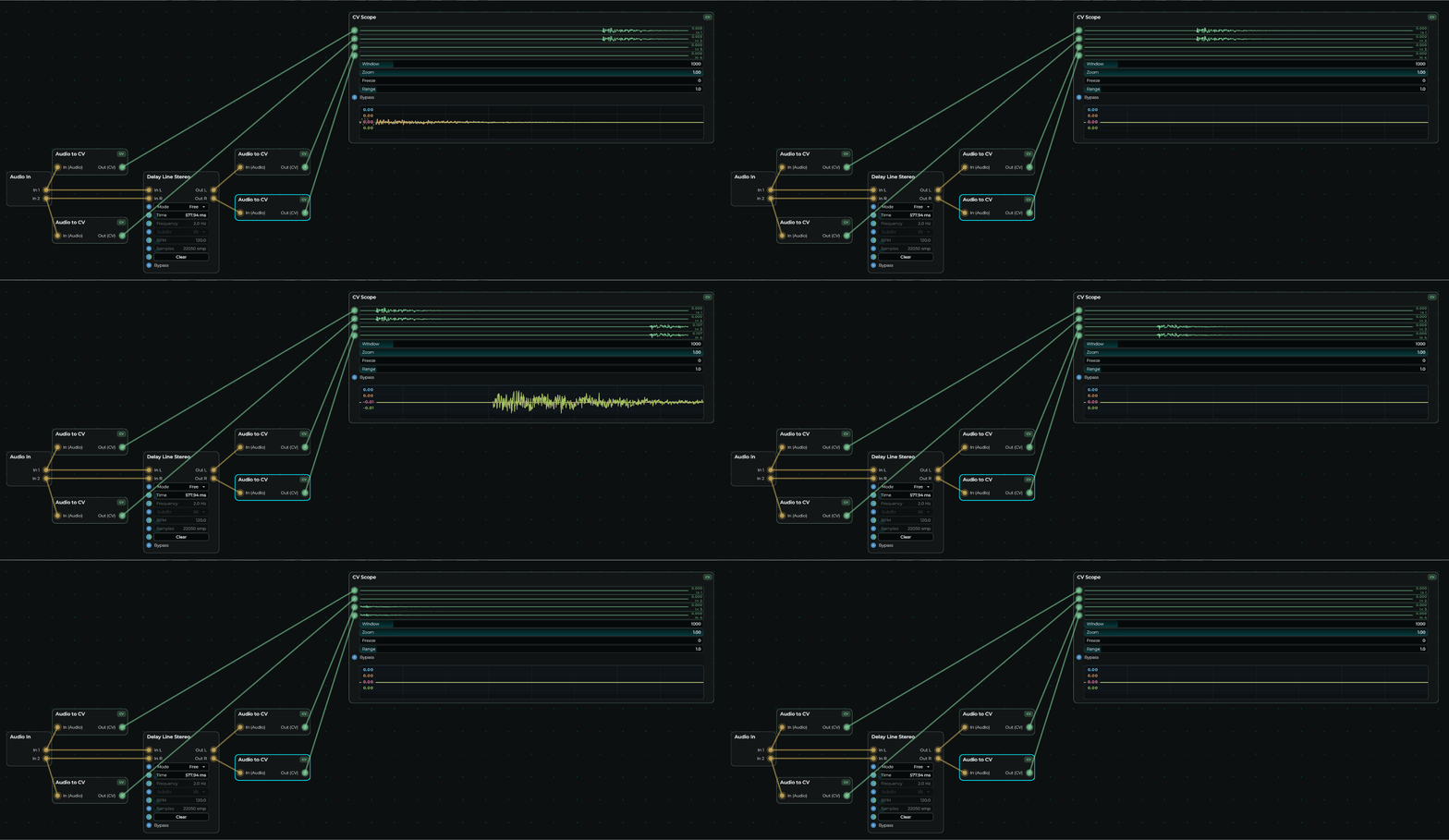

edit:
Its not having “latency” because the delay starts perfectly on time. There should be a way to manually send latency info to the host in this case.
yeah i was starting to think so
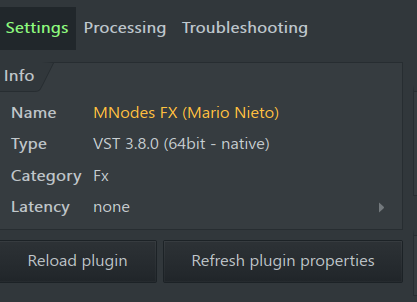
You’re reading it right. A Delay Line is an effect, so MNodes does not count its delay as latency and FL gets 0, at any setting. Only nodes with a built-in delay (the spectral ones, hosted plugins, oversampling) are reported, and those are reported live.
what would you suggest i do in this situation
After a quick search, it looks like you can set it by hand in FL for now: in the Mixer, left-click the small clock icon at the bottom of that track, choose “Set in ms” and type your lookahead time. If your hihat test ends up further off, use the same number with a minus in front. It’s explained here, under “Plugin Delay Compensation”:
That only fixes the project you do it in. An option on the Delay Line to report its delay to the DAW is on my list, so the patch can do it by itself.
ill wait for this this project has no urgency for me just a technical concept i prepare for future use in bigger projects
i have jet to find a reason to even have lookahead on this concept. not to say we should not be able to send that to a host.
i thought it would fix a few pieces of peaks coming through but now i think the real problem is that i get my info as data from meter and it needs to be cv to keep up with the audio
the goal i had with this i already achieved tho because i wanted to replace a cpu hog i have that works fine if you need just 1 but takes to much to be used more than once. now this thing uses only 1 to 2% on my system  + i can use it as a clip guard