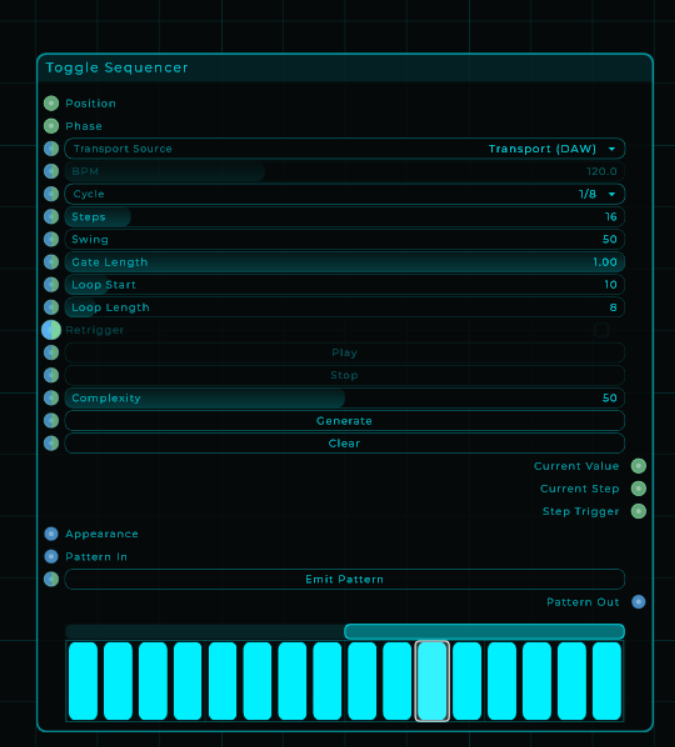
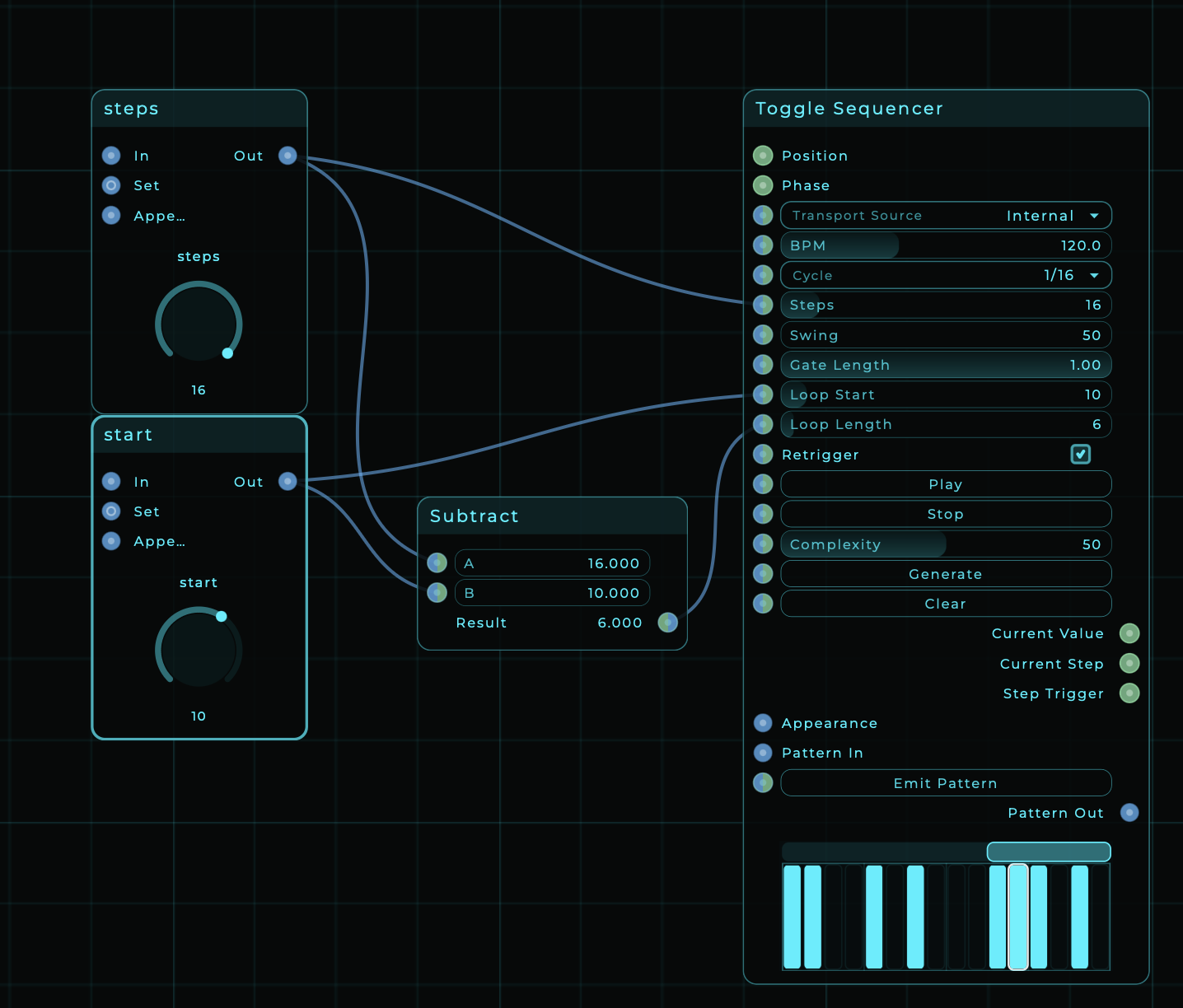
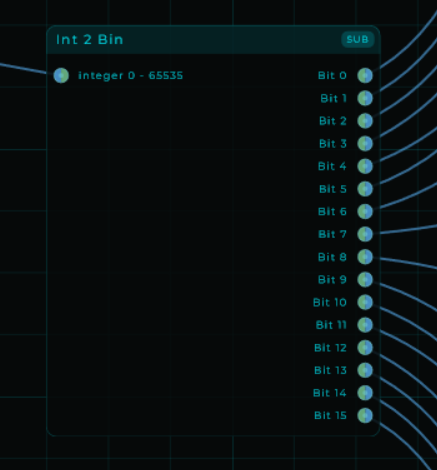
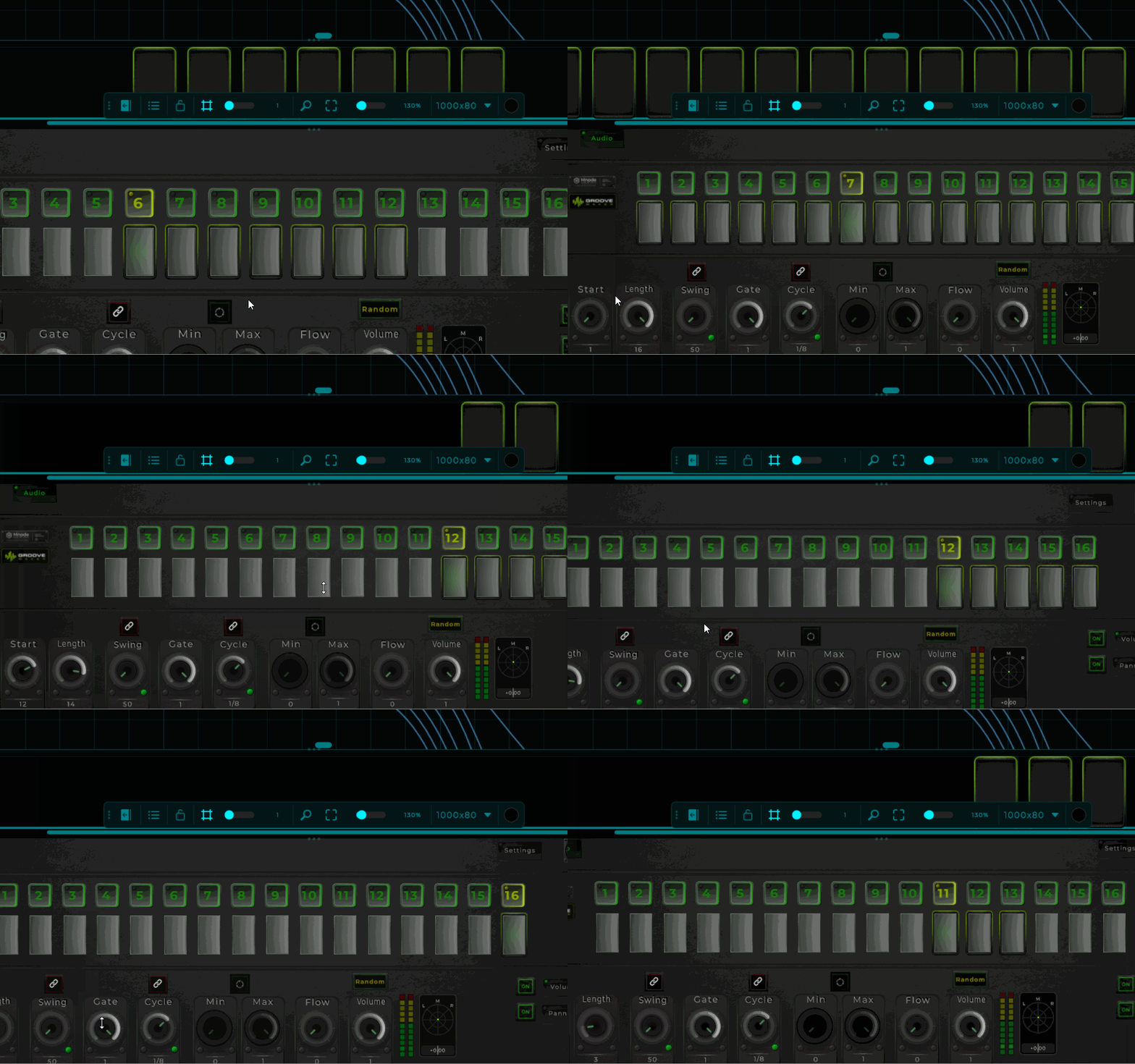
Would it be possible if the steps are 16, the start position is 10 that the loop length will not exceed more then the value of 6. Because it’s starts to push back the start position. Some type of [X] option to enable or disable the pushing the start position back because of the length exceeds the number of steps?
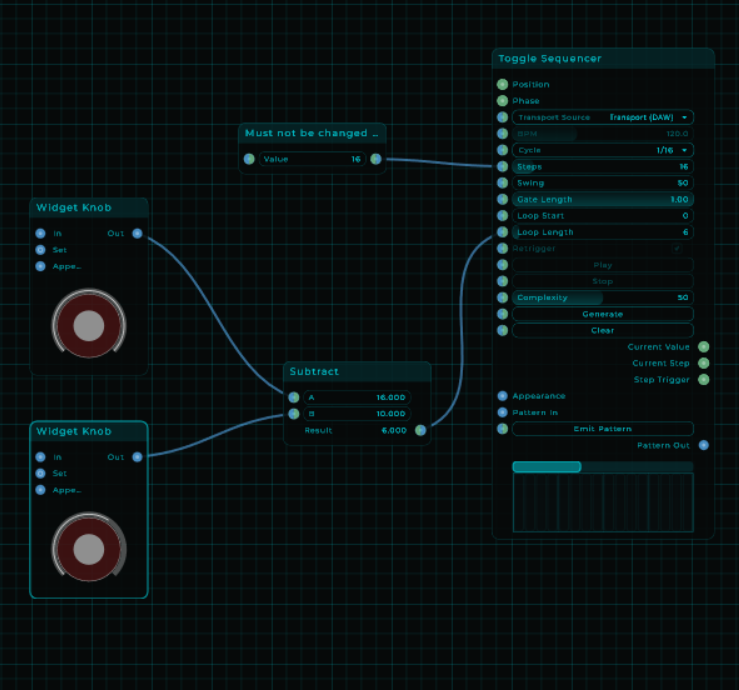
If i was able i just calculated the different and make the widget knob to have a lesser max value so it couldn’t do that but as far as i know for now i cant do that since there is no external value settings then the current value only.
And there it also go’s wrong because a) without subtracting at the toggle sequencer the sequencer will set’s it’s own starting position a step or more back.
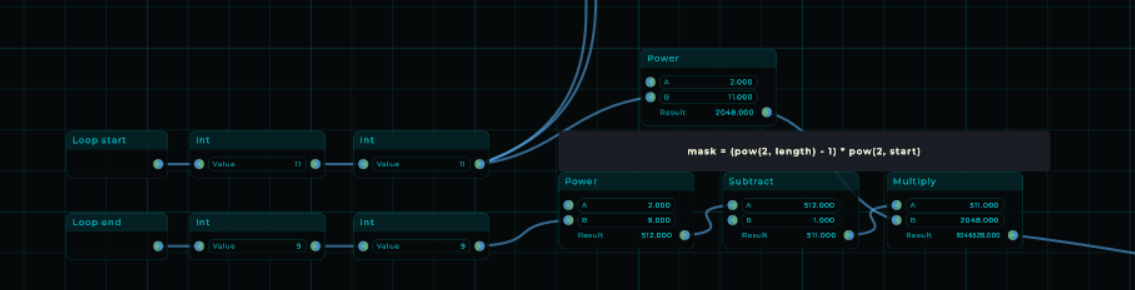
And b) with subtraction my range viewer can’t handle the data.
I just got to try it again, i am hoping that my subtraction in the range viewer went wrong. or i forget to add something up to make the range work.
But thanks for trying to help me out. I love that, even do i had something similar. but perhaps you see what might be the solution now. even do, i tried a couple of things but i know how i am, if its getting to complex, my solutions are most likely getting also complex.
what happends the first time it plays? see crazy complicated cpu hog idea if you need to start over switch to a new sequencer. maybe you can do it with 2 where you prepare one while the other plays
what happends the first time it plays? see crazy complicated cpu hog idea if you need to start over switch to a new sequencer. maybe you can do it with 2 where you prepare one while the other plays
Nothing happens actually, there is no real time processing for that. it only works based on changing a value of the current section. all other remains at 0.0% cpu usage, the active one less then 0.1% cpu usage, only a dip in the UI draw time for a short moment of less then 4ms.
And that’s only a result while being in the edit mode.