I created 1 knob and copied it so I could preserve the -5 to +5 range. I changed the name to A, B, C and D respectively. If I move the A knob, the value of D changes. If I move knob B, the value of D changes. If I move the C knob, I get a ghost value that isn’t the same as the value of the handle. If I move D, the C value changes.
I have connected the outputs of each knob to float values and the correct values are not being sent to their respective outputs, but are being sent to one of the other values.
I added a feedback path with Sub Data sends/receives, but they’re not connected to the knobs. If I delete them, the knobs behave normally. The feedback path is supposed to change x and y values(it doesn’t work and I don’t know why) and the A,B,C and D values are constants, so they shouldn’t be affected.
it seams to happen with modules when you made a copy
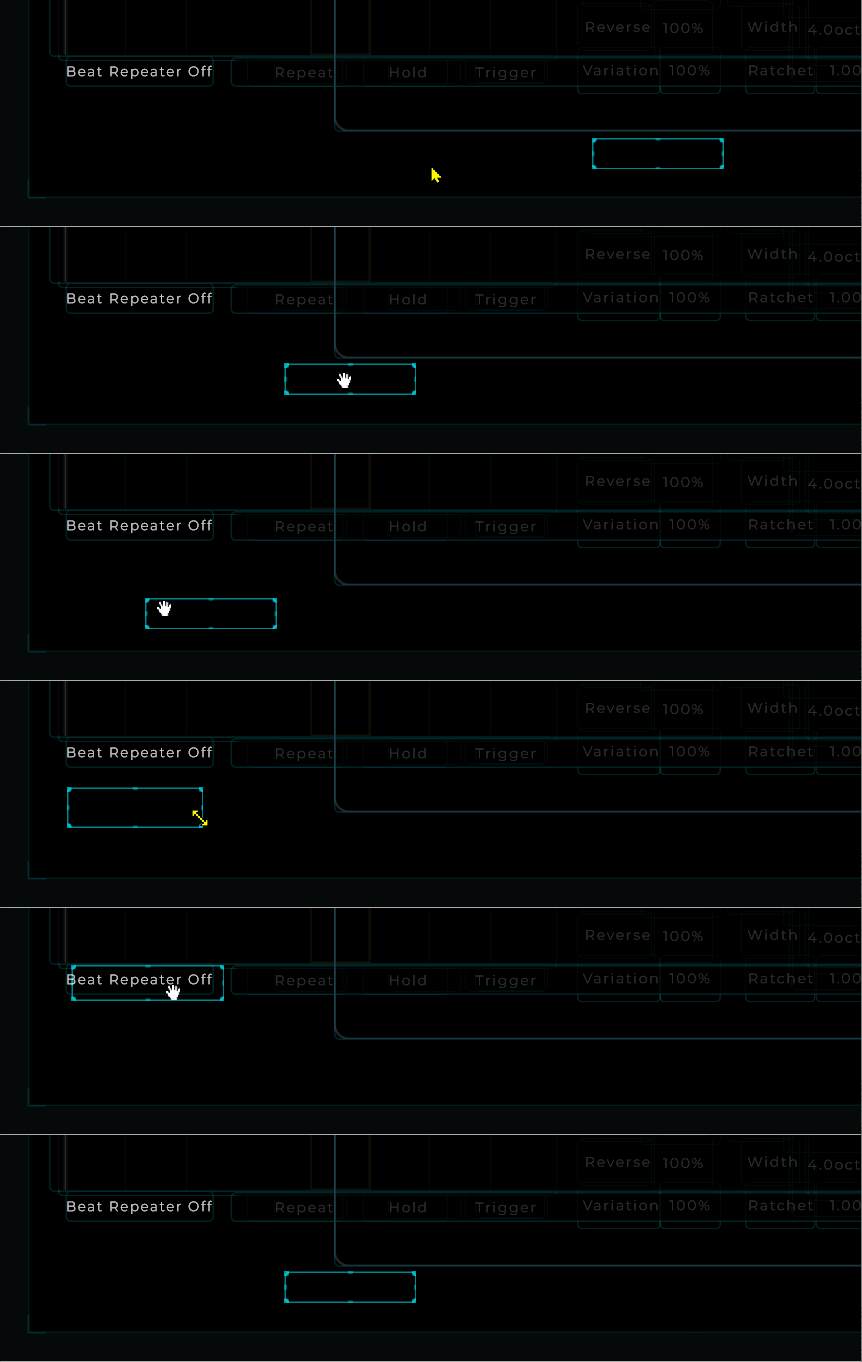
a lot of stuff is starting to do this sort of stuff or it will move together with another element
i found the solution is to make a copy of the control on the map and replace it
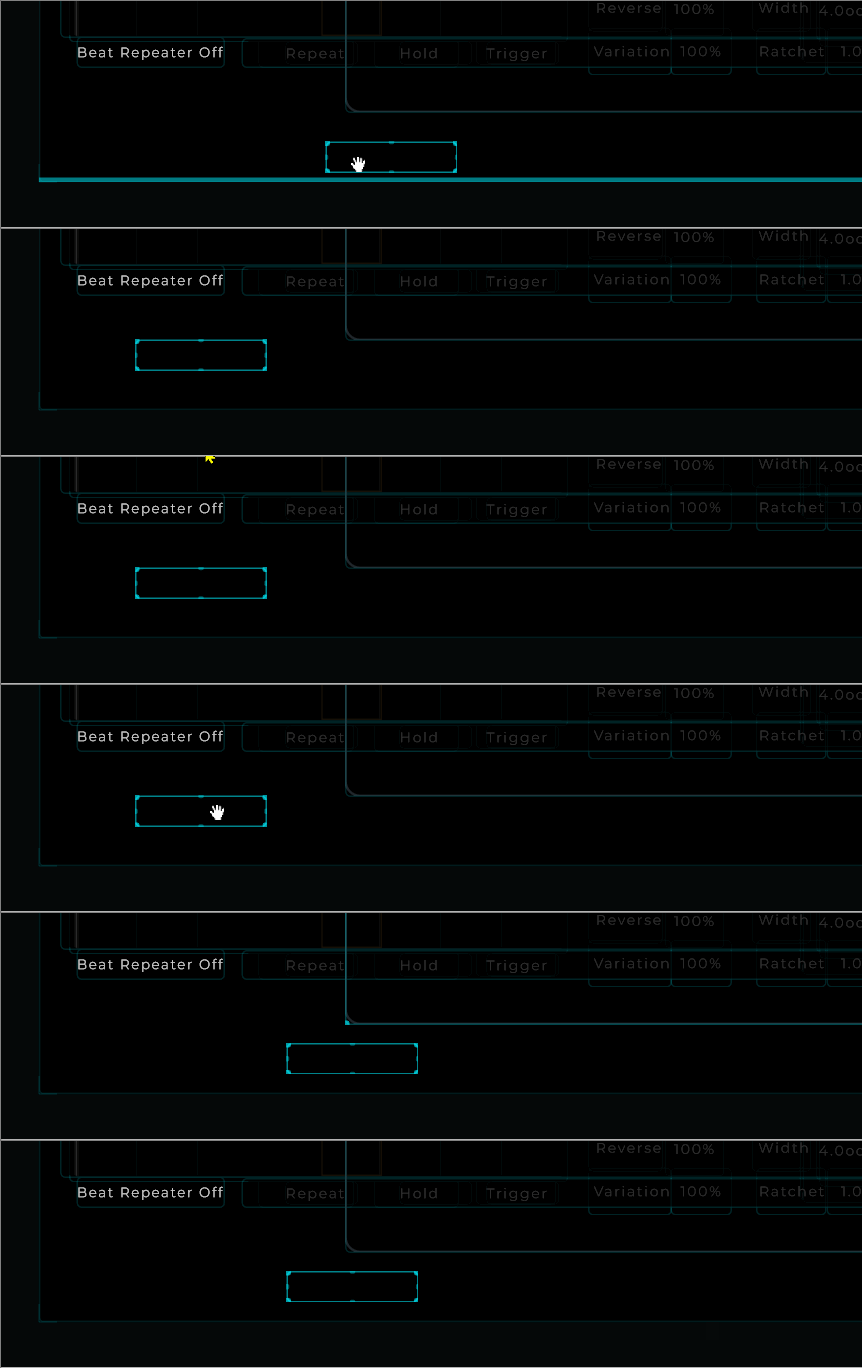
all controls that do this have 1 thing in common for me they all started out as a copy of a module where i then go in and rename stuff and delete what i dont need before i go on working with it
this issue is making it impossible to complete my gui, bring to front also stops working
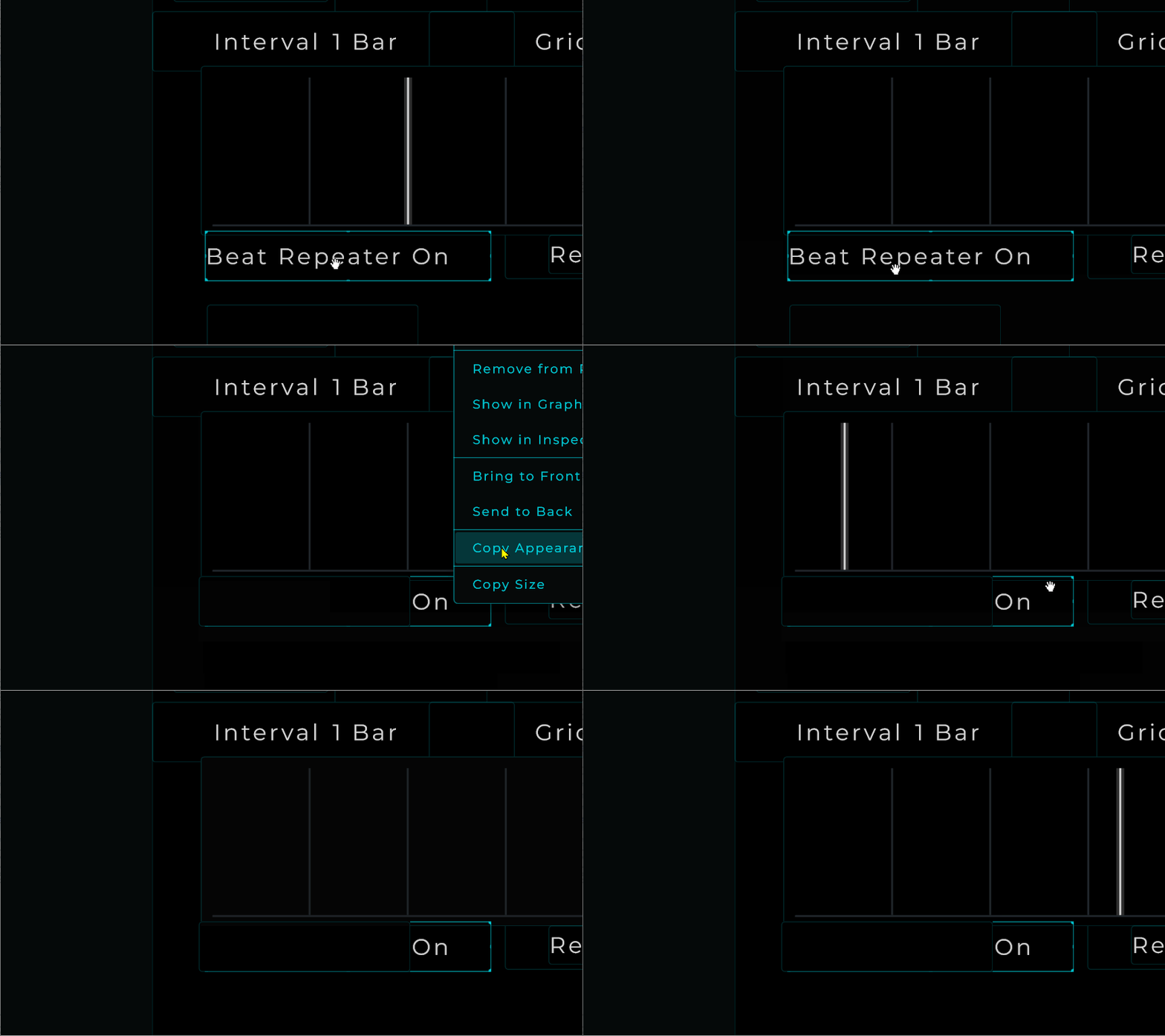
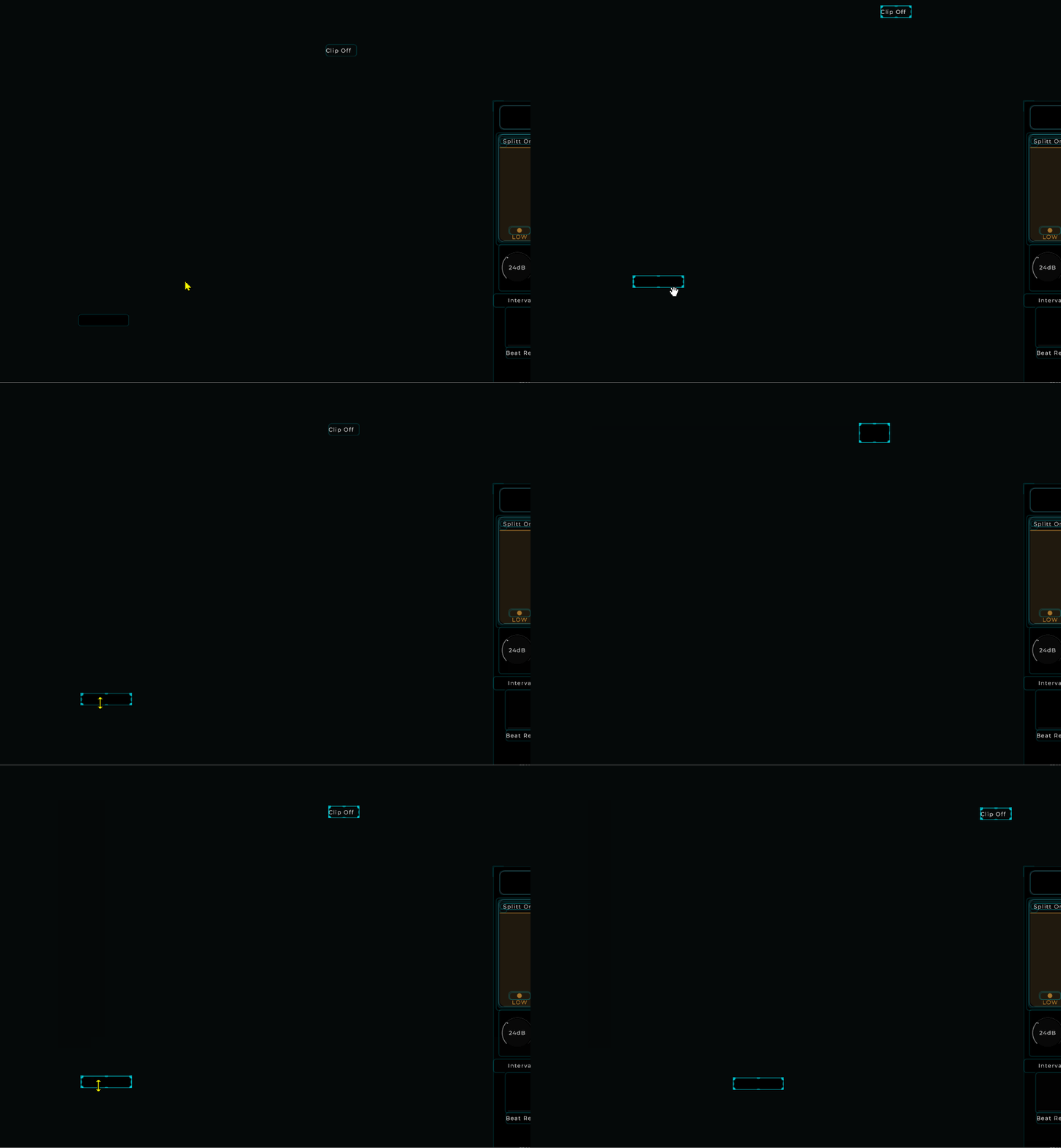
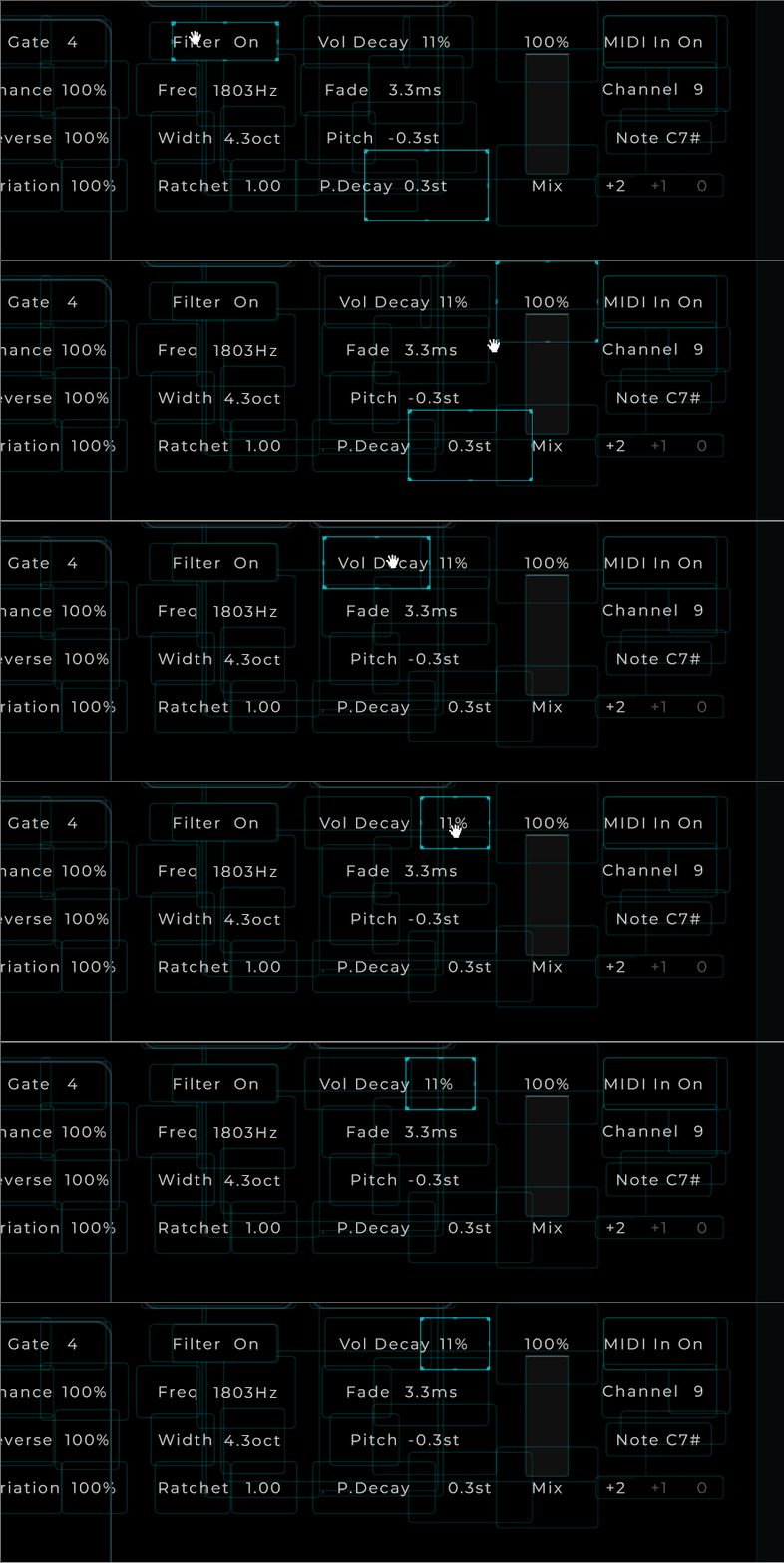
i thought i found a solution by deleting items and putting them back in new without copying anything but the problem just shifts to other controls then, see when i move stuff around and turn gui edit off it just jumps back to where it was
edit: the 1.1.5 update fixed this behavior on my project, should be able to get it right again